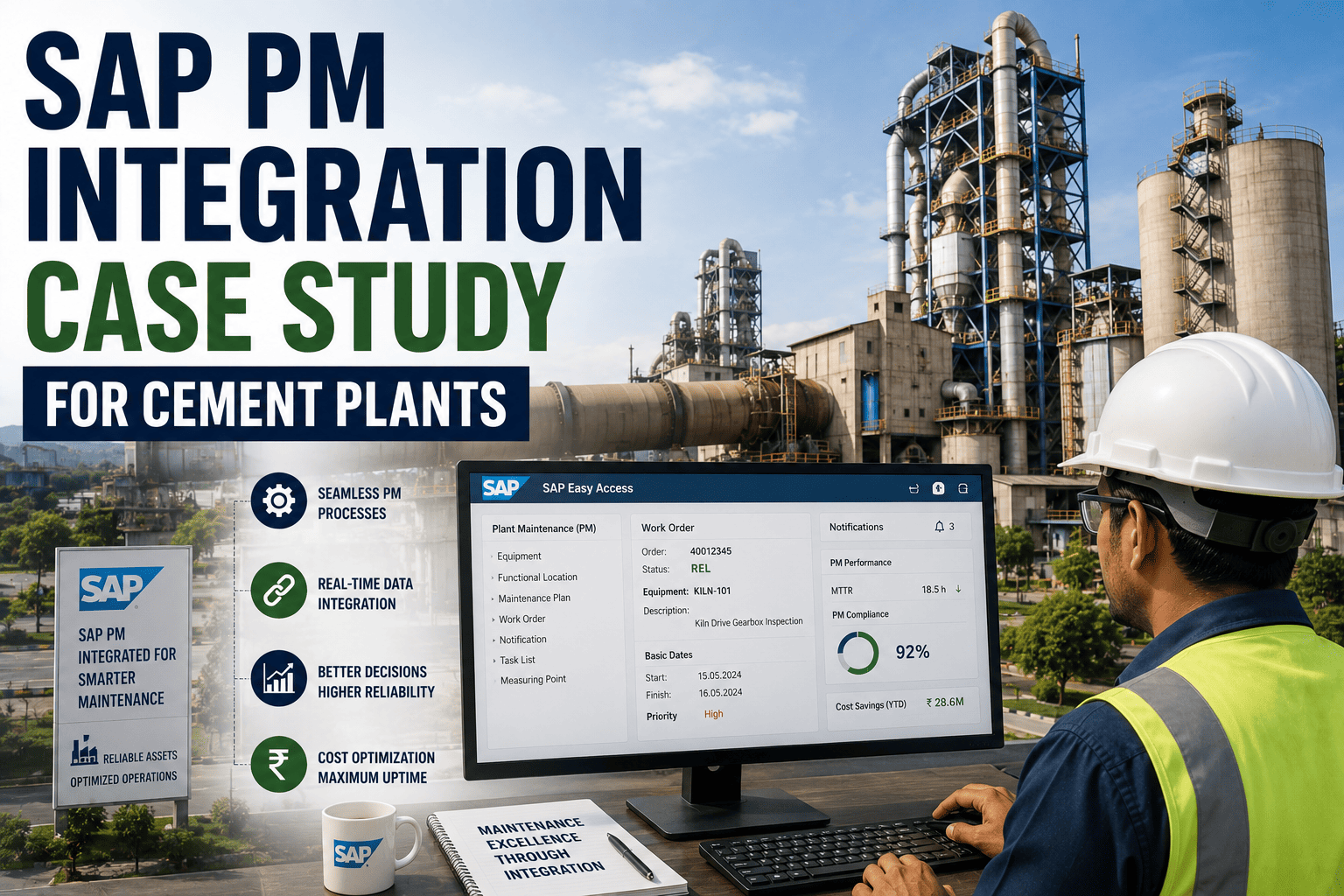
SAP PM Integration Case Study for Cement Plants

By Mark strong on August 1, 2026

sap-pm-integration-case-study-cement-plants

Most cement plants already run SAP PM for finance and procurement, and a separate CMMS for day-to-day maintenance work, which means every work order that needs a spare part gets entered twice, once by the technician and again by someone re-keying it into SAP. That gap is where purchase requisitions stall, stock counts drift out of sync, and maintenance planners lose hours a week reconciling two systems that should already agree. Sign up to see how a synced CMMS and SAP PM setup could look for your own plant.

-73% Double Entry
Reduction in duplicate data entry hours after syncing work orders directly with SAP PM
3.5 Days Faster
Average reduction in time from work order creation to an approved purchase requisition
+96% Stock Accuracy
Spare parts inventory accuracy achieved once both systems shared one live stock count
The Problem

When a CMMS and SAP PM run as separate systems, a technician logs a work order and requests a part in the CMMS, then someone has to manually re-create that request in SAP to trigger procurement. Spare parts stock gets tracked in both places, so counts drift apart, a part shown as available in the CMMS may already be reserved or out of stock in SAP. The result is planners spending time reconciling numbers instead of planning work, and purchase requisitions sitting in a queue waiting for someone to notice and re-enter them.

From A Work Order To A Received Part

Work Order Created
Synced To SAP PM
PR Raised
Procurement
Stock Updated
Without integration, this chain breaks between work order creation and the SAP sync, that step is manual and gets delayed whenever someone is busy or on leave. A live integration keeps the chain moving automatically from the moment the technician submits the request.
Let The CMMS And SAP PM Actually Talk To Each Other

Oxmaint syncs work orders, purchase requisitions, and spare parts stock directly with SAP PM, so nothing gets re-typed twice. Sign up for a free trial to see it against your own SAP setup, or book a demo to walk through a cement plant rollout.


Maintenance & Procurement Before And After

Metric Before After
Work order data entry Entered once in the CMMS, then re-keyed into SAP Entered once, synced automatically to SAP PM
Purchase requisition timing Delayed until someone manually re-enters the request Raised in SAP 3.5 days faster on average
Spare parts stock count Tracked separately in each system, prone to drift One live count shared across both, 96% accurate
Planner reconciliation time Hours weekly spent matching two systems by hand Down 73%, freed up for actual maintenance planning
The Results

The value of SAP PM integration isn't in a new feature, it's in removing a manual step that was already causing delay and error every single day. Once the CMMS and SAP PM shared one source of truth for work orders, requisitions, and stock, procurement moved faster simply because nothing was waiting on someone to notice and retype it.

Frequently Asked Questions

Q Why do cement plants run a separate CMMS alongside SAP PM?
SAP PM is built for finance and enterprise-wide asset accounting, while a CMMS is built for day-to-day maintenance execution on the floor, so most plants keep both but struggle to keep the two in sync.
Q Does integrating a CMMS with SAP PM replace SAP's procurement workflow?
No, procurement approvals and purchasing still run through SAP as usual, integration simply removes the manual step of re-entering the request that the CMMS already captured.
Q How long does a typical SAP PM and CMMS integration take to set up?
Most cement plants get core work order, requisition, and stock syncing live within a few weeks, with additional master data alignment continuing as more equipment and spare parts are mapped.

Stop Reconciling Two Systems By Hand

Oxmaint keeps work orders, purchase requisitions, and spare parts stock in sync with SAP PM automatically, so procurement moves as fast as your maintenance team does. Sign up for a free trial to see it against your own SAP setup, or book a demo to walk through a cement plant rollout.



Share This Story, Choose Your Platform!




