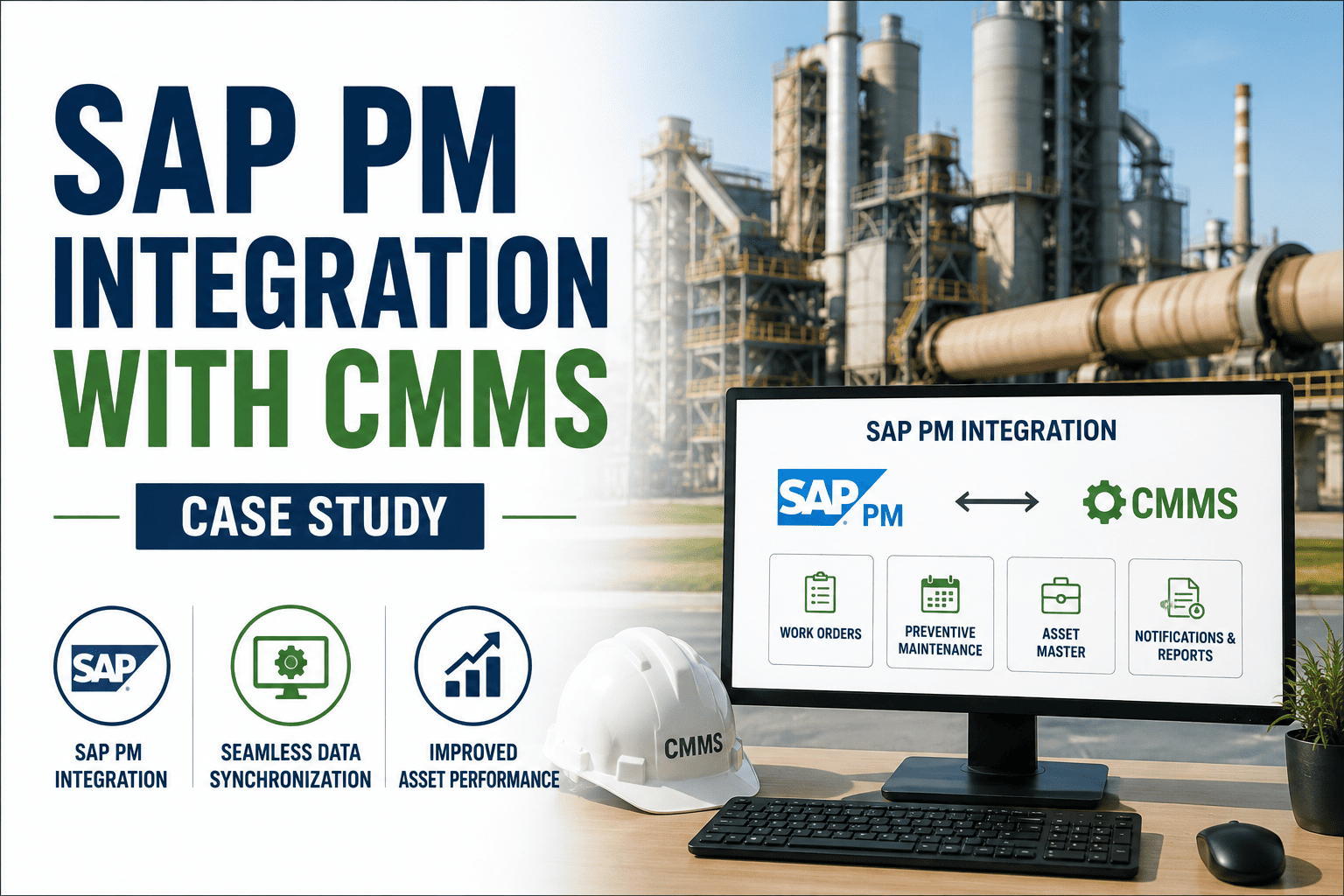
Most plants running SAP Plant Maintenance already have the enterprise backbone they need, asset masters, work orders, cost centers, and procurement all live in SAP. What they usually don't have is a mobile layer technicians actually want to use, which means work gets logged on paper first and re-keyed into SAP later, if it gets keyed in at all. This case study covers how one maintenance organization connected its CMMS to SAP PM, MM, and FI/CO, and what changed once spare parts, work orders, and cost data started flowing both ways in real time. Sign up to see how this kind of integration maps to your own SAP environment.
Technicians completed work orders on paper or in a disconnected CMMS, then someone re-entered labor hours, parts consumed, and completion status into SAP by hand, often days later. Spare parts consumption did not reflect in SAP MM until that re-entry happened, so stock levels were routinely wrong, reorder points fired late, and procurement had no context tying a purchase request back to the asset or work order that triggered it.
Results After Bidirectional SAP Integration
How Data Moves Between The Two Systems
Oxmaint syncs work orders, spare parts, and cost data with SAP PM, MM, and FI/CO in real time, so technicians work in one mobile app and SAP stays the system of record. Sign up for a free trial to see it against your own SAP environment, or book a demo to walk through this case study in detail.
SAP Maintenance Workflow Before And After
SAP stayed exactly where it was as the system of record, every existing report and dashboard kept working, they just started running on data that was actually current. Technicians got a mobile app built for the field instead of a desktop screen, procurement got purchase requests with full context attached, and finance stopped waiting until month-end to see what maintenance had actually cost.
Frequently Asked Questions
Connect Your SAP Environment To A CMMS Technicians Will Actually Use
Oxmaint syncs work orders, spare parts, and cost data with SAP PM, MM, and FI/CO in real time, keeping SAP as the system of record while technicians work in a mobile-first app. Sign up for a free trial to see it against your own SAP setup, or book a demo to walk through the full case study.