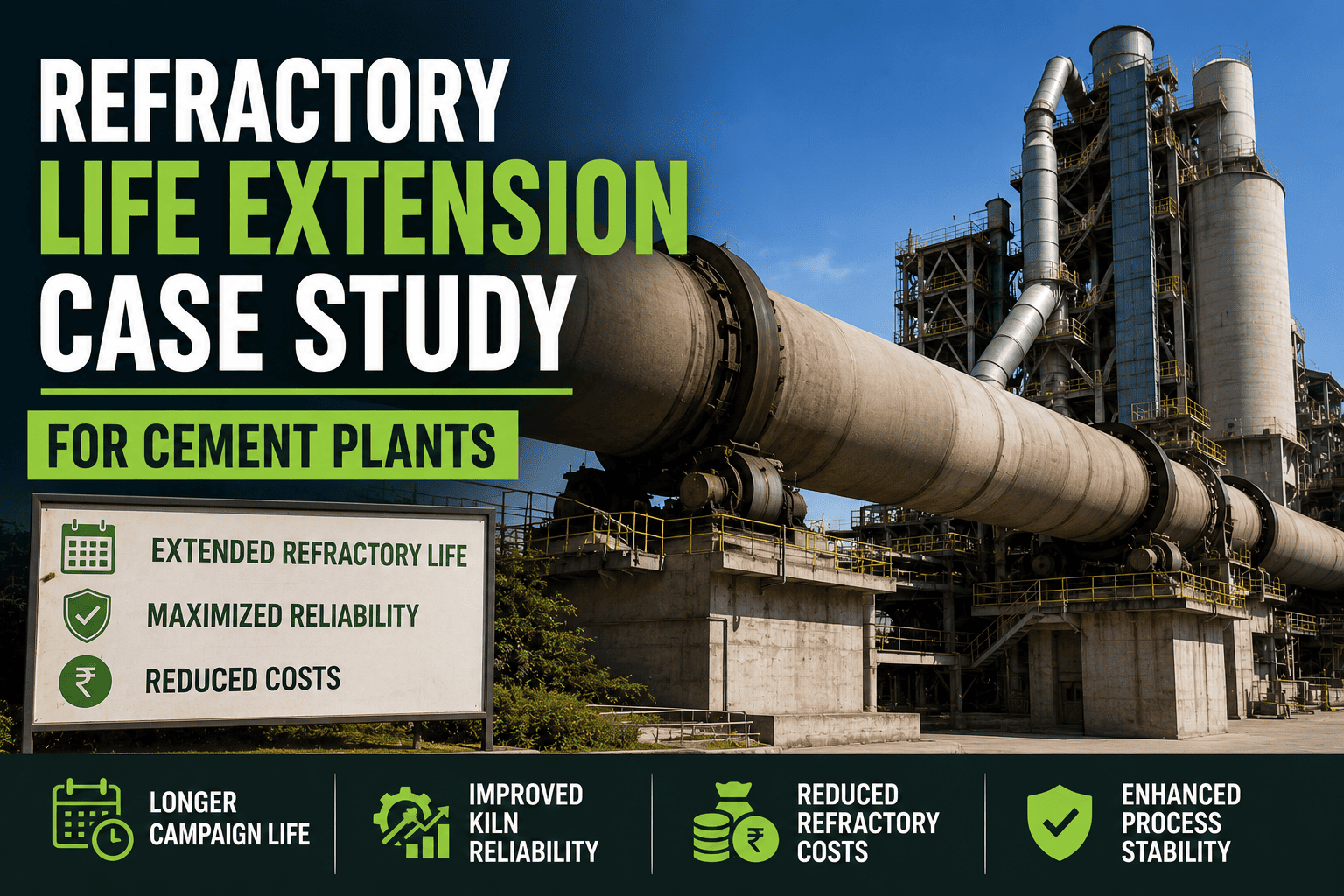
Refractory brick doesn't fail on a schedule, it fails wherever the shell is running hottest, and most plants only find that out during a scheduled shutdown, not before one. One cement plant was replacing refractory on a fixed calendar interval regardless of actual wear, which meant some zones were pulled early while intact and others degraded quietly between scans until a hot spot forced an unplanned stop. Continuous shell scanning tied into the CMMS changed that. Sign up to see how the same monitoring would map onto your kiln shell.
+34% Refractory Life
Average extension in brick service life after moving to condition-based replacement
-58% Hot Spot Escalations
Fewer shell hot spots progressing to an unplanned shutdown
2 Shutdowns Avoided
Unplanned stops prevented in the first year by early zone-level replacement
The Problem
Refractory replacement was tied to a fixed shutdown calendar, not to how the brick was actually wearing. Some zones still had usable life left when they were pulled, while others, running hotter than the rest of the shell, degraded faster than the schedule accounted for. Without zone-level visibility, a thin spot could sit unnoticed until it became a shell hot spot serious enough to force an unplanned stop.
Shell Zones By Wear Severity
Stable Zones71% of shell length
Normal temperature range, refractory wearing at expected rate
Watch Zones21% of shell length
Elevated temperature trend, flagged for closer scan frequency
Priority Zones8% of shell length
Confirmed thinning, scheduled for replacement at the next safe window
Know Which Zones Actually Need Replacing
Oxmaint connects shell scan data to zone-level refractory history, so replacement decisions are based on actual wear instead of a fixed calendar. Sign up for a free trial to map it against your own kiln shell, or book a demo to walk through your scan data.
Refractory Strategy Before And After
| Area |
Before |
After |
| Replacement timing |
Fixed calendar interval, same for every zone |
Condition-based, tied to actual scan readings per zone |
| Hot spot detection |
Found during periodic manual scans, gaps in between |
Continuous shell scanning flags trends before they escalate |
| Brick utilization |
Zones pulled early with usable life still remaining |
Zones run closer to actual end of service life |
| Shutdown planning |
Occasionally forced early by an undetected hot spot |
Priority zones scheduled into the next planned window |
The Results
Extending refractory life didn't come from a better brick, it came from replacing the right sections at the right time instead of everything at once on a fixed date. Once shell scan data was tied to zone-level history in the CMMS, priority zones got flagged early enough to schedule, and stable zones were left alone to run out their full service life.
Frequently Asked Questions
Q
Why does refractory wear unevenly across the kiln shell?
Process conditions, feed chemistry, and flame position aren't uniform along the shell, so some zones naturally run hotter than others and wear faster, even though a fixed replacement schedule treats every zone the same.
Q
How does shell scanner data connect to CMMS maintenance planning?
Scan readings are tracked against each shell zone's history, so a rising temperature trend automatically flags that zone for closer monitoring or scheduled replacement, instead of waiting for the next fixed shutdown.
Q
Does condition-based replacement really extend refractory life?
Yes, zones that are still wearing normally can keep running instead of being pulled on a fixed date, while only the zones showing real wear get prioritized, which raises average brick life across the shell.
Replace Refractory By Wear, Not By Date
Oxmaint ties shell scan readings to zone-level refractory history, so you know exactly which sections need attention and which can keep running. Sign up for a free trial to try it on your own kiln, or book a demo to walk through your shell scan data.