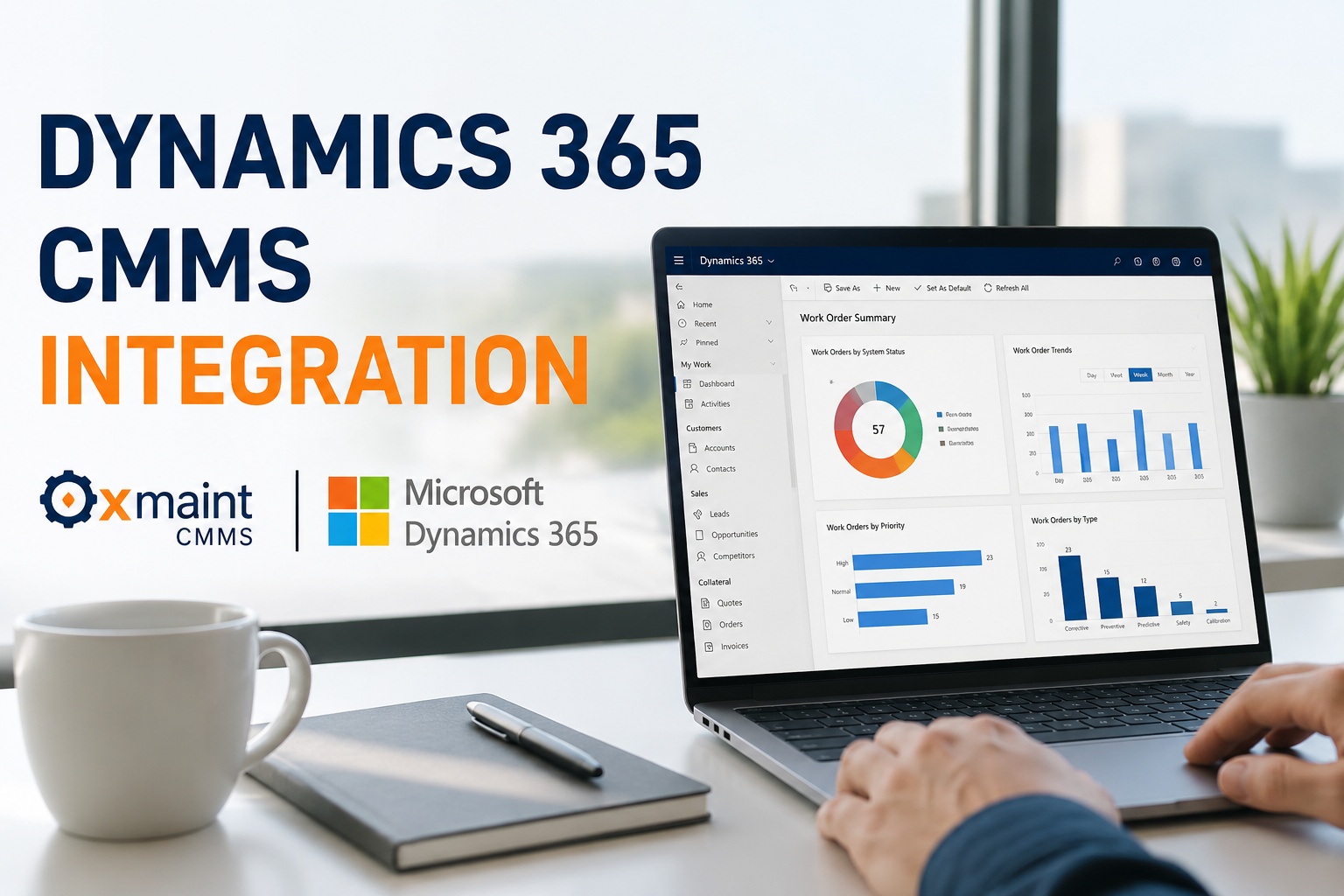
Microsoft Dynamics 365 is the enterprise system of record — Finance for the general ledger, Supply Chain Management for procurement, Asset Management for the fixed asset base. What it isn't is a mobile-first tool a technician wants to open at 6am with oil on their gloves. That gap is where CMMS-to-D365 integration matters: Oxmaint sits as the maintenance execution layer, D365 remains the enterprise record, and the data that has to stay consistent — assets, POs, parts, labour, costs — flows automatically between them. Book a demo to see the D365 integration workflow live.
12-24 mo
typical D365 F&O implementation timeline — protecting that investment matters when adding a CMMS
5
core data domains sync bi-directionally between Oxmaint and Dynamics 365 F&O
0
ERP re-implementation required — Oxmaint sits alongside D365, never replaces it
Two Systems, Two Jobs — And Why That Matters
The fastest way to design an integration badly is to treat two systems as competitors. Oxmaint and Dynamics 365 F&O do different jobs, and the integration works because each one stays in its lane. Dynamics is where the accountant, procurement manager and inventory controller live. Oxmaint is where the maintenance manager, technician and reliability engineer live. Each has the interface designed for their job — and the underlying data stays consistent because the integration keeps it that way, not because someone types the same figure twice.
Division of Responsibility · Oxmaint × Dynamics 365
Oxmaint · Execution Layer
Mobile-first · shop-floor · maintenance-native
PPM libraries & condition triggers
Mobile work order execution
Technician time capture on job
Parts consumption at point-of-use
Photo evidence & digital sign-off
Permit-to-work workflows
Predictive maintenance triggers
Dynamics 365 · System of Record
Enterprise ERP · financial · master data
General ledger & financial postings
Fixed asset register (D365 Finance)
Procurement approval workflows
Vendor master & PO management
Inventory master & warehouse mgmt
Cost accounting & capitalisation
Global consolidation & reporting
The Five Data Domains That Flow Between Systems
Integration isn't a single connection — it's five distinct data flows, each solving a specific pain point that emerges when a CMMS and ERP run disconnected. Every domain below is where duplicate entry, timing lag or reconciliation error would otherwise happen. Oxmaint's D365 connector uses standard Dynamics data entities and OData APIs — no bespoke middleware, no per-record fees, no reliance on manual imports.
01
Asset & equipment master
D365 → Oxmaint · one-way
Fixed assets from D365 Finance and functional locations from D365 Asset Management flow into Oxmaint as the authoritative asset register. New capitalisations in D365 appear automatically in the CMMS.
02
Spare parts & inventory
D365 ↔ Oxmaint · bi-directional
Part master from D365 SCM; consumption transactions from Oxmaint post back as inventory movements. Stock levels remain accurate on both sides without manual reconciliation.
03
Purchase orders
Oxmaint → D365 · with sync-back
Technician-raised part requisitions from Oxmaint create purchase requisitions in D365, follow standard D365 approval workflow, and PO status flows back to the maintainer.
04
Work order costs
Oxmaint → D365 · one-way
Labour hours, parts consumed and contractor charges from completed work orders post to D365 as maintenance cost transactions against the correct cost centre or fixed asset.
05
Vendor & contractor master
D365 → Oxmaint · one-way
Approved vendor master from D365 available in Oxmaint for permit-to-work assignment, contractor competence verification and work order allocation. One authoritative supplier list.
The bi-directional flows are what eliminate the duplicate-entry problem most disconnected CMMS+ERP setups still suffer. Sign up free to review your D365 integration scope with the Oxmaint team.
Which Dynamics 365 Modules Oxmaint Actually Talks To
"Dynamics 365" is a family, not a single product. The specific integration surface differs by which Dynamics modules are deployed at your organisation. Oxmaint's connector covers the modules most commonly deployed in UK manufacturing, utilities, healthcare and estates operations — with Finance and Supply Chain Management (F&O) being the primary target for enterprise deployments.
| Dynamics 365 Module | Data exchanged | Typical use |
|---|
| D365 Finance | Fixed asset register, cost centres, GL codes, financial postings | Enterprise capitalisation and cost accounting |
| D365 Supply Chain Management | Item master, inventory levels, purchase orders, vendor master | Parts, procurement and warehouse operations |
| D365 Asset Management | Functional locations, asset hierarchy, work order structure | SCM-embedded asset structure alignment |
| D365 Project Operations | Project structures, resource allocation, project costing | Capital project maintenance and shutdown work |
| D365 Field Service | Service work orders, technician scheduling, mobile handoff | External field service coordination where deployed |
See Oxmaint × Dynamics 365 Integration Live
Walk through the specific data flows, standard data entities used, sync frequency configuration, and how work orders raised in Oxmaint post cost transactions back to your D365 GL — configured against your specific environment. Thirty minutes with the Oxmaint team.
Enterprise-Grade, Not Bespoke
The integration uses standard Microsoft Dynamics 365 data entities exposed via OData and the Dynamics REST APIs — the same interfaces Microsoft-certified partners use for every enterprise ERP integration. That matters for three reasons: security is Microsoft-standard (Azure AD authentication, role-based access), maintenance is predictable (upgrades to D365 don't break bespoke code because there isn't any), and your D365 partner can review, audit and support the connection using tools they already know. Sign up free to review the technical specification with your D365 team.
Expert Perspective — Where D365-CMMS Integrations Actually Fail
The failure pattern for CMMS-ERP integrations isn't technical — it's architectural. Projects go wrong when someone tries to make the CMMS an ERP replacement, or asks the ERP to be a mobile maintenance tool. Neither ends well. The integrations that succeed accept the division of labour upfront: the ERP is the system of financial and enterprise record, the CMMS is where maintenance actually gets executed, and the connector keeps the shared data domains — assets, parts, POs, costs, vendors — consistent between them. Get that clear and the integration works. Blur it and you get duplicate masters, reconciliation exceptions and everyone doing the same job twice in different systems.
Standard entities, not bespoke code
Every custom integration becomes an upgrade problem the day D365 releases an update. Standard data entities survive Microsoft's release cadence.
Single source of truth per data domain
Every field must have one authoritative source — asset master in D365, work order in Oxmaint. Never both, never neither, never "sometimes".
Sync frequency by data type
Vendor master updates once daily. Work order cost posts hourly. Inventory movements near real-time. Match sync cadence to how quickly the data actually changes.
Sandbox parity before go-live
Every integration runs in a D365 sandbox environment first. Production cutover happens only after full parity testing — never on go-live day.
Who Uses Oxmaint Alongside Dynamics 365
The pattern shows up consistently across UK organisations running D365 F&O at enterprise scale: maintenance teams need a purpose-built execution tool, but IT and finance teams need D365 to remain the enterprise system of record. Oxmaint is used by manufacturing operators running D365 F&O who want mobile-first maintenance without a rip-and-replace, facilities and estates teams managing multi-site UK portfolios on D365, utilities and infrastructure operators combining asset-heavy operations with Microsoft ERP standards, and healthcare estates operators keeping D365 as their financial backbone while giving engineering teams a modern CMMS. Each role sees the same underlying data filtered to their view — no duplicate entry, no reconciliation calls, no "which system is right" arguments. Sign up free to scope your D365 integration.
Getting a D365 Integration Live
Integration typically moves through defined stages: initial scoping with your D365 partner or internal team to confirm the modules in scope, data-entity mapping (asset structure, GL cost centres, inventory locations, vendor master), sandbox connection and parity testing, phased data-domain enablement (assets first, then parts and POs, then work order cost postings), and production cutover with the sync frequency configuration confirmed. Most UK single-tenant deployments move from scoping to live bi-directional sync inside 4-8 weeks — faster than most bespoke integration projects because there's no code to write. Book a walkthrough to see live UK D365 deployments.
Modern Maintenance Execution · Enterprise ERP Intact
Oxmaint gives maintenance teams a mobile-first CMMS without disconnecting them from Dynamics 365. Assets, parts, POs, costs and vendors stay aligned across systems — no rip-and-replace, no duplicate entry, no reconciliation calls.
Frequently Asked Questions
What is Dynamics 365 CMMS integration and why does it matter?
CMMS-to-D365 integration keeps maintenance execution data — work orders, asset updates, parts consumption, labour hours, contractor costs — synchronised with the enterprise ERP without duplicate entry. It matters because most UK organisations running D365 F&O invested 12-24 months and significant capital in the implementation. A CMMS that requires a rip-and-replace or forces manual reconciliation destroys that investment. Integration preserves D365 as the system of record while giving maintenance teams a purpose-built execution layer.
Does Oxmaint integrate with Dynamics 365 Finance and Operations specifically?
Yes. F&O — which in current Microsoft terminology is Dynamics 365 Finance plus Dynamics 365 Supply Chain Management — is the primary D365 environment Oxmaint's connector is designed for. Integration covers Finance for fixed asset register and financial postings, and Supply Chain Management for item master, inventory transactions, purchase orders and vendor master. D365 Asset Management (an SCM module) is supported for functional location alignment where deployed.
What maintenance data actually flows between Oxmaint and Dynamics 365?
Five core domains: asset and equipment master (D365 → Oxmaint), spare parts and inventory (bi-directional), purchase orders raised from work orders (Oxmaint → D365 with status sync-back), completed work order costs including labour, parts and contractor charges (Oxmaint → D365 as maintenance cost transactions), and vendor master (D365 → Oxmaint). Each flow uses standard Microsoft data entities exposed via OData APIs — no bespoke middleware.
Does the integration require replacing our existing D365 setup?
No. Oxmaint sits alongside D365 as the maintenance execution layer — your existing ERP configuration, workflows, GL structure, cost centres and approval hierarchies remain unchanged. The connector uses your existing D365 environment through standard data entities. Your Microsoft partner can review and support the connection as part of their normal D365 governance. Nothing about your enterprise ERP investment is disrupted or duplicated.
How is the integration secured and maintained?
Security uses Azure AD authentication with role-based access control — the same authentication model your users already have in D365. Communication is over encrypted HTTPS through Microsoft's standard OData API surface. Because the integration uses standard data entities rather than bespoke code, Microsoft's regular D365 releases don't break the connection — a common failure mode for custom integrations. Support and monitoring are provided by the Oxmaint team, with visibility into sync status, exception queues and retry logic through a standard admin console.