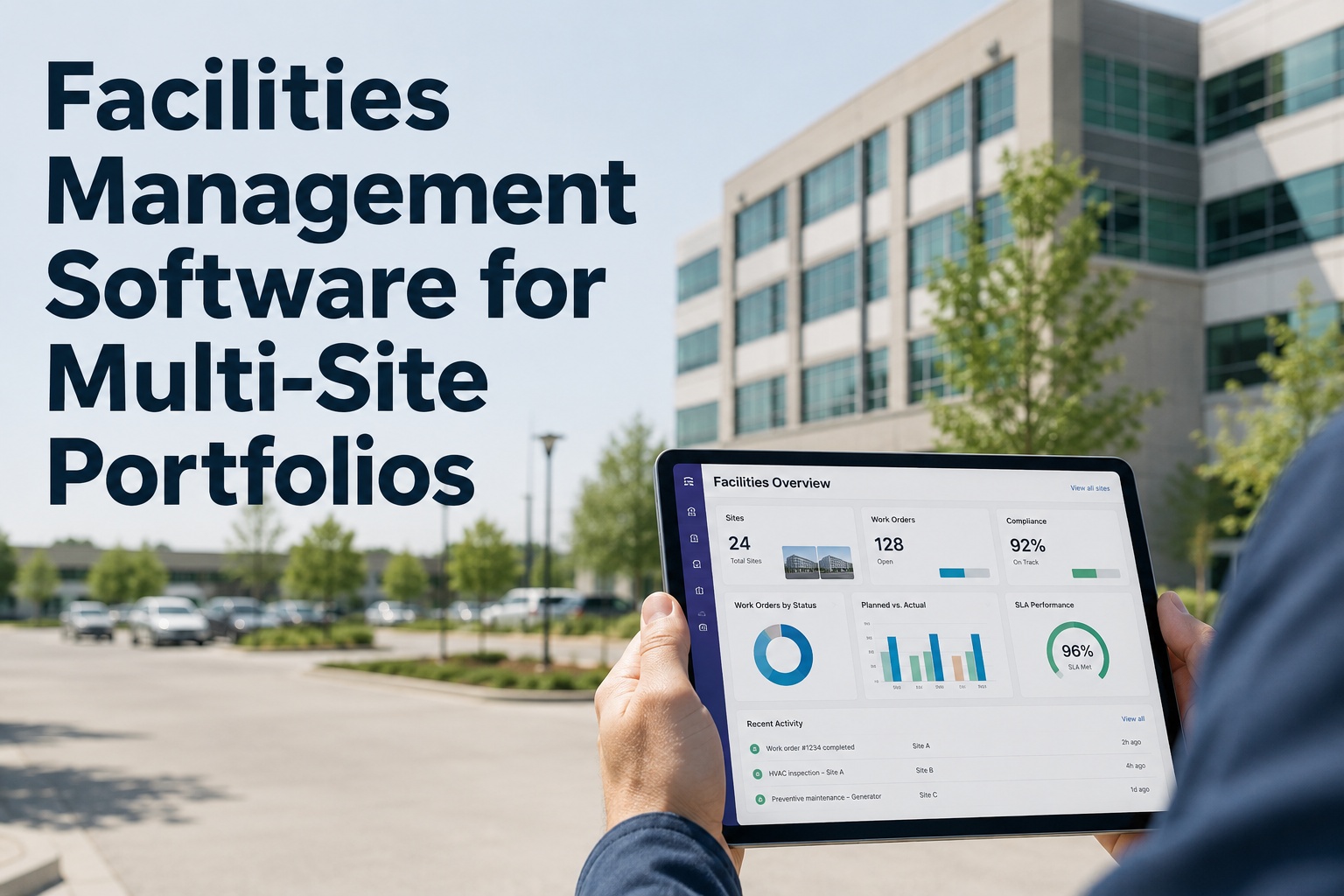
Facilities Management Software for Multi-Site Portfolios

By Riley Quinn on August 31, 2026

facilities-manager-multi-site-cmms

A facilities manager running ten sites doesn't have ten separate jobs — they have one job made ten times harder by systems that don't talk to each other. A tenant calls one site about a broken door, an engineer logs a job at another in a different format, and a contractor's SLA report arrives as a PDF nobody has time to reconcile against the rest. The result is a portfolio where nobody can say, with confidence, what's outstanding right now. Book a free demo to see every site in one queue instead.

One Queue, Every Site
Service requests, SLA status and compliance — no longer scattered across separate systems
Site
Request
SLA
Status
Site A — Leeds
HVAC fault, Floor 3
2h left
In Progress
Site B — Bristol
Emergency lighting test
45m left
Assigned
Site C — Glasgow
Door access fault
Overdue
Escalated
Site D — Cardiff
Routine PPM inspection
1d left
Scheduled

This is a live view, not a weekly export — every status shown here updates the moment something changes at any site.

Why Fragmented Systems Cost More Than They Save

In a single building, a spreadsheet and some goodwill can hold things together. Across a multi-site portfolio, that approach breaks down fast — different sites end up with different formats for the same request, contractors report performance in their own structure, and a facilities manager loses hours each week just reconciling what's actually outstanding. The real cost isn't the admin time — it's the SLA breaches and compliance gaps that only surface once it's too late to prevent them.

By the time a missed SLA reaches a tenant complaint or a compliance gap reaches an audit, the facilities team is already reacting rather than managing.

Fixing that starts with structure, not more headcount.

What Fragmentation Actually Costs a Facilities Team
Missed SLA Breaches
No cross-site view means overdue jobs go unnoticed until a tenant escalates
Inconsistent Contractor Performance
Without standardised reporting, comparing contractors across sites is guesswork
Compliance Gaps Between Sites
Statutory tasks tracked differently per site make portfolio-wide assurance hard to prove
Wasted Admin Hours
Manually reconciling site reports each week is time not spent managing the estate

Each of these compounds across a portfolio — a small gap at one site is manageable, but the same gap repeated across ten sites becomes a structural risk.

From Request to Resolution, Tracked the Same Way Everywhere

OxMaint gives every site the same intake, triage and SLA structure, so a request logged in one building follows the same path as one logged in another — visible in a single queue rather than reconstructed from separate systems. Sign up free and bring your first site into one queue to see the difference immediately.

The value compounds as more sites join: a portfolio-wide pattern starts to show which locations, contractors or job types drive the most repeat requests.

The Same Path, Every Site
1
Request Logged
Phone, email or portal — captured in one queue

2
Triaged & SLA Applied
Priority and response window set automatically

3
Dispatched
In-house technician or contractor, whichever fits the site

4
Tracked to Close
SLA countdown visible until the job is verified complete

5
Rolled Into Reporting
Same structure feeds portfolio-wide performance view
See Every Site's Requests in One Queue
Watch how service requests, SLAs and compliance status come together across your whole portfolio, live.

Expert Perspective: Managing Contractors Without Losing Visibility

Multi-site FM lives or dies on contractor coordination. The teams that struggle are the ones treating each contractor relationship as a separate reporting exercise — chasing PDFs, reconciling different SLA formats, and losing the thread between sites. The teams that succeed give every contractor the same intake and reporting structure, regardless of site, so performance is comparable and nothing falls through the cracks between vendors.

Standardise Before You Scale
The same SLA structure and request format across every site makes adding a new site an extension, not a rebuild.
SLA Breaches Should Be Visible Early
A countdown a facilities manager can see beats a breach report a tenant sends after the fact.
Compliance Needs One Audit Trail
Statutory tasks tracked the same way at every site are the only way to demonstrate portfolio-wide assurance.
None of this requires perfect data on day one — it requires the same structure applied consistently from the start.

One Queue, However the Request Arrives

A tenant might call, a site manager might email, and a contractor might log directly through a portal — the channel shouldn't change how a request gets handled. Every intake method feeds the same queue with the same triage and SLA logic applied automatically.

Multiple Channels, One Queue
Phone
Email
Portal / App
Contractor Log
Every channel lands in the same queue, triaged and SLA-tagged the same way — no separate silo per intake method.

This matters most during high-volume periods, when the temptation to handle "quick" requests outside the system is strongest — and exactly when losing track of them is most costly.

Bringing Contractors Into the Same System

Whether a job goes to an in-house technician or an external contractor, it should follow the same SLA clock and show up in the same report. Contractor access can be scoped to just their assigned jobs and sites, so external teams stay updated without gaining visibility into the whole portfolio. Sign up free and invite your first contractor to see how scoped access works.

Keeping In-House Teams and Contractors Aligned

Facilities leadership still sees everything in one place — every site, every contractor, every SLA — while each individual team only sees what's relevant to them. That balance is what makes it possible to hold contractors accountable without drowning in access management overhead.

It also means onboarding a new contractor doesn't require rebuilding reporting from scratch — they inherit the same structure everyone else already uses.

Getting Started Across Your Portfolio

Rolling out a connected facilities platform works best one site at a time rather than everywhere at once. Start with your highest-volume or highest-risk site, standardise the request and SLA structure there, then extend the same pattern outward. Book a free demo to map this against your own portfolio before deciding how to roll it out.

Once the pattern is proven, adding further sites is largely a matter of importing asset and contact data rather than rebuilding the workflow from scratch. Sign up free and add your second site once the first is running smoothly.

Questions Worth Asking of Your Current Setup
Could you list every SLA at risk of breach across the portfolio right now?
Do all your sites log requests the same way, or does each one differ?
Can you compare contractor performance across sites on the same basis?
How many hours a week go into reconciling separate site reports?

If more than one of these gave you pause, that's usually the clearest signal a connected multi-site platform would pay for itself within the first few months.


Frequently Asked Questions

What's the difference between single-site and multi-site facilities management software?
Single-site tools typically manage work orders and requests well for one building but don't aggregate data across locations. Multi-site facilities management software standardises request intake, SLA tracking and compliance structure across every site, then rolls that data up into one portfolio-wide view — so a facilities manager isn't reconciling separate reports from each location by hand.
How does SLA tracking work across multiple sites and contractors?
Each request is assigned a priority and SLA response window automatically at intake, regardless of which site logged it or who's assigned — in-house technician or external contractor. That SLA clock stays visible throughout the job, so breaches are flagged before they happen rather than discovered afterwards in a contractor's own report.
Can contractors access the system without seeing our whole portfolio?
Yes. Contractor access can be scoped to only the jobs and sites they're assigned to, so external teams can update job status and close out work without visibility into other sites, contracts or portfolio-wide reporting that isn't relevant to them.
How do service requests get logged — phone, email, or a portal?
Multiple intake channels feed into the same queue, so a request phoned in, emailed, or submitted through a self-service portal all land in one place with the same triage and SLA logic applied, rather than creating separate silos depending on how the request arrived.
How long does it take to bring a new site onto the platform?
Once the request and SLA structure is standardised on your first site, adding further sites is largely a matter of importing that site's asset and contact data rather than rebuilding the workflow. Most facilities teams find each additional site takes considerably less setup time than the first, since the pattern is already proven.
Give Every Site the Same Structure
Standardise requests, SLAs and compliance across your whole portfolio. See it built around your own sites in a free 30-minute walkthrough.

Share This Story, Choose Your Platform!





