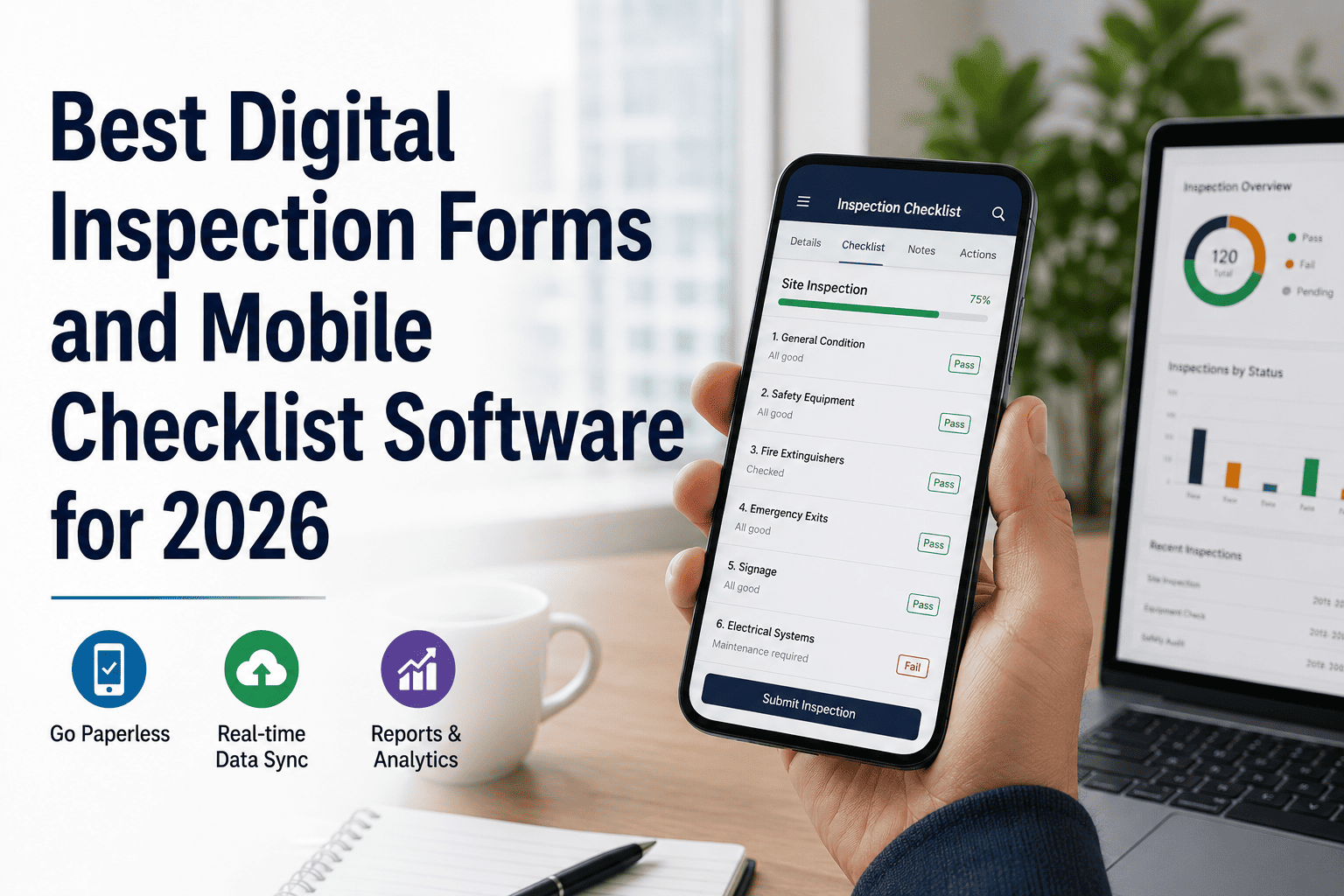
Best Digital Inspection Forms and Mobile Checklist Software for 2026
By Mark strong on May 27, 2026
Paper checklists lose data, delay reports, and leave compliance gaps that auditors find fast. Digital inspection forms and mobile checklist software close every one of those gaps — in real time, from any device, on any site. Sign up free to run your inspection programme digitally, or book a demo to see how OxMaint handles every checklist type in one place.
InspectionsMobile-First
Best Digital Inspection Forms and Mobile Checklist Software for 2026
Replace paper checklists with real-time digital forms — capture photos, assign tasks, and generate compliance reports instantly from the field
Digital FormsMobile ChecklistsPhoto CaptureOffline ModeInstant Reports
80%
Faster report generation vs paper-based processes
Zero
Lost records when everything is captured digitally in real time
100%
Audit trail visibility across every inspection completed
Mobile
Works offline — syncs automatically when back online
What This Guide Covers
01 Paper vs Digital: The Real Difference
02 Key Features to Look For
03 Top Software Compared
04 Use Cases by Industry
05 How to Switch in 3 Steps
06 FAQ
Section 01
Paper Checklists vs Digital Inspection Forms — What Actually Changes
The switch is not just about convenience. It is about eliminating the categories of failure that paper inspections structurally produce — missed signatures, illegible notes, lost forms, and reports that arrive too late to act on.
Paper Checklists
Forms get lost in transit or filing
No photo evidence without separate camera
Handwriting errors and illegible entries
Reports take days to compile manually
No real-time visibility for managers
Defects tracked informally or not at all
Compliance gaps surface only at audit
Digital Inspection Forms
Instant cloud sync — nothing is ever lost
Photo and video capture built in
Structured fields — no ambiguous entries
Automated reports generated on completion
Live dashboard for every active inspection
Defects auto-assigned with deadline tracking
Compliance status visible every day
Section 02
5 Features That Separate Good Mobile Checklist Software from the Rest
Not all inspection apps are built for real field conditions. These are the capabilities that determine whether a platform holds up when connectivity is patchy, inspections are complex, and auditors come knocking.
Offline-First Mobile Operation
Inspections must work in basements, plant rooms, and remote sites with no signal. True offline mode means data is captured locally and synced automatically when connectivity returns — no manual upload steps.
Non-negotiable
Inline Photo and Video Evidence
Photos attached directly to the checklist item they evidence — not uploaded separately and linked manually. Each image is time-stamped and geotagged, giving auditors undeniable proof of inspection condition at that moment.
Audit essential
Conditional Logic in Forms
When an inspector marks a defect, the form should automatically expand to capture severity, cause, and photos — without the inspector having to know what fields to fill in next. Smart forms reduce training time and missed data.
Efficiency driver
Automated Report Generation
A completed checklist should produce a formatted, shareable report automatically — with inspector details, timestamps, photo evidence, and defect summary. Manual report writing after an inspection is dead time that digital-first platforms eliminate.
Time saver
Role-Based Access and Sign-Off
Different inspection types require different competency levels. Software that enforces role-based access ensures only authorised engineers can complete certain forms — and that every sign-off is linked to a verified user identity, not just a scribbled name.
Compliance critical
Asset-Level Inspection History
Every completed form should be stored against the specific asset it covers — not in a generic document folder. When an auditor asks for the inspection history of a specific lift or boiler, it should be retrievable in seconds, not hours.
Audit ready
See Digital Inspection Forms in Action
OxMaint gives you offline-ready mobile checklists, photo capture, auto-reports, and a full audit trail — across every asset and every site. Sign up free and build your first digital form today.
Top Digital Inspection and Mobile Checklist Platforms Compared for 2026
The market has consolidated around a few credible platforms. Here is how the most widely deployed options compare on the features that matter most for facilities and operations teams. Book a demo to see how OxMaint stacks up live.
Feature
OxMaint
SafetyCulture
Limble CMMS
Joyfill
Offline mobile forms
Yes
Yes
Yes
Yes
Photo capture inline
Yes
Yes
Yes
Yes
Asset-level history
Yes
Partial
Yes
No
Statutory compliance calendar
Yes
No
Partial
No
Automated defect tracking
Yes
Yes
Yes
Partial
Competency / role enforcement
Yes
Partial
Partial
No
Audit evidence pack export
Yes
Yes
Partial
No
Section 04
Who Uses Digital Inspection Forms — and What They Inspect
Mobile checklist software is not a single-sector tool. The same platform handles fire safety walk-rounds in an office block, equipment checks on a factory floor, and hygiene audits in a food facility. The common thread is structured data capture in the field.
Facilities Management
LOLER and PUWER equipment checks
Fire alarm and emergency lighting tests
Building fabric inspections
Contractor sign-in and PTW records
Manufacturing and Operations
Shift start equipment pre-checks
Machine guard and safety checks
Quality control line inspections
Forklift daily operator checks
Healthcare and Public Sector
Medical equipment safety checks
Infection control environment audits
Fire safety compliance documentation
Statutory inspection evidence packs
Construction and Field Services
Site safety walk-round checklists
Scaffold and MEWP inspections
Handover and snagging records
Plant and vehicle pre-use checks
Section 05
How to Move from Paper to Digital Inspections in 3 Steps
Most teams that delay the switch do so because they assume it requires a long IT project. With the right platform, the move is three steps and takes days, not months. Sign up free and complete step one today.
01
Build Your Asset Register
List every asset that requires regular inspection — plant, equipment, systems, and infrastructure. Against each asset, record the inspection type, required frequency, and competency level. This is the foundation that everything else runs from.
02
Configure Your Digital Forms
Convert your paper checklists into digital form templates — adding photo capture fields, conditional logic for defects, and required sign-off fields. Most platforms provide template libraries to start from rather than building from scratch.
03
Go Live and Track in Real Time
Assign inspection schedules to engineers. From day one, every completed form generates a timestamped record, defects are auto-tracked, and your compliance dashboard shows live status across every asset. Paper handling stops immediately.
Ready to Go Paperless?
OxMaint gets your digital inspection programme live fast — with pre-built templates, asset register setup, and a compliance dashboard from day one. Book a demo and see the full transition process live.
Do digital inspection forms hold up as legal evidence?
Yes — provided the platform captures a timestamped record, identifies the inspector, and stores data in a tamper-evident format. Digital records with geotagged photos and verified user sign-off are generally considered stronger evidence than paper forms, which can be backdated or illegible. HSE and Fire and Rescue Authority auditors accept digital inspection records routinely.
What happens to inspection data when engineers work in areas with no mobile signal?
Platforms with genuine offline mode store data locally on the device and sync automatically when connectivity is restored. The inspector sees no interruption — they complete the form exactly as normal. The critical question to ask any vendor is whether offline mode is a core architecture or a feature that was added later, as the latter typically has reliability issues in practice.
Can OxMaint handle inspections across multiple sites and contractors?
Yes. OxMaint is built for multi-site operations — assets, inspection schedules, and records are managed across all locations in a single system. Contractor-completed inspections can be submitted into the same platform, creating a unified evidence record regardless of whether the work was done by in-house engineers or external providers. Sign up free to configure your multi-site asset register from day one.
How long does it take to replace existing paper checklists with digital forms?
With OxMaint, most teams have their first digital inspection forms live within a day of setup. The platform provides a template library covering common inspection types, so you are not building from scratch. Complex custom forms with conditional logic typically take a few hours to configure. The asset register setup is the most time-intensive part — and OxMaint supports bulk import from spreadsheets to accelerate it. Book a demo to see a live transition walkthrough.
Digital Inspections — Free to Start
Your Paper Checklists Should Already Be Digital
OxMaint replaces every paper form with a structured digital checklist — offline-ready, photo-enabled, and auto-reporting. Every completed inspection becomes audit-ready evidence instantly, across every asset and every site.