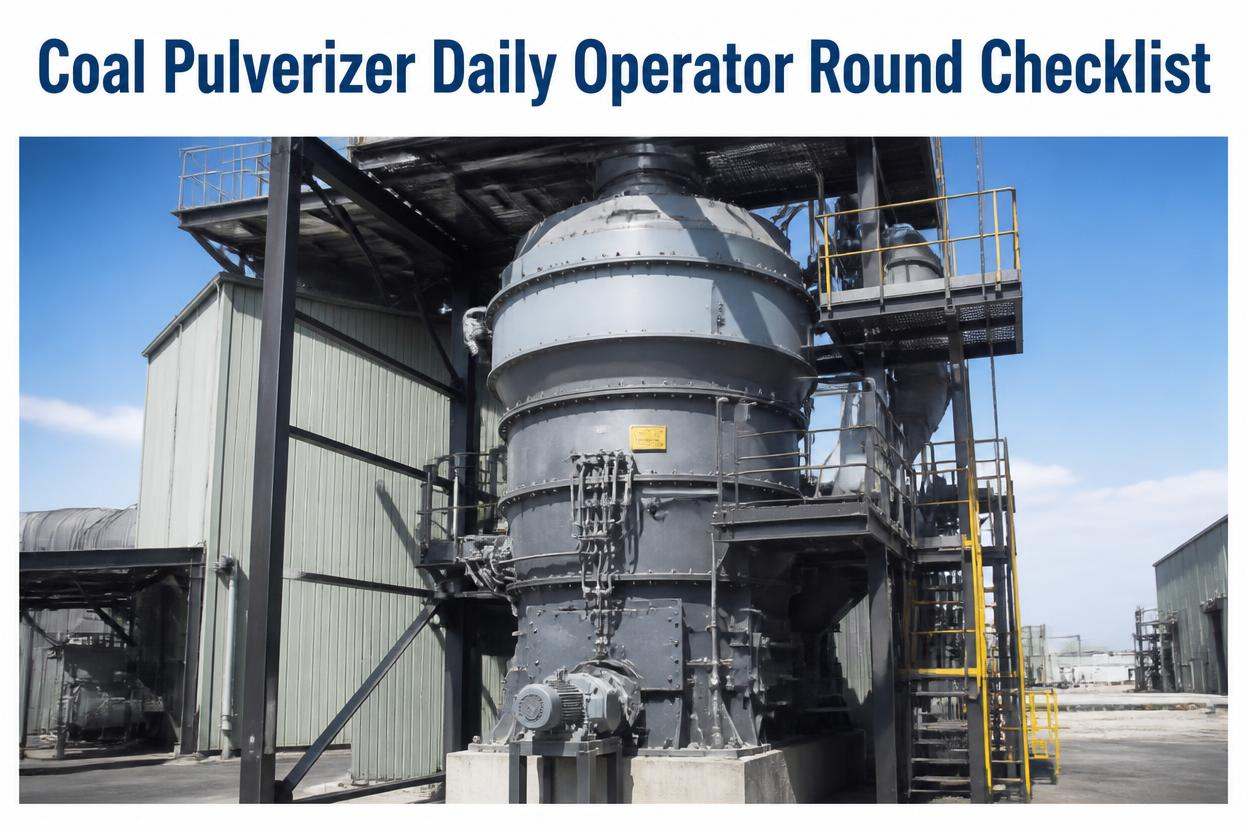
A coal mill running mill outlet temperature at 65°C and one running at 85°C both look fine on a glance from the control room. One is sitting well inside the safe band, the other is edging toward the range where fires start. That gap only shows up if PA flow, classifier setting, hot air gate position, and outlet temperature all get read together on the same round, not checked separately whenever there's a spare moment. Sign up to see how a digital pulverizer round runs on your own mills.
Why It Matters
Most pulverizer fires and classifier failures trace back to a reading that was drifting for days before anyone escalated it — PA flow falling below the coal-carrying minimum, outlet temperature creeping toward the fire-risk band, a hot air gate stuck slightly open. Each of these is ordinary on its own. Together, unread, they're how a mill trip happens. A round that checks all four together every shift is what catches the combination before it becomes an outage.
What A Complete Pulverizer Round Actually Covers
Five checkpoints make up a proper round. Miss one and the sign-off still looks complete while that system runs unmonitored until the next shift.
PA Flow
Primary air flow checked against the minimum coal-carrying threshold, not assumed steady from the last shift
Classifier
Vane position and fineness setting confirmed against target, since a drifted classifier changes combustion downstream
Hot Air Gate
Gate position physically verified, not read off the control screen alone, since indication and actual position can diverge
Mill Outlet Temp
Outlet temperature logged against the fire-risk threshold, checked in the same pass as the air gate reading
CMMS Sign-Off
Every reading timestamped and attributed to the operator, with out-of-range values flagged automatically
Walking The Round In Order
1
Start With PA Flow
Read primary air flow first, since a low reading changes how every downstream reading on the round should be interpreted.
2
Check The Classifier
Confirm vane position and fineness setting while the PA flow figure is still fresh, so the two readings can be checked together.
3
Walk The Hot Air Gate
Physically verify gate position at the mill, don't rely on the control screen alone, since actuator drift can leave the two disagreeing.
4
Log Mill Outlet Temperature
Check this right after the air gate, since the two together are the clearest early signal of a rising fire risk in the mill.
5
Close Out In The CMMS
Sign off the round digitally so every reading is timestamped, and let the system flag anything outside range to the next shift automatically.
A Round That Flags Fire Risk Before It's An Outage
Sign up for a free trial to build your pulverizer round checklist in minutes, or book a demo to see how out-of-range readings get flagged to the next shift automatically.
Where Pulverizer Rounds Break Down
PA Flow Assumed Steady
A "should be fine" entry replaces the actual flow reading, and a slow decline below minimum never gets caught
Hot Air Gate Read From Screen Only
Control screen indication is trusted without a physical check, so actuator drift goes unnoticed
Outlet Temperature Checked In Isolation
A rising temperature gets logged alone instead of cross-checked against the air gate reading right next to it
Classifier Setting Assumed Unchanged
Vane position isn't reconfirmed for weeks, and a slow drift in fineness alters combustion without anyone noticing
Paper Sheets With No Timestamp
Without a timestamp attached to each reading, nobody can tell how long a warning sign was sitting there
Round Order Changes Shift To Shift
Without a fixed sequence, comparing today's readings against yesterday's stops being reliable
Frequently Asked Questions
Q
Why check the hot air gate and outlet temperature together?
A gate that's drifted slightly open lets more hot air into the mill than intended, which raises outlet temperature toward the fire-risk band. Reading both in the same pass is what shows the operator the cause and effect together, rather than as two unrelated numbers logged hours apart.
Q
How is a digital round different from a paper log for the mill?
A paper sheet records that a check happened. A digital round in a CMMS timestamps each reading, attributes it to the operator, and can flag out-of-range values automatically so the next shift sees the exception without hunting through the log.
Q
Can the checklist be adjusted for a specific pulverizer type?
Yes. The five core checkpoints apply broadly, but fields like mill type, classifier design, or fuel specification can be set per unit so the round matches the actual equipment on site.
Turn The Clipboard Round Into A Timestamped Record
Oxmaint builds your daily pulverizer round into a mobile checklist that captures PA flow, classifier, hot air gate, and mill outlet temperature readings with a timestamp on every entry, and flags exceptions before they reach the next shift. Sign up for a free trial to set up your first round, or book a demo to see it against your own mill configuration.