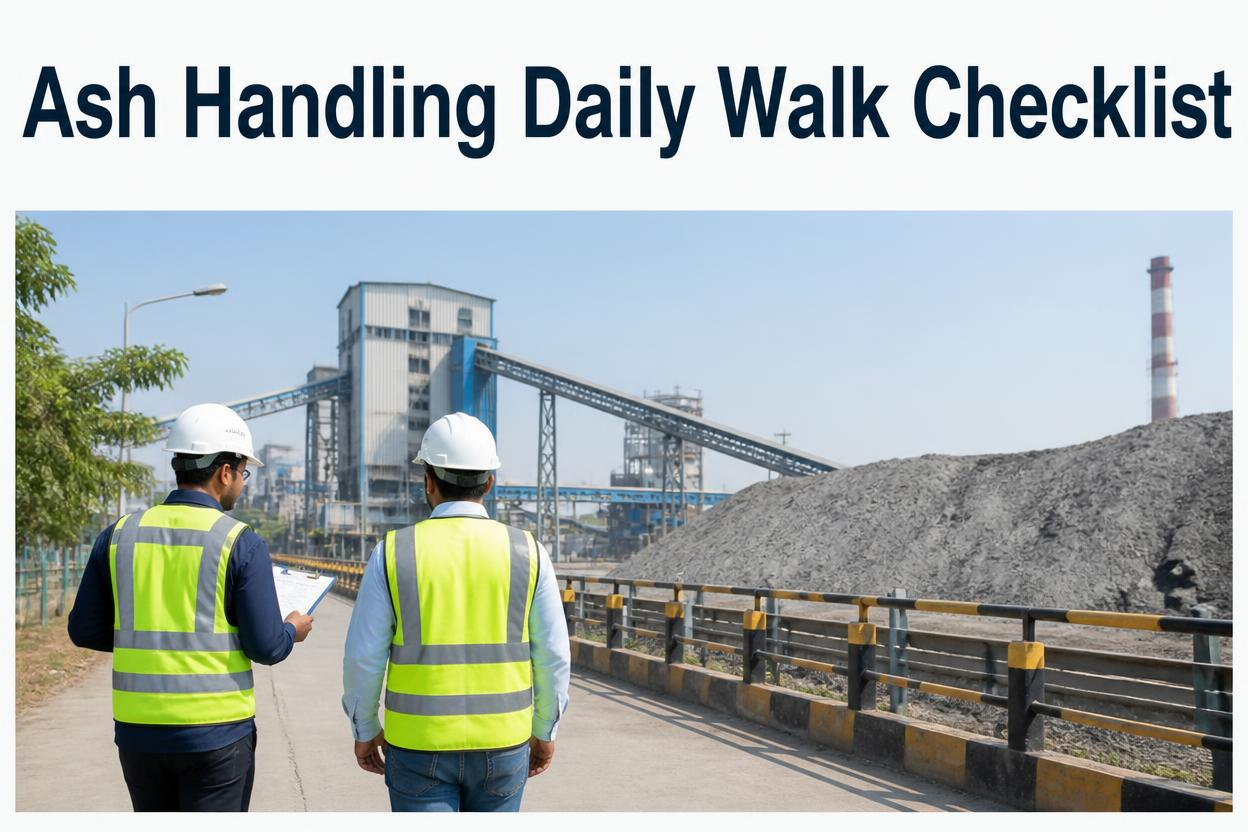
A bottom ash system draining clean between cycles and one running with the hopper half-full at the start of every cycle look the same on a shift log that just says "checked, normal." One is running as designed. The other is one skipped drain away from an overflow. The gap only shows up if bottom ash, fly ash, SSC, and hydroclone all get walked and read against their own baseline, not ticked off from memory. Sign up to see how a digital ash handling walk runs on your own system.
Why It Matters
Ash handling problems build quietly. A bottom ash hopper that doesn't fully drain between cycles, a fly ash silo level creeping toward high before anyone checks the gauge, an SSC conveyor running slightly overloaded, a hydroclone underflow drifting off spec. None of these are dramatic on their own, but each is a warning sign sitting in plain sight on a walk that checks all four points every shift, and a warning sign that isn't read is no different from one that was never there.
What A Complete Ash Handling Walk Actually Covers
Five checkpoints make up a proper walk. Miss one and the sign-off still looks complete while that system runs unmonitored until the next shift.
Bottom Ash
Hopper level and drain cycle completion confirmed physically, not assumed from the last automated cycle log
Fly Ash
Silo level and conveying air pressure checked against the high-level threshold before it becomes urgent
SSC
Submerged scraper conveyor chain tension and drive load checked for early signs of overload or wear
Hydroclone
Underflow density and overflow clarity checked against spec, since drift here signals wear inside the cone
CMMS Sign-Off
Every checkpoint timestamped and attributed to the operator, with out-of-range findings flagged automatically
Walking The System In Order
1
Start At The Bottom Ash Hopper
Confirm the hopper actually drained on its last cycle by looking, since a logged cycle doesn't guarantee a clean drain.
2
Check The SSC
Read chain tension and drive load right after the bottom ash check, since the two systems are directly linked in most plant layouts.
3
Read The Hydroclone
Check underflow density and overflow clarity against spec, not by memory of how it usually looks.
4
Check The Fly Ash Silo
Confirm silo level and conveying air pressure before it approaches the high-level threshold, not after an alarm sounds.
5
Close Out In The CMMS
Sign off the walk digitally so every checkpoint is timestamped, and let the system flag anything outside range to the next shift automatically.
A Walk That Flags Problems Before The Alarm Sounds
Sign up for a free trial to build your ash handling walk in minutes, or book a demo to see how out-of-range findings get flagged to the next shift automatically.
Where Ash Handling Walks Break Down
Bottom Ash Drain Assumed From Log
A cycle marked complete in the system isn't confirmed by eye, so a partial drain goes unnoticed
Fly Ash Silo Checked Only On Alarm
Level isn't reviewed until the high-level alarm fires, leaving no time to plan the next haul-out
SSC Load Trend Ignored
A single reading without comparison to baseline misses a chain gradually working toward overload
Hydroclone Skipped As "Automatic"
Because the process runs unattended, nobody checks underflow density until separation is already off spec
Paper Sheets With No Timestamp
Without a timestamp attached to each checkpoint, nobody can tell how long a warning sign was sitting there
Walk Order Changes Shift To Shift
Without a fixed sequence, comparing today's findings against yesterday's stops being reliable
Frequently Asked Questions
Q
Why confirm the bottom ash drain visually instead of trusting the cycle log?
A cycle can complete on schedule in the control system while still leaving ash behind in the hopper if flow was partially restricted. A visual confirmation catches that gap, while the log alone only confirms the cycle ran, not that it ran clean.
Q
How is a digital walk different from a paper log for ash handling?
A paper sheet records that a check happened. A digital walk in a CMMS timestamps each checkpoint, attributes it to the operator, and can flag out-of-range findings automatically so the next shift sees the exception without hunting through the log.
Q
Can the checklist be adjusted for a specific ash handling setup?
Yes. The five core checkpoints apply broadly, but fields like ash system type, silo count, or hydroclone configuration can be set per site so the walk matches the actual setup on the ground.
Turn The Clipboard Walk Into A Timestamped Record
Oxmaint builds your daily ash handling walk into a mobile checklist that captures bottom ash, fly ash, SSC, and hydroclone findings with a timestamp on every entry, and flags exceptions before they reach the next shift. Sign up for a free trial to set up your first walk, or book a demo to see it against your own ash handling setup.