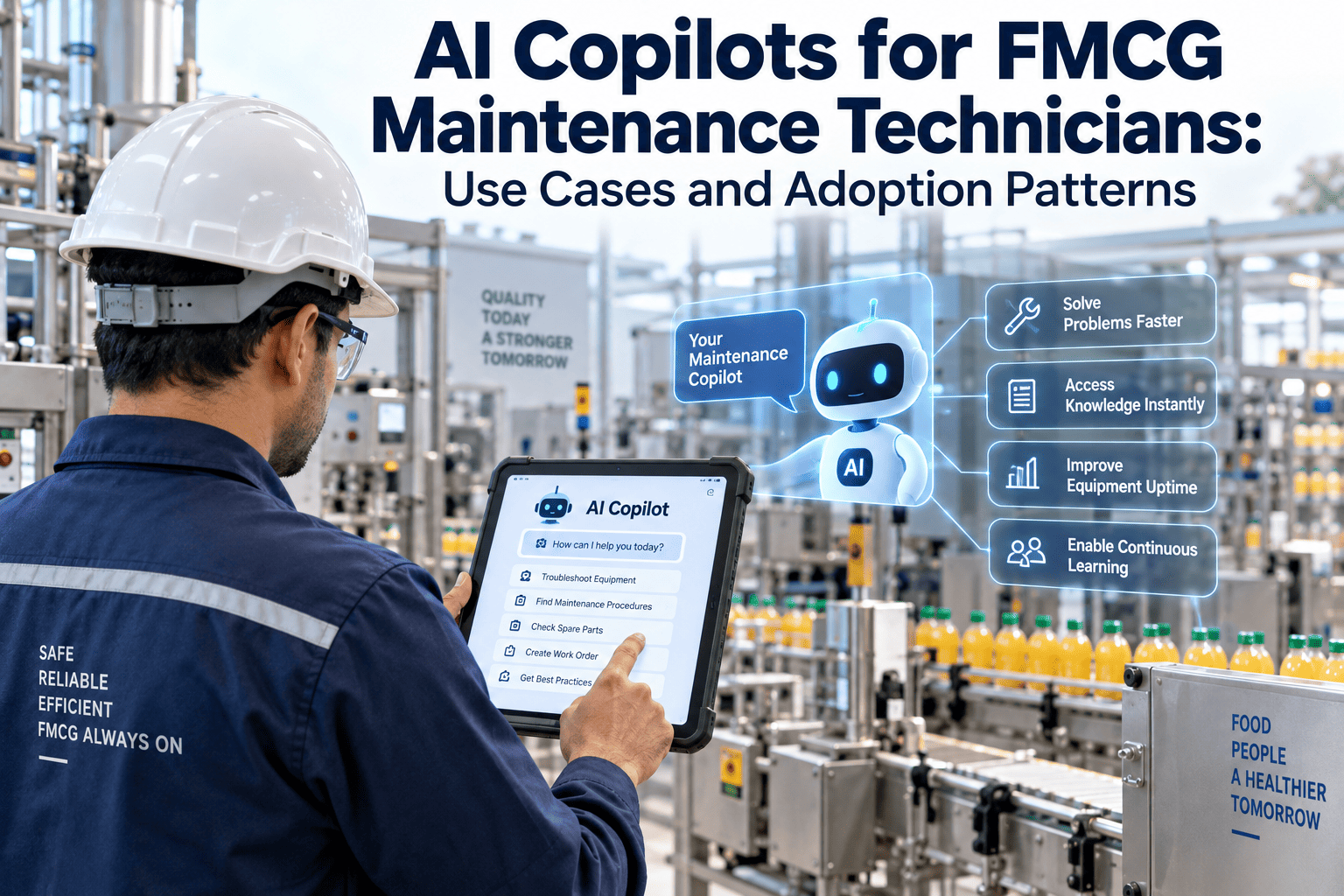
A jammed filler or a fault-coded conveyor motor does not wait for a convenient moment on an FMCG line — it stops the shift the instant it happens. Yet the average maintenance technician still loses close to a fifth of every shift hunting for the right manual, flipping through paper logs, or waiting on a senior engineer to explain a fault they have almost certainly seen before. An AI copilot changes that equation by putting a plant's entire maintenance memory — every past work order, every OEM manual, every resolved fault — inside a single conversational tool a technician can query from the shop floor. This guide breaks down how UK FMCG plants are actually using AI copilots in 2026, which use cases pay back fastest, and how adoption spreads once one technician sees it work. If your team is still searching instead of fixing, start a free trial with OxMaint and see how an AI copilot fits into the mobile workflow your technicians already use on the line.
AI Copilots for FMCG Maintenance Technicians: Use Cases and Adoption Patterns
How mobile AI assistants are cutting search time, speeding up fault diagnosis, and turning every past repair into instant guidance for the next technician on shift, whether they have been on the line for ten years or ten days.
The Technician's Day, Before and After an AI Copilot
Most FMCG plants did not choose paper binders and tribal knowledge on purpose — the systems accumulated over years of shift handovers, retiring engineers, and equipment added faster than documentation kept up. The result is a workflow where finding the answer takes longer than fixing the fault. An AI copilot does not replace the technician's judgement; it removes the searching, scrolling, and waiting that sits in front of every repair. The table below lays out where those minutes actually disappear on a typical shift, and what changes once an AI copilot sits inside the same mobile app a technician already carries onto the line, rather than requiring a separate login or a desktop terminal back in the maintenance office.
| Task on the Line | Without an AI Copilot | With an AI Copilot | Typical Time Returned |
|---|---|---|---|
| Finding the right SOP | Flip through a binder or search a shared drive for the correct revision | Ask in plain language and get the exact SOP section instantly | Up to 12 minutes |
| Diagnosing a recurring fault | Call a senior engineer or guess based on memory of a similar job | Copilot ranks likely causes from OEM data and the plant's own repair history | Up to 25 minutes |
| Logging a work order mid-repair | Finish the job, then write notes from memory back at the office | Describe the fault by voice and the work order is drafted automatically | Up to 8 minutes |
| Checking an asset's repair history | Search multiple spreadsheets or ask around the shift | Ask the copilot and get a chronological history in seconds | Up to 6 minutes |
| Escalating an unfamiliar fault | Wait for a supervisor or senior technician to become available | Copilot surfaces the closest matching past fault and resolution first | Up to 18 minutes |
| Closing out documentation | Manually re-key notes, parts used, and downtime into the CMMS | Voice and photo capture populate the record automatically | Up to 7 minutes |
None of this replaces the technician's own experience — a copilot only ever suggests, it never decides, and the final call on any repair always sits with the person doing the work. What it does is remove the dead time between noticing a fault and starting the actual repair, which on most FMCG lines is where the majority of unplanned downtime quietly accumulates shift after shift without anyone tracking exactly where the minutes went.
OxMaint's AI copilot sits inside the mobile work order app your technicians already use — turning every past repair, every SOP, and every OEM manual into an instant, conversational answer at the point of work, without asking anyone to learn a second system.
Six Use Cases Turning AI Copilots Into a Daily Habit on the Plant Floor
Not every AI feature earns a place in a technician's daily routine. Plenty of copilot features get demoed once and forgotten by the second week. The use cases below are the ones FMCG plants consistently report technicians reaching for on their own, shift after shift, without being told to — because each one removes a specific, repeated frustration rather than adding a new step to an already busy repair, and each one works from inside the same mobile app technicians use to log every job.
A technician mid-repair describes the fault, the cause, and the parts used out loud. The copilot transcribes the description and drafts a structured work order automatically, so nothing gets written from memory at the end of the shift, and gloves never have to come off to type on a small screen.
Instead of searching a shared drive for the right document revision, a technician asks a plain-language question and receives the exact SOP section relevant to the equipment and task in front of them, already filtered to the correct version so outdated procedures never get followed by mistake.
The copilot cross-references the OEM fault code library against the plant's own repair history, returning a ranked list of the most likely causes and the fix that worked last time this exact fault occurred, so a junior technician gets the benefit of the plant's most experienced engineer without needing them on the phone.
"Has this pump failed before, and how was it fixed?" is answered in seconds instead of a search through binders or a phone call to whoever handled it last time — knowledge stays with the plant, not the person, even after an experienced technician moves on or retires.
Step-by-step repair walkthroughs appear on the phone or tablet at the asset itself, with photos and torque specs pulled from the OEM manual — no walk back to a desktop terminal mid-repair, and no risk of relying on an out-of-date printed copy left in the toolbox.
Every PLC parameter change and SCADA touchpoint tied to a work order is logged automatically, giving OT teams the asset inventory and access records that IEC 62443 and NIST CSF audits typically ask for, without someone reconstructing a change history from memory weeks after the fact.
How AI Copilot Adoption Actually Spreads Across a Shift
Plants that roll out an AI copilot successfully rarely do it through a single training session. Adoption spreads the same way most shop-floor habits do — one technician, one visible win, then peer pressure does the rest. Understanding this pattern matters more than the technology itself, because a rollout plan built around it reaches full-shift usage far faster than one built around mandatory training dates and calendar reminders that technicians tend to ignore once the shift gets busy.
Rollout starts with a high-frequency fault on a well-known asset — a filler jam or a conveyor fault code technicians already see weekly. The copilot resolves it in minutes on the first try, and that single result does more to build trust than any slide deck or launch announcement ever could.
The next shift hears about the fast fix from the technician who used it, not from a manager. Peer demonstration during a handover briefing consistently drives faster adoption than any scheduled training module, because the person explaining it has already used it under real time pressure.
As usage climbs, supervisors see closeout times shrink and documentation quality improve on the KPI dashboard. That visible shift turns the copilot from an optional tool into the expected way work gets logged across every line, every shift, and every technician on the roster.
By the time adoption reaches most of the shift, technicians open the copilot before the binder, before the spreadsheet, and before the phone call — it has simply become faster than every alternative they used to reach for, and new hires never learn the old, slower way in the first place.
Where the Minutes Go Back to the Technician
Every minute an AI copilot saves is a minute returned to actual repair work rather than searching, waiting, or re-keying notes. Across a typical FMCG shift, the savings stack up fast, and they compound further once a plant runs multiple lines with technicians rotating between unfamiliar assets during cover shifts and holiday periods.
What FMCG Plants Report After Rolling Out an AI Copilot
These figures reflect the pattern reported across FMCG plants that pair a mobile CMMS with an AI copilot layer rather than treating the two as separate projects run by different teams on different timelines. The strongest results come from plants that start small, on one line, and let technician adoption pull the rest of the rollout forward instead of mandating full-plant usage from day one.
Faster diagnosis and instant history lookup shrink mean time to repair from the very first weeks of rollout, before any formal change management effort begins.
Plants that pilot on a high-frequency fault typically reach majority technician adoption within a full quarter of rollout.
Combined savings across diagnosis, SOP lookup, documentation, and history search per technician on an average shift.
A mobile CMMS with an AI copilot layer can be live for a first pilot line in under two days, with no hardware installation or IT project required.
AI Copilots for FMCG Maintenance — What Technicians and Supervisors Ask
What does an AI copilot do differently from a standard CMMS search bar? +
Do technicians need special training to start using an AI copilot? +
Can an AI copilot work in areas of the plant with poor connectivity? +
How does an AI copilot support OT cybersecurity and audit requirements? +
How long does it take for adoption to spread across a full shift? +
OxMaint's AI copilot lives inside the mobile work order app your technicians open every shift — turning SOPs, fault history, and OEM manuals into instant, conversational answers at the point of repair, without adding another system to search, another login to remember, or another binder to carry across the plant floor.







