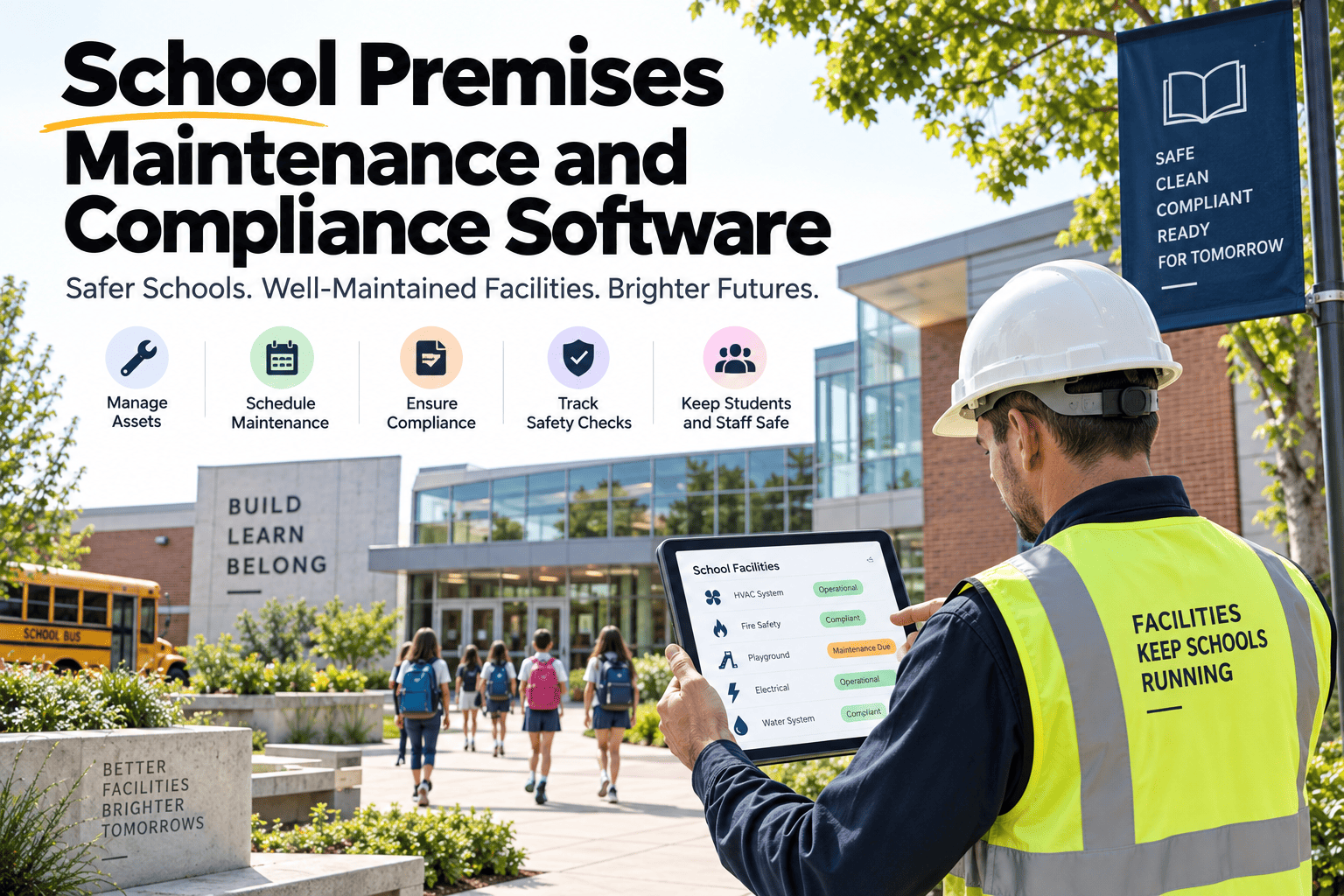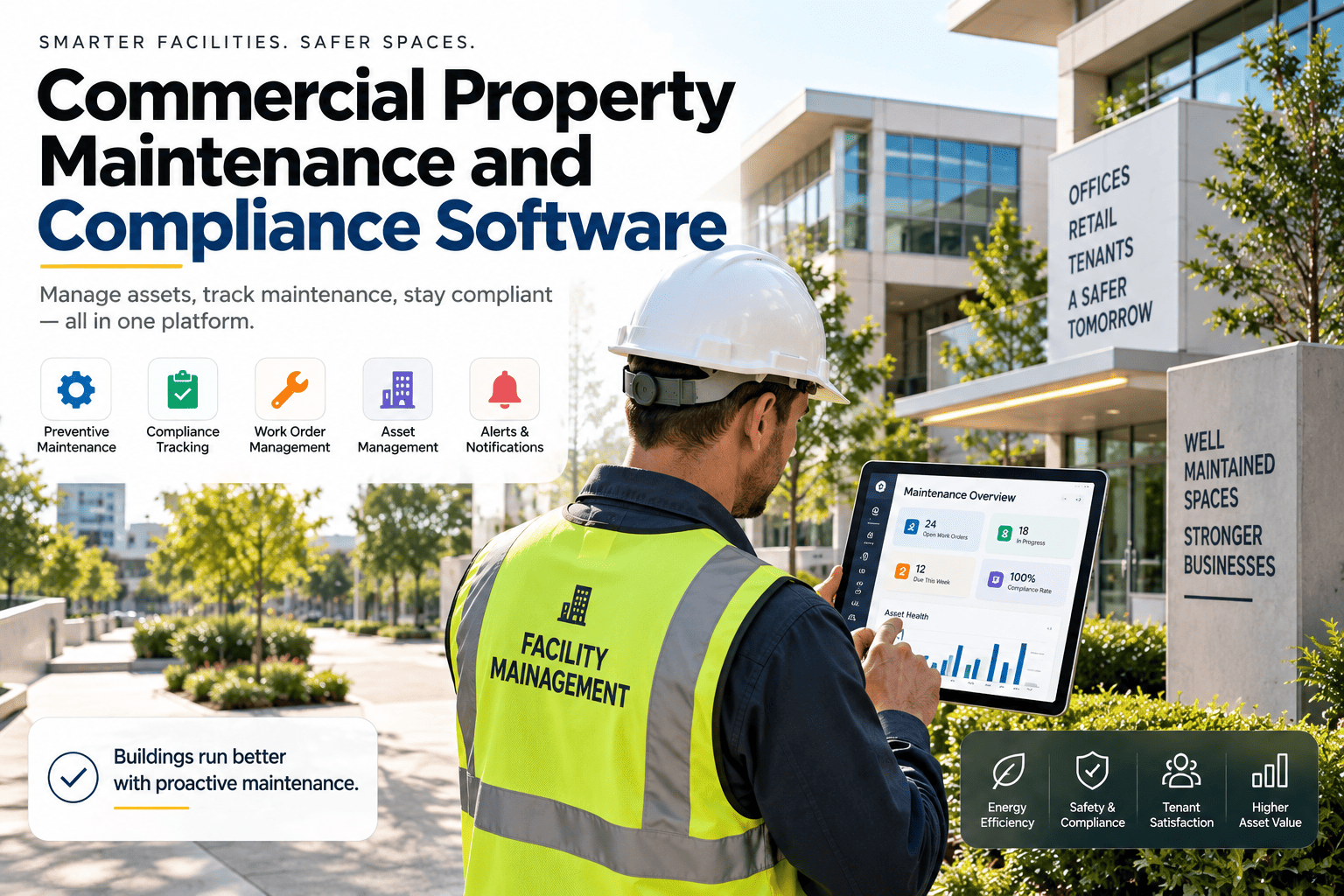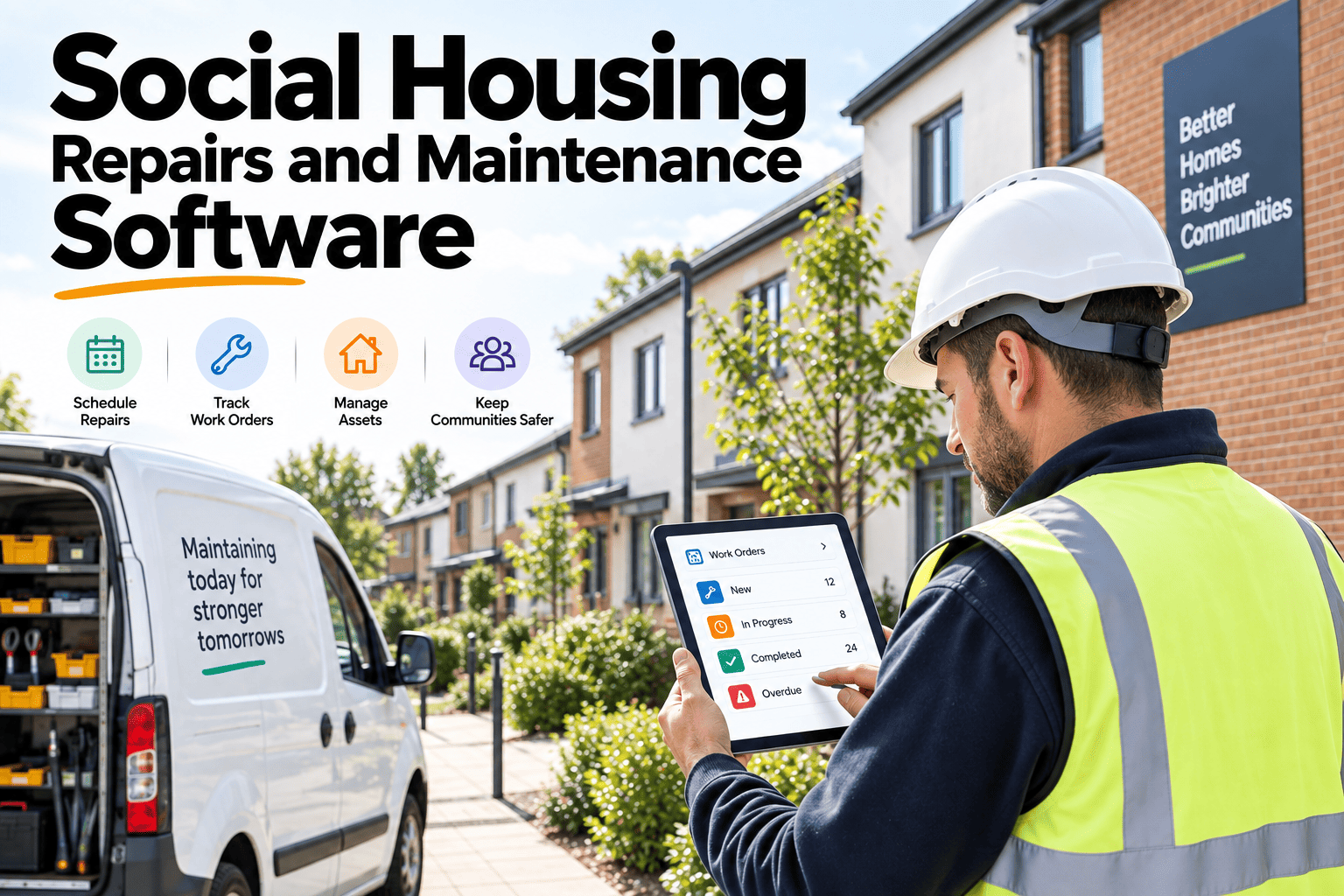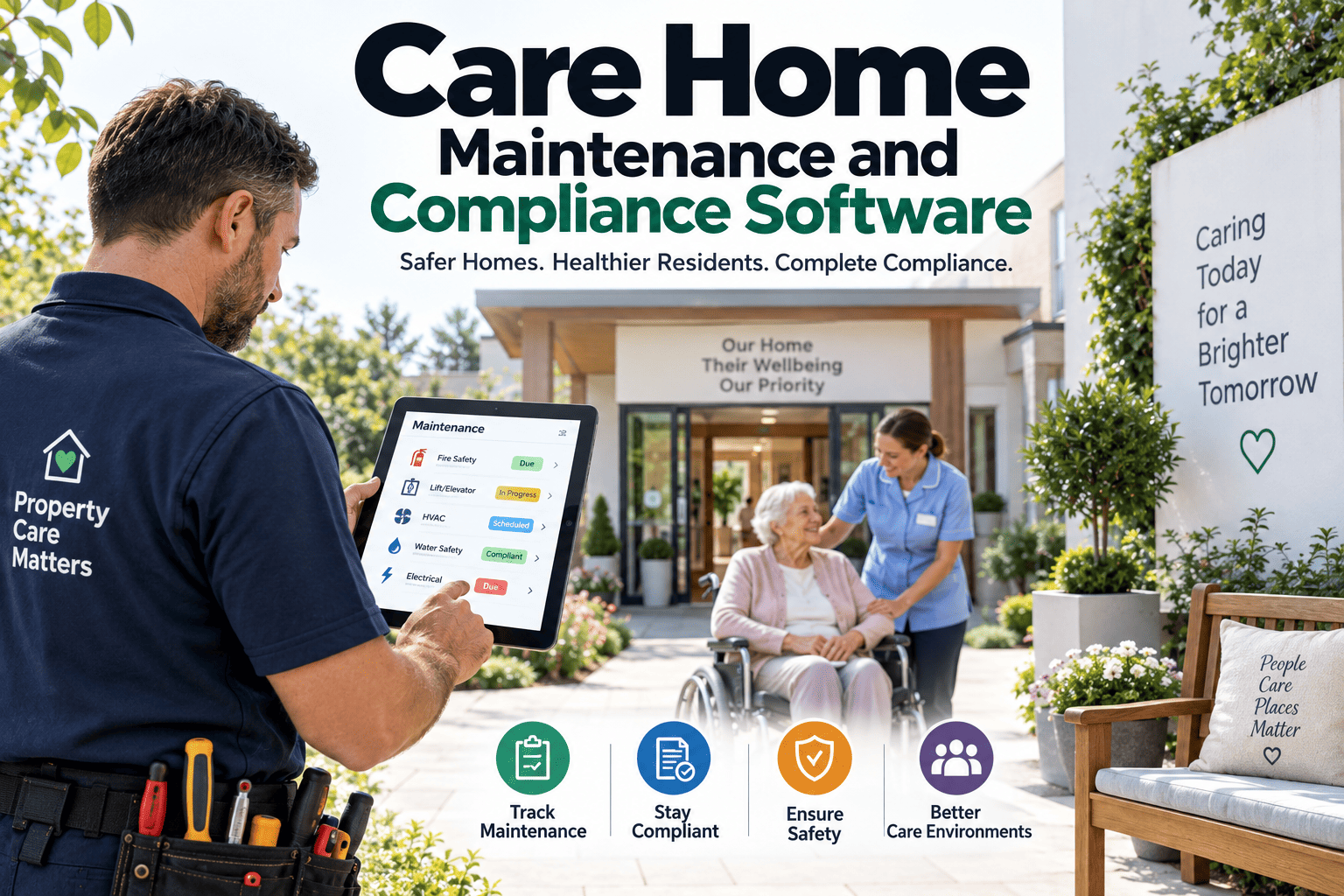
A facilities team at a UK university with 46 buildings was running maintenance requests through a shared email inbox — 140 to 180 requests a week, some with photos, some with nothing more than "the thing in the hallway is broken." Technicians spent 35 minutes per job just figuring out what was actually wrong and where. Duplicate requests went undetected until two people showed up to the same classroom ceiling. After switching to a structured digital request portal, average response time dropped from 19 hours to 3.4 hours, and requestor satisfaction rose from 51% to 87% within one academic year. A CMMS like OxMaint turns that same email chaos into a structured front door for your entire maintenance operation.
Give Every Occupant a Front Door to Maintenance
OxMaint's request portal needs no login for occupants, routes automatically by urgency and location, and gives your team a single live queue instead of a flooded inbox.
Why the Inbox Approach Always Breaks Down
An email inbox feels simple right up until volume hits double digits per day. There is no priority sort, no location structure, no way to tell a stuck elevator from a flickering bulb without opening every message. Book a demo to see how a structured intake form replaces that guesswork with a sortable, trackable queue from the first request onward.
Implementation Roadmap — Four Phases
Rolling out a request portal works best as a staged process rather than a single switch-flip. Sign up free and move through these phases inside OxMaint at your own pace.
Map Your Asset and Location Hierarchy
Before a single request form goes live, structure your buildings, floors, rooms, and assets so every submission can be tied to a specific place and piece of equipment — not a vague text description someone has to decode later.
Configure the Intake Form and Routing Rules
Decide what fields are required (location, urgency, description, optional photo) and how requests route — by asset type, by location, or by technician team. Set SLA response targets per priority tier before launch, not after the first complaint.
Launch in One Building or Department First
Roll the portal out to a single site or floor before a full-building launch. Distribute QR codes at the pilot location, gather technician feedback on the routing logic, and adjust SLA targets based on real submission volume rather than guesswork.
Expand Portfolio-Wide and Monitor Trends
Once the pilot proves out, extend the same configuration across every building. Shift attention to the analytics layer — which assets and areas generate repeat requests, and where SLA compliance needs intervention before it becomes a pattern.
What a Well-Designed Intake Form Actually Captures
SLA Tiers That Actually Get Enforced
An SLA without a visible timer is just a suggestion everyone quietly ignores. Each priority tier needs a response target that both the requestor and the assigned technician can see in real time.
Safety risk, active flooding, no-heat conditions in occupied space, complete system failure
Significant disruption to normal operations without an immediate safety or revenue risk
Routine repairs, cosmetic issues, non-urgent requests that do not block normal use of the space
Common Rollout Mistakes — and the Fix
Launching portfolio-wide on day one with no pilot to surface routing or SLA issues first
Pilot in one building, refine based on real submission data, then scale with confidence
Requiring occupants to create an account before they can submit a request
Use a shareable URL or QR code so anyone can submit in under a minute, no login required
Leaving requestors with no visibility once a ticket is submitted, driving repeat submissions
Send automatic status updates — received, assigned, in progress, completed — at every stage
Setting SLA targets once and never revisiting them as real volume and patterns emerge
Review SLA compliance monthly and adjust tiers and staffing based on actual data
How OxMaint Powers the Request Portal Experience
Occupants submit via shareable URL or QR code in under 60 seconds — only staff processing requests need accounts.
A second request matching an open work order for the same asset and location gets linked, not dispatched twice.
Supervisors see a live list sorted by urgency and SLA target, not a chronological inbox to scroll through.
Multi-site teams see aggregate request volume and SLA compliance across every property in one screen.
Replace the Inbox with a Front Door That Actually Works
OxMaint's maintenance request portal gives occupants a fast way to report issues and gives your team a structured, SLA-tracked queue from day one.
Frequently Asked Questions
Do occupants need to create an account to submit a maintenance request?
No. A well-designed maintenance request portal is accessible via a shareable URL or QR code with no login or account required from the requestor. Facility managers can post QR codes throughout a building so any occupant can submit a request from their phone in under a minute. Only maintenance staff and supervisors who process requests and assign work orders need system accounts. Sign up free to set this up for your own facility.
What fields should a maintenance request intake form include?
At minimum, capture location (ideally a dropdown linked to your asset hierarchy rather than free text), asset type, urgency level, a description of the issue, and an optional photo attachment. For high-volume facilities, asset QR codes can pre-populate the location and asset fields automatically when scanned, removing guesswork from the submission entirely.
How should SLA response times be set for different request types?
Most facilities use a three-tier structure: emergency requests (safety risk, flooding, complete system failure) targeted at a 2-hour response, urgent requests targeted at 8 hours, and standard requests targeted at 48 hours. These targets should be visible to both the requestor and the assigned technician, with automatic escalation alerts when a target is at risk of being missed. Book a demo to see how OxMaint enforces these tiers automatically.
How do you prevent duplicate maintenance requests for the same issue?
A structured portal can detect when a new request matches an open work order for the same asset and location, automatically flagging and linking it rather than creating a parallel job. This eliminates the wasted dispatches that happen when two technicians are sent to the same problem because separate requests came in through different channels or from different people.
Should a maintenance request portal launch across an entire portfolio at once?
A phased rollout consistently outperforms an all-at-once launch. Start with one building, department, or facility to validate routing rules, SLA targets, and technician workflow against real submission volume. Once the pilot proves out and feedback is incorporated, expand to the full portfolio with configuration that has already been tested rather than launching blind everywhere simultaneously.