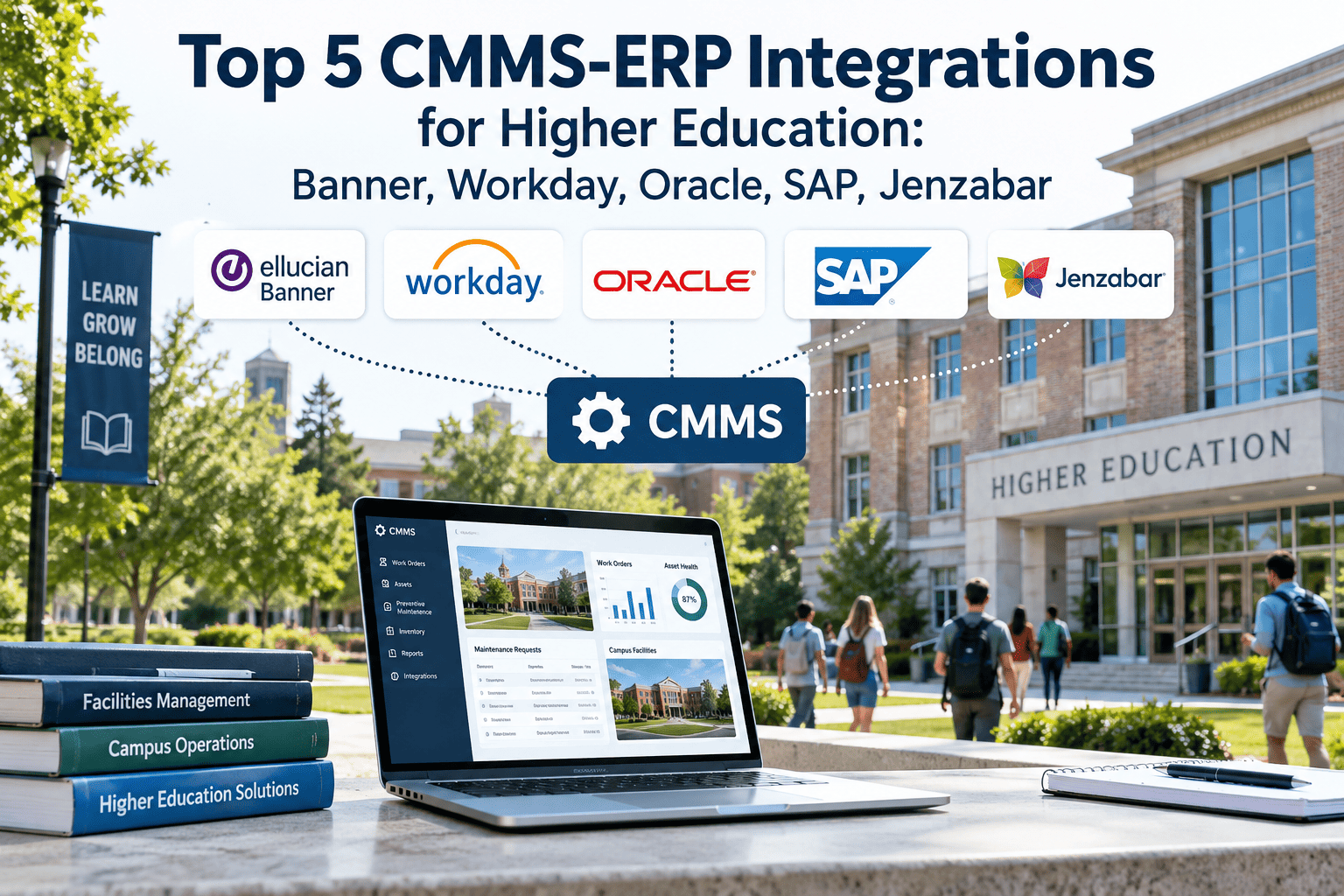
Every university facilities team knows the disconnect. A work order closes, parts get used, a contractor invoice comes in, and none of it reaches the finance office until someone manually keys it into the ERP weeks later. Meanwhile the finance team is trying to close a monthly budget report and cannot see why maintenance spend on a particular building keeps drifting from forecast, because the two systems that should be talking to each other have never actually been connected, leaving both teams working from a different version of the same reality and neither one fully trusting the other's numbers. This page walks through the five ERP integrations that matter most for higher education facilities teams in 2026, Banner, Workday, Oracle, SAP, and Jenzabar, and what actually changes operationally once a CMMS like Oxmaint AI is connected properly instead of left running as an island.
Why CMMS-ERP Integration Matters for Higher Ed Finance
Facilities and finance have always sat on opposite sides of the same budget conversation on most campuses. Maintenance teams know which buildings are eating repair spend, and finance teams know what was actually approved and paid, but reconciling those two views by hand every month is slow, error prone, and rarely finished before the next budget cycle is already underway. Connecting the two systems directly removes that lag entirely, and it changes the conversation from arguing about whose numbers are right to actually planning around numbers both teams already agree on and trust without needing a separate verification step.
30%
faster purchase approvals
Typical reduction in time between a parts requisition and finance approval once CMMS and ERP procurement are connected.
25%
lower deferred backlog
Reduction in deferred maintenance backlog reported by institutions once capital planning data flows automatically into the ERP.
0
manual reconciliations
Monthly manual data re-entry steps needed once work order costs post directly to ERP cost centers and GL accounts.
None of these gains require replacing the ERP or rebuilding how the finance office works. They come from removing the manual step that currently sits between a completed repair and an accurate budget line, a step that exists only because the two systems were never designed to talk to each other in the first place.
The Data That Should Flow Between Systems
Not every field in a CMMS needs to reach the ERP, and not every ERP field needs to reach the CMMS. Trying to sync everything usually creates more noise than value and slows the whole project down for no real benefit. The three data flows below are the ones that actually save a facilities and finance team meaningful time once connected properly, based on the pattern seen across most higher education deployments.
1
Costs to the General Ledger
Labour hours, parts costs, and contractor invoices from completed work orders post to the correct ERP cost centre and account automatically, without a coordinator re-keying figures at month end.
2
Parts Requests to Procurement
A parts shortage flagged in the CMMS triggers a purchase requisition directly inside the ERP procurement workflow, removing the delay of a separate manual approval request.
3
Condition Data to Capital Planning
Asset condition scores and replacement forecasts feed into the ERP's capital planning module so budget requests are backed by live data rather than a spreadsheet compiled once a year.
Common Integration Mistakes to Avoid
Most stalled or abandoned CMMS-ERP integration projects at universities fail for the same handful of avoidable reasons, usually discovered well after the project has already consumed a quarter of IT staff time and goodwill from both departments involved in the rollout.
A
Syncing Everything
Trying to mirror every ERP field inside the CMMS creates unnecessary complexity and slows the project down without adding real value to either team.
B
Skipping Chart of Accounts Mapping
Rushing past the account mapping step produces cost data that lands in the wrong budget line, undermining trust in the whole integration from the first month.
C
Treating It as an IT Only Project
Leaving finance out of the planning stage means the mapping decisions often need to be redone once the business office finally reviews the output.
See how Oxmaint connects to your existing ERP without a six month professional services project, a custom code build, or a lengthy vendor negotiation.
Building the Business Case for This Project
Facilities directors pitching a CMMS-ERP integration to leadership rarely need to invent a business case from scratch, the numbers already exist somewhere inside the institution waiting to be pulled together. Adding up the hours currently spent on manual reconciliation each month, the average delay between a completed repair and its cost appearing in the finance system, and the number of purchase requisitions re-typed by hand gives a concrete before picture that most business offices recognise immediately from their own monthly close process. Pairing that with the faster approval times and reduced reconciliation effort institutions typically report after integration turns the request from a technology upgrade into a straightforward efficiency argument that a provost or CFO can approve without much debate or a lengthy procurement review cycle.
Top 5 CMMS-ERP Integrations Compared
Each of these five ERPs takes a different technical approach to connecting with a CMMS, and the effort involved varies accordingly depending on how modern the underlying platform is and how it was originally deployed across the institution's various campuses. Here is what each integration actually looks like in practice.
1
Banner (Ellucian)
Modern Banner deployments expose a standard REST API layer that a CMMS can connect to directly, mapping work order costs against Banner's FOAPAL chart of accounts structure without requiring custom Banner development work. Older Banner installations without that API layer still connect through standard flat file import formats that Banner has long supported for third party systems.
Best for large public university systems
2
Workday Student
Workday's integration surface is built around tenant specific API endpoints, meaning each institution's connection is configured against its own Workday environment rather than a shared standard endpoint used across every customer. This makes initial setup slightly more involved but keeps each institution's data cleanly isolated once configured.
Best for institutions already on Workday HCM and Finance
3
Oracle Higher Education Cloud
Institutions running Oracle Fusion Cloud ERP and HCM benefit from a CMMS integration that shares the same underlying cloud platform, reducing the translation work needed between separate vendor ecosystems. Institutions still running a mix of on premise and cloud Oracle modules typically see a slightly longer setup process.
Best for institutions consolidating on Oracle Cloud
4
SAP Higher Education
SAP deployments typically connect through standard OData or API interfaces, with cost centre and asset accounting mapped against SAP's existing structures rather than requiring a parallel chart of accounts inside the CMMS. Institutions with heavily customised SAP environments should expect a more involved mapping phase.
Best for larger, finance heavy institutions
5
Jenzabar One
Jenzabar's integrated finance module means smaller colleges connecting a CMMS see maintenance costs appear in Jenzabar Finance without waiting on a monthly manual reconciliation cycle, since the finance and student systems already share the same underlying platform.
Best for small to mid sized private colleges
Who Should Own This Project
A CMMS-ERP integration touches more departments than either the facilities team or IT would handle alone, and getting the ownership structure right from the start avoids the most common source of delay and finger pointing partway through the rollout process.
1
Facilities Director
Defines which work order and asset data actually needs to reach the ERP, avoiding the trap of trying to sync everything by default from day one.
2
Business Office or Controller
Confirms the chart of accounts mapping is correct before go live, since finance is the team that ultimately relies on the output every month.
3
IT or ERP Administrator
Provisions API credentials and confirms security access, without needing to write or maintain custom integration code themselves going forward.
Integration Comparison Table
The table below summarises how each ERP's integration approach differs on the factors that determine how much setup effort an IT team should expect, so a facilities director can set realistic expectations with leadership and the business office before the project officially starts.
| ERP |
Integration Method |
Setup Effort |
Chart of Accounts Mapping |
Common Blocker |
| Banner |
REST API or flat file |
Low to moderate |
FOAPAL structure |
Older Banner versions lacking API layer |
| Workday Student |
Tenant specific REST API |
Moderate |
Cost centre hierarchy |
Per tenant endpoint configuration |
| Oracle Higher Ed |
Fusion Cloud API |
Low if on Oracle Cloud |
Oracle GL structure |
Mixed on premise and cloud modules |
| SAP Higher Ed |
OData or REST API |
Moderate to high |
SAP cost centre accounting |
Complex existing SAP customisation |
| Jenzabar One |
Native finance module link |
Low |
Jenzabar Finance accounts |
Limited to Jenzabar aligned institutions |
Data Security Across the Integration
Connecting a CMMS to an ERP means maintenance data now sits alongside financial and payroll information, which raises a fair question for any IT security team reviewing the project before signing off on the rollout. A properly configured integration only exchanges the specific fields agreed during setup, using the ERP's own authentication and API credential system rather than a shared login, and every data exchange is logged so a security review can trace exactly what moved between systems and when it happened. Institutions evaluating a CMMS-ERP connector should confirm the vendor supports role based access control and does not require broad, unscoped access to the ERP environment simply to move work order costs into the general ledger.
What Changes Once the Integration Is Live
The workflow itself does not get more complicated once a CMMS and ERP are connected, it gets shorter. The flow below shows what happens to a single repair from the moment it is first reported to the moment it appears correctly in the finance system, with every manual handoff removed from the middle of the process entirely.
Technician logs a repair and the parts used directly in the CMMS from a mobile device
→
Cost data posts automatically to the correct ERP cost centre and general ledger account
→
Finance sees accurate maintenance spend without any manual entry or month end cleanup
Before we connected our CMMS to Banner, our business office found out about a major repair when the invoice hit their desk, sometimes six weeks after the work was actually done. Now the cost posts the same day the work order closes, mapped to the right FOAPAL code automatically. Our budget reports finally match what's actually happening in the buildings, and our accreditation reviewers stopped asking why the numbers never lined up between our facilities and finance reports.
Associate VP of Facilities, UK University Estates Office
Stop reconciling maintenance costs by hand every month. Connect your CMMS to your ERP and let the numbers match automatically, every time.
Frequently Asked Questions
These are the questions IT and facilities teams ask most often when planning a CMMS-ERP integration project, whether they are starting from scratch or replacing a partial integration that never quite worked as promised.
Does connecting a CMMS to our ERP require a custom development project?
Not for most modern ERP deployments. Banner, Workday, Oracle, and SAP all provide standard API or file based integration methods that a CMMS can connect to using configuration rather than custom code, which keeps the project firmly within an IT team's normal capacity.
What is FOAPAL and why does it matter for Banner integrations?
FOAPAL is Banner's chart of accounts structure, covering Fund, Organisation, Account, Program, Activity, and Location codes. Mapping CMMS cost data correctly against FOAPAL is what allows work order costs to post to the right budget line automatically instead of landing in a generic holding account.
Can a smaller college with Jenzabar still benefit from CMMS integration?
Yes, smaller institutions often see the fastest payback since Jenzabar's integrated finance module means maintenance costs can appear in Jenzabar Finance without the lengthy configuration larger, more fragmented ERP environments require, making the return on the project visible within the first budget cycle.
Do we need IT staff with deep ERP experience to maintain the integration?
Ongoing maintenance is minimal once the connector is configured correctly. Most day to day management involves confirming new cost centres or accounts are mapped correctly as the chart of accounts changes, not maintaining custom integration code that only one person understands.
How long does a typical CMMS-ERP integration take to set up?
Using Oxmaint's standard connectors, most institutions complete the initial configuration in weeks rather than the months long professional services engagements legacy CMMS platforms often require, with the business office involved from the start rather than brought in only at the end once decisions are already locked in. You can
book a walkthrough to see your specific ERP connector in action.
Connect Your CMMS to Banner, Workday, Oracle, SAP, or Jenzabar
Oxmaint's standard connectors bring maintenance costs, purchase requisitions, and capital planning data into your existing ERP without a lengthy custom integration project or an ongoing dependency on outside consultants to keep it running.