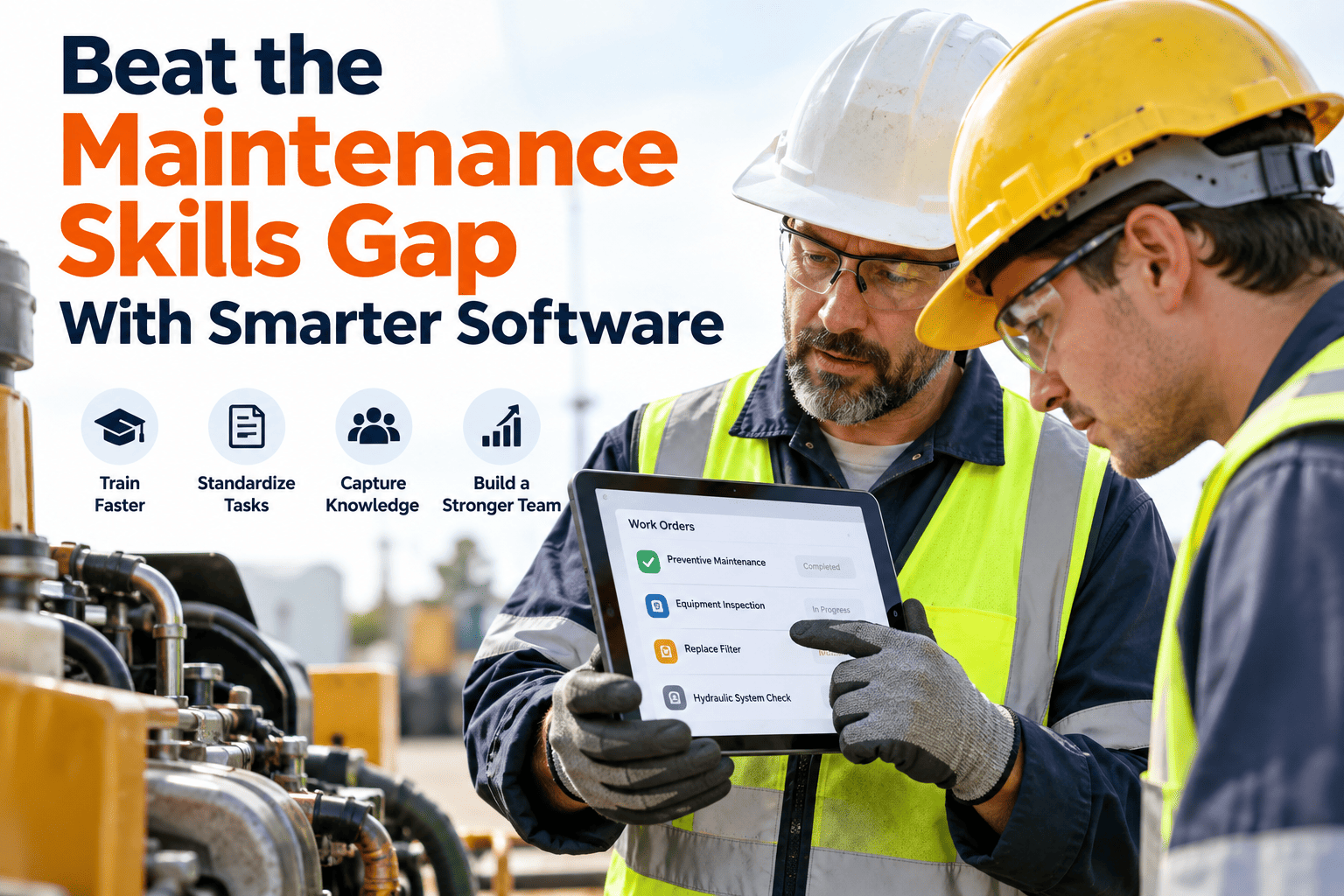
A field engineer in a confined space, gloves on, torch in hand, cannot open a laptop. They can barely type. What they can do is speak — and that single capability is closing the gap between what happens on the plant floor and what makes it into the CMMS. Voice-to-work-order capture lets engineers log findings, raise tasks, attach context, and move on — without stopping work, removing PPE, or walking back to an office. Sign up free to see OxMaint voice capture running on your existing devices.
Voice Work Orders — No Gloves Off, No Office Trip
OxMaint converts field speech into structured work orders, complete with photos, timestamps, and asset links — captured at the point of work, not remembered at the end of the shift.
The Problem Voice Solves — and Why It Matters Now
In a 2025 study of hospital maintenance operations, technicians were spending 38% of each shift on administrative tasks rather than repairs. The culprit was not laziness — it was a workflow built around desktop data entry, not field conditions. Paper notes forgotten by end of shift, completion details re-keyed hours later with context already lost, critical observations never logged because there was no practical way to log them mid-job. Voice capture addresses all three at once.
What a Voice Work Order Captures — Field to CMMS in Under 60 Seconds
The value of voice capture is not just speed — it is completeness. A typed note entered in a hurry is a summary. A spoken note recorded at the asset captures the detail an engineer would otherwise compress or lose entirely. Here is what a single voice entry creates in OxMaint. Book a demo to see the full capture flow live on a mobile device.
What One Voice Note Creates in OxMaint
Structured Work Order Text
AI transcription converts speech to a searchable, structured description — failure type, location, and severity extracted automatically from natural language without requiring a form to fill.
Automatic Timestamp and Asset Link
The work order is time-stamped at the moment of capture and linked to the scanned asset — no manual association, no end-of-shift backfill, no guessing which job was logged at what time.
Photo Attachment
Engineers photograph the fault immediately after speaking — the image is attached directly to the work order record. The photo is taken before the repair, not reconstructed from memory two hours later.
Priority and Routing
Voice-created work orders enter the same prioritisation and routing workflow as any other task — they appear in the supervisor dashboard, trigger parts requests, and feed the maintenance schedule without any special handling.
Offline Queue — Works Without Signal
Voice notes captured in basements, tunnels, or RF-shielded areas queue on the device and sync automatically when connectivity returns — no data lost, no manual re-entry when the engineer resurfaces.
Where Voice Capture Adds Most Value — By Job Type
High Value 01
Confined Space and At-Height Work
When an engineer is inside a vessel, up a ladder, or in a crawlspace, the choice is not between voice and typing — it is between voice and nothing. These are the jobs where the most critical findings go unlogged under paper systems.
High Value 02
Condition-Based Inspections
Walking a 40-asset inspection route, speaking observations into a phone as each machine is checked, produces a richer record than a checklist with ticks. Anomalies get described in context — temperature, noise, vibration pattern — not reduced to a Y/N field.
High Value 03
Emergency Response and Fault Finding
When a pump seal fails at 2 AM, the engineer's priority is the repair, not the paperwork. Voice capture lets them log what they found, what they did, and what parts they used while they are still at the asset — not in a shift debrief that happens six hours later.
High Value 04
Multi-Site and Remote Operations
Engineers covering multiple locations in a single shift cannot return to an office between sites. Voice-created work orders from the field keep the CMMS current across all sites simultaneously — supervisors see live status without a single phone call to the field.
Noise Environments: The Concern — and How It Is Handled
The first objection field service leads raise is always the same: manufacturing floors are noisy, and speech recognition fails in noisy environments. It is a fair concern from 2015. Modern AI transcription handles it differently — noise filtering, close-microphone capture, and industrial-trained language models that understand maintenance vocabulary reduce ambient interference significantly. The practical answer is also simpler than most teams expect: engineers step two metres from the running machine, speak at normal volume, and review the transcription before saving. The workflow adds fewer than 20 seconds and catches any transcription error before it enters the record.
| Environment | Challenge | Practical Approach |
|---|---|---|
| Compressor rooms and pump halls | Continuous high-frequency background noise | Step back from running equipment; close-mic capture on phone held near face |
| Outdoors and remote sites | Wind interference on open-mic capture | Wired or wireless earphone mic eliminates wind noise; standard kit for remote engineers |
| No-signal zones — basements, tunnels | Connectivity loss mid-session | OxMaint offline mode queues voice notes on device; auto-syncs when signal returns |
| Intrinsically safe zones | Restricted device usage in hazardous areas | Capture outside the exclusion zone immediately on exit; voice note stays accurate within a two-minute window |
Getting Engineers to Actually Use It — Adoption Without a Training Course
Technology adoption on the plant floor follows a different logic than in an office. The interface needs to feel like the consumer apps engineers already carry in their pockets — not like a CMMS transplanted onto a small screen. OxMaint's mobile interface is built around how field work actually happens: scan the asset QR code, speak the finding, photograph the fault, confirm and move on. Most technicians are completing voice work orders independently within their first two hours on the app. Sign up free and have your first team capturing voice work orders today.
Start With One Use Case
Pick a job type where voice has the most obvious value — overhead crane inspections, confined space rounds, or emergency fault logging. An early win on a high-visibility task builds credibility faster than a general rollout.
Let Engineers See Their Own Records
Show engineers the work order their voice note created — including how the AI structured it. Engineers who see the quality of their own records adopt the tool faster than those who are told the data is captured somewhere they cannot see.
Phase Out Paper Once Adoption Hits 80%
Do not run paper and voice capture in parallel indefinitely — it duplicates effort and gives holdouts a justification to avoid the new system. Set a transition date and communicate it clearly once adoption reaches the tipping point.
How OxMaint Handles Voice Capture End to End
AI Dictation at 97% Accuracy
Field speech converts to structured CMMS text with maintenance-trained language models. Technical terms, part names, and failure descriptions transcribe accurately without custom vocabulary setup.
QR Scan + Voice in One Flow
Scan the asset tag to pull up full history and open work orders. Speak the finding. Photograph the fault. The entire capture sequence takes under 60 seconds and never requires the engineer to navigate a menu or fill a form.
Full Offline Mode
Voice notes, photos, and checklist completions captured in dead zones queue locally on the device. Everything syncs automatically when signal returns — without any manual action from the engineer.
Supervisor Dashboard — Live
Every voice-created work order appears in the supervisor view in real time — with asset link, timestamp, photo, and priority. No shift-end update call, no paper handover, no catch-up session with the night team.
Speak It. Log It. Close It. No Gloves Off.
OxMaint voice capture works on any iOS or Android device your engineers already carry — no specialist hardware, no training course, no paper in the loop.
Frequently Asked Questions
Does voice capture work in a noisy manufacturing environment?
Yes, with two practical adjustments. Modern AI transcription handles significant ambient noise, but stepping two metres from running machinery before speaking eliminates the most common interference. Engineers using a wired or wireless earphone microphone get the most consistent results regardless of background noise level.
What happens to voice notes captured in a no-signal area?
OxMaint's offline mode stores voice notes, photos, and work order data locally on the device. Everything syncs automatically the moment the engineer returns to a connected area — without any manual action required. No data is lost, and the timestamp reflects the time of capture, not the time of sync.
Do engineers need specialist hardware or new devices?
No. OxMaint voice capture runs on standard iOS and Android smartphones — the devices your engineers already carry. Rugged cases are a practical addition for harsh environments, but no proprietary hardware, head-mounted displays, or specialist devices are required to get started.
How accurate is the transcription for technical maintenance language?
OxMaint AI transcription achieves 97% accuracy on field repair notes. The language model is trained on maintenance vocabulary — bearing designations, part descriptions, failure mode terminology — so technical terms transcribe correctly without requiring custom dictionary setup or training.
How long does it take for engineers to adopt voice work orders?
Most technicians are completing voice work orders independently within their first two hours on the app. The interface is designed around consumer app patterns that engineers already use — scan, speak, photograph, confirm. There are no training weeks, no certification requirements, and no classroom sessions. Most teams reach 80% adoption within 30 days of rollout.