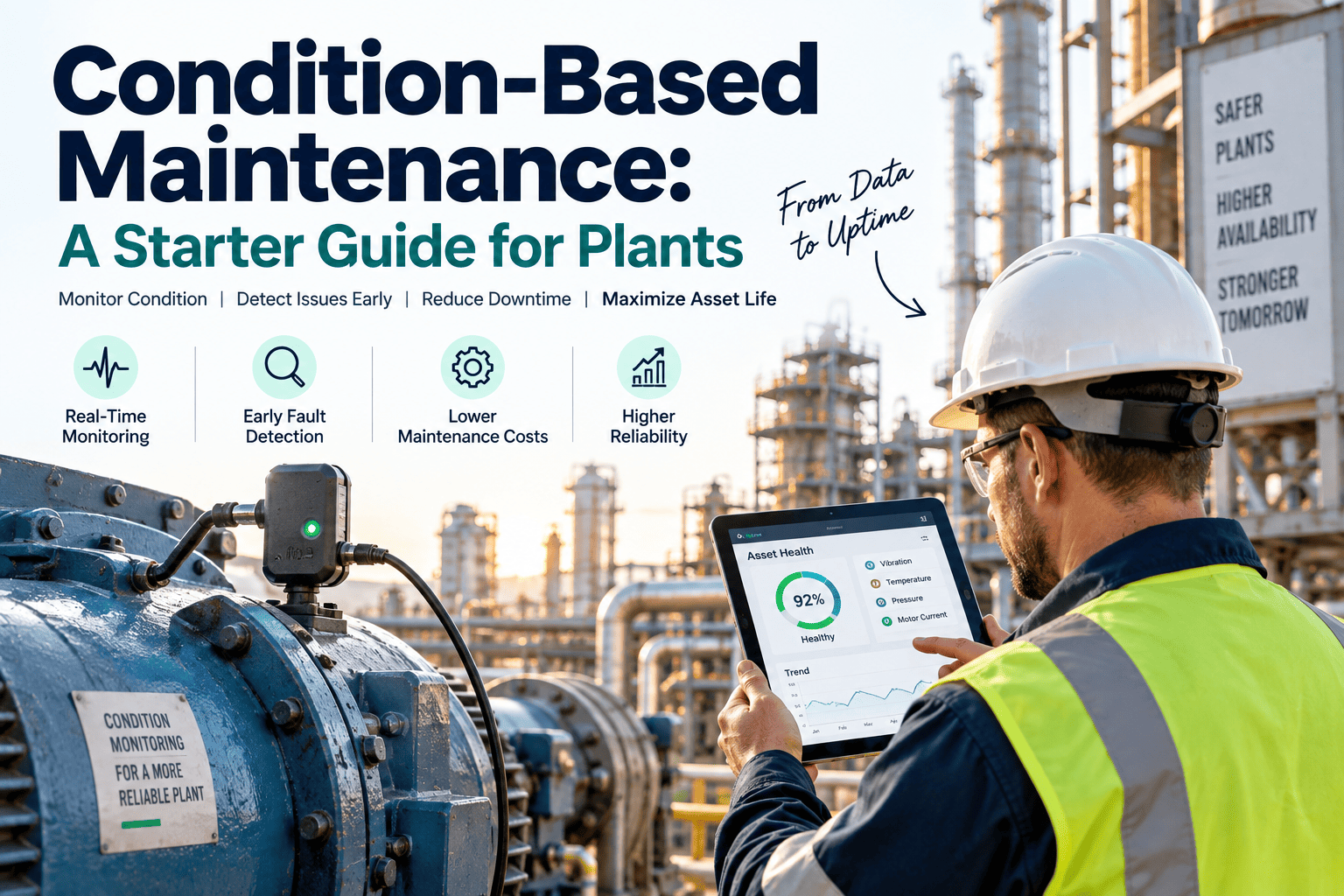
Condition-based maintenance sounds simple in theory — fix things when the data says they need it, not on a fixed calendar and not after they break — but most plants that try to start find themselves stuck on the same three questions: which assets are actually worth monitoring, which sensors are worth the spend, and what happens to the data once it starts arriving. Get the starting point wrong and a CBM program either drowns the team in alerts nobody acts on, or quietly fades back into calendar-based maintenance within a year. This starter guide walks through how to pick the right assets, choose sensors that match the failure mode you're actually trying to catch, and build the response workflow that turns readings into action instead of noise — start a free trial to see how a CBM program looks running on your own asset list.
You don't need sensors on everything to start
The most common reason CBM programs stall is trying to monitor every asset at once instead of starting with the small group of machines where failure is expensive and the warning signs are well understood. A handful of well-instrumented critical assets, matched to the right response workflow, delivers more real value in the first quarter than a plant-wide sensor rollout nobody has time to act on.
Which assets actually earn a spot in a starter CBM program
Not every machine deserves monitoring on day one. The best starting candidates share three traits: failure is expensive, failure is hard to predict by eye, and a known measurable signal exists that gives early warning before it happens.
High cost of failure
Prioritize assets where an unplanned stoppage halts production, damages product, or creates a safety risk, since these are where CBM pays back fastest.
Unpredictable failure pattern
Skip assets that already fail on a predictable, well-understood schedule — calendar-based PM still works well for those and CBM adds little.
A known measurable precursor
Choose assets where vibration, temperature or oil condition reliably changes before failure, giving the sensor something real to detect.
Which sensor answers which question
Buying a sensor before knowing which failure mode it needs to catch is the fastest way to waste a CBM budget. Each monitoring method is built to catch a specific class of problem, not every problem at once.
| Monitoring Method | Best For | Typical Warning Window |
|---|---|---|
| Vibration analysis | Bearings, misalignment, imbalance | Weeks to months ahead |
| Infrared thermography | Electrical connections, overheating | Days to weeks ahead |
| Oil analysis | Gearboxes, hydraulics, engines | Weeks to months ahead |
| Ultrasonic testing | Compressed air leaks, early bearing wear | Immediate to weeks ahead |
Map your first CBM asset list with us
Book a 30-minute walkthrough and we will help identify which assets on your floor are the strongest candidates to start a condition-based program.
Sensors are worthless without a response workflow
The step most starter programs skip is deciding, in advance, exactly what happens when a reading crosses a threshold. Without that workflow, readings pile up in a dashboard nobody checks and the program quietly dies.
Set clear thresholds
Define what reading counts as a warning versus a critical alert for each asset, based on manufacturer guidance and historical data.
Auto-generate work orders
A threshold breach should create a prioritized work order automatically, not wait for someone to notice a chart trending the wrong way.
Assign clear ownership
Every alert needs a named technician responsible for responding, or it will sit unresolved regardless of how good the sensor data is.
Review and recalibrate
Revisit thresholds periodically as more data comes in, since a starting estimate is rarely the right number a year later.
Condition data that turns straight into a work order
OxMaint connects condition monitoring readings directly to the work order system, so a threshold breach becomes a scheduled, tracked task instead of a chart nobody follows up on.
Threshold-based alerts
Set warning and critical thresholds per asset once, and let the system flag breaches automatically rather than relying on manual chart review.
Automatic work order creation
A breached threshold generates a prioritized work order instantly, assigned to the right technician without manual triage.
Trend history per asset
Every reading is stored against the asset over time, making it easy to see whether a repair actually fixed the underlying trend.
Phased rollout support
Start with a handful of critical assets and expand the monitored list over time without rebuilding the workflow each time.
Start small, prove the value, then scale
Join the plants using OxMaint to run condition-based maintenance on their critical assets without an overwhelming sensor rollout.
Condition-based maintenance — frequently asked questions
What is condition-based maintenance?
It is a maintenance strategy that triggers repairs based on real-time equipment condition data rather than a fixed calendar schedule. Start a free trial to try it on a real asset.
How is CBM different from predictive maintenance?
CBM triggers action when a reading crosses a known threshold, while predictive maintenance goes further by forecasting when failure will happen using trend analysis.
How many assets should a starter program cover?
Most successful programs start with a small list of five to fifteen critical assets before expanding, rather than instrumenting the whole plant at once.
Do we need new sensors before starting with OxMaint?
Not necessarily — many plants start with existing readings and manual inspection data before adding dedicated sensors. Book a demo to plan your rollout.
What happens if thresholds are set wrong at first?
This is normal — thresholds should be reviewed and adjusted as real data accumulates, and getting the first estimate slightly wrong is expected.
Build a CBM program that actually gets used
See how OxMaint connects condition data straight to a work order, so your first monitored assets deliver real savings from week one.
Free 14-day trial · No credit card