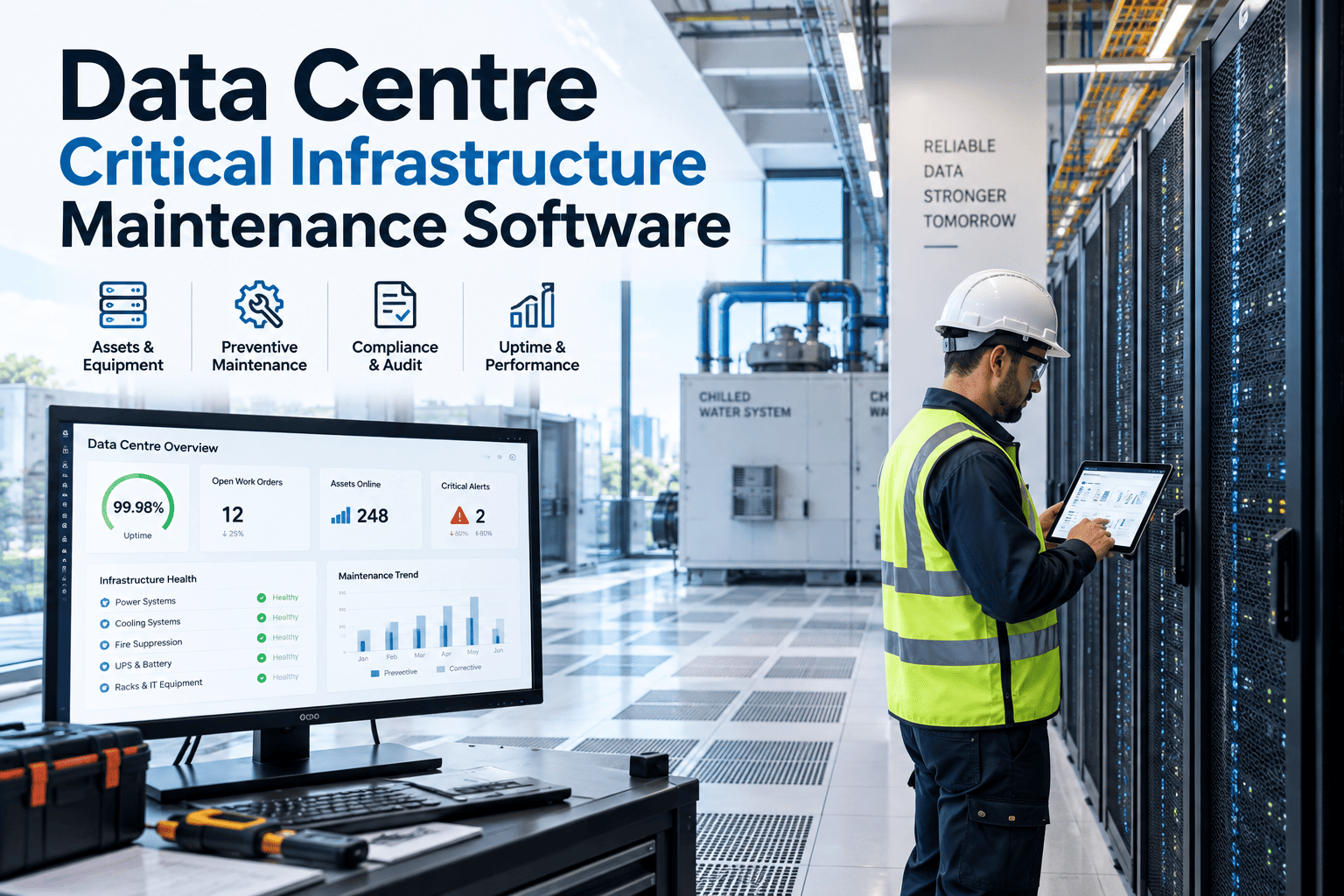
The phrase "AI vision" tends to conjure images of a full line rebuild — new conveyor, new controls, months of downtime. Most factories don't need any of that. A PoE camera mounted above an existing line, an edge compute box that plugs into the network already running through the building, and a link back to the systems already tracking assets and work orders — that's the whole retrofit. No line stoppage, no rewiring the plant floor, no waiting for a capital project to clear budget approval next year. A platform like OxMaint is built to sit on top of what's already there, turning a camera feed into an actionable alert without touching the line itself.
Add Vision AI Without Touching the Line
PoE cameras and edge compute that plug into your existing network, feeding straight into work orders and safety logs.
What a Retrofit Actually Needs
A plug-and-play retrofit is built from four components, most of which either already exist on site or install without disrupting production.
PoE Cameras
Power and data run over a single network cable, so cameras mount without a separate electrical run.
Edge Compute Box
Processes video locally near the line, so detection runs in real time without depending on cloud latency.
Existing Network
Most factories already have enough network infrastructure in place to carry a handful of camera feeds.
CMMS Integration
Connects detections to work orders and safety logs, so the camera's output becomes a tracked action.
Retrofit vs Rebuild
| Factor | Retrofit Approach | Full Rebuild |
|---|---|---|
| Line downtime | Minimal, installed around shifts | Extended, line taken offline |
| Timeline to live | Days to a few weeks | Months of planning and works |
| Capital requirement | Hardware and integration only | Line redesign and infrastructure |
| Scalability | Add cameras line by line | Fixed at rebuild specification |
Where Retrofits Stall
Network Capacity
Older networks can struggle with added video traffic if capacity wasn't checked before cameras went live.
Mounting Constraints
Existing structures don't always have an obvious mounting point with the right angle and lighting for the line.
Change Management
Operators need to understand what's being monitored and why before a camera goes live above their station.
Unclear ROI
Without a defined use case and baseline, it's hard to show the business case improved after deployment.
Retrofit Readiness Levels
Not Assessed
No site survey has been done yet to check network capacity, mounting points, or lighting on candidate lines.
Surveyed & Piloted
One line has been assessed and a pilot camera installed, with detection accuracy being validated on real production.
Scaled & Integrated
Multiple lines are covered, with alerts flowing directly into work orders and safety logs across the site.
The Numbers Behind a Retrofit
The factories getting the fastest return from vision AI aren't the ones rebuilding lines, they're the ones bolting cameras onto what's already running. Sign up free to plan a retrofit for your first line, or book a demo to see how quickly it can go live.
Get Vision AI Live Without a Capital Project
Plug-and-play cameras and edge compute that install around your existing production, live in days rather than months.
Getting Live in Days, Not Months
Survey the Candidate Line
Check network capacity, available mounting points, and lighting conditions before ordering any hardware.
Install Around the Shift
Mount the PoE camera and edge box during a planned break or changeover, avoiding unplanned downtime.
Validate Detection Accuracy
Run the camera against real production for a short period, tuning the model before relying on its alerts.
Connect and Scale
Link alerts into your CMMS, then repeat the process on the next line once the first is proven.
Frequently Asked Questions
Do I need to stop production to install a retrofit camera?
Usually not, since PoE cameras and edge boxes are typically installed during a planned break or changeover rather than requiring the line to be shut down.
What is a PoE camera and why does it matter for retrofits?
Power over Ethernet cameras receive both power and data through a single network cable, removing the need for a separate electrical installation at the mounting point.
Does my existing network need to be upgraded first?
It depends on current capacity and the number of cameras planned, which is why a network check is a standard step in the site survey before installation.
What does an edge compute box actually do?
It processes the video feed locally near the line, allowing detection to happen in real time rather than depending on a round trip to the cloud.
Should we retrofit one line at a time or the whole site at once?
Starting with one line lets you validate detection accuracy and workflow integration before committing to a wider rollout, which is generally the lower-risk path.