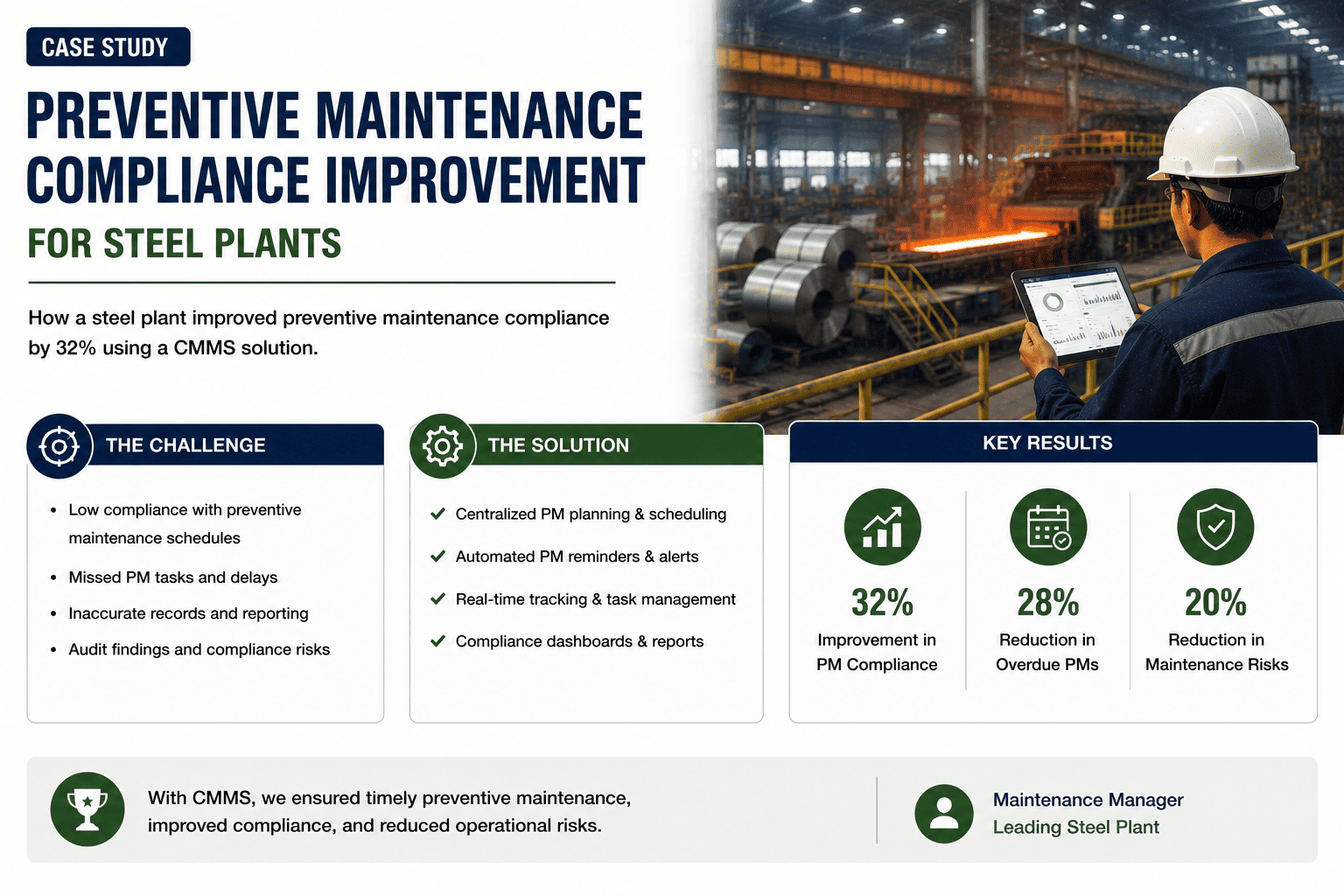
Most preventive maintenance programs don't fail because the schedule is wrong, they fail because the information a technician needs isn't in their hands when they reach the asset. One steel plant's PM compliance had been stuck for years, not from lack of effort, but because lubrication history, inspection checklists, and prior anomalies lived in a paper logbook that may or may not have been at the machine. Moving that information onto a mobile CMMS changed compliance almost overnight. Sign up to see what mobile-first PM tracking could do for your own compliance rate.
PM schedules existed on paper and looked complete on a wall chart, but completion was self-reported after the fact, often from memory. Technicians walked to a desktop terminal to log what they'd done, and any task that felt routine was easy to skip recording, so compliance numbers looked better than the equipment's actual condition.
Paper Process Versus Mobile CMMS
Completion recorded from memory after the shift
Missed tasks discovered weeks later, if at all
Compliance reports took days to compile
Task closed with a photo at the point of work
Missed or overdue PM flagged the same day
Compliance reports generated in minutes
Oxmaint puts checklists, asset history, and photo documentation on the technician's device at the point of work. Sign up for a free trial to see it against your own PM schedule, or book a demo to walk through your compliance data.
PM Program Before And After
The compliance gain wasn't a behavior change so much as a friction change. When recording a completed task took less effort than skipping it, technicians simply did it, and the resulting data made the PM program trustworthy enough to plan around instead of guessing at.
Frequently Asked Questions
Stop Guessing At Your Real PM Compliance Rate
Oxmaint gives technicians checklists, history, and photo documentation right on the shop floor, so compliance data reflects what actually happened. Sign up for a free trial to see it against your own PM schedule, or book a demo to walk through your compliance data.