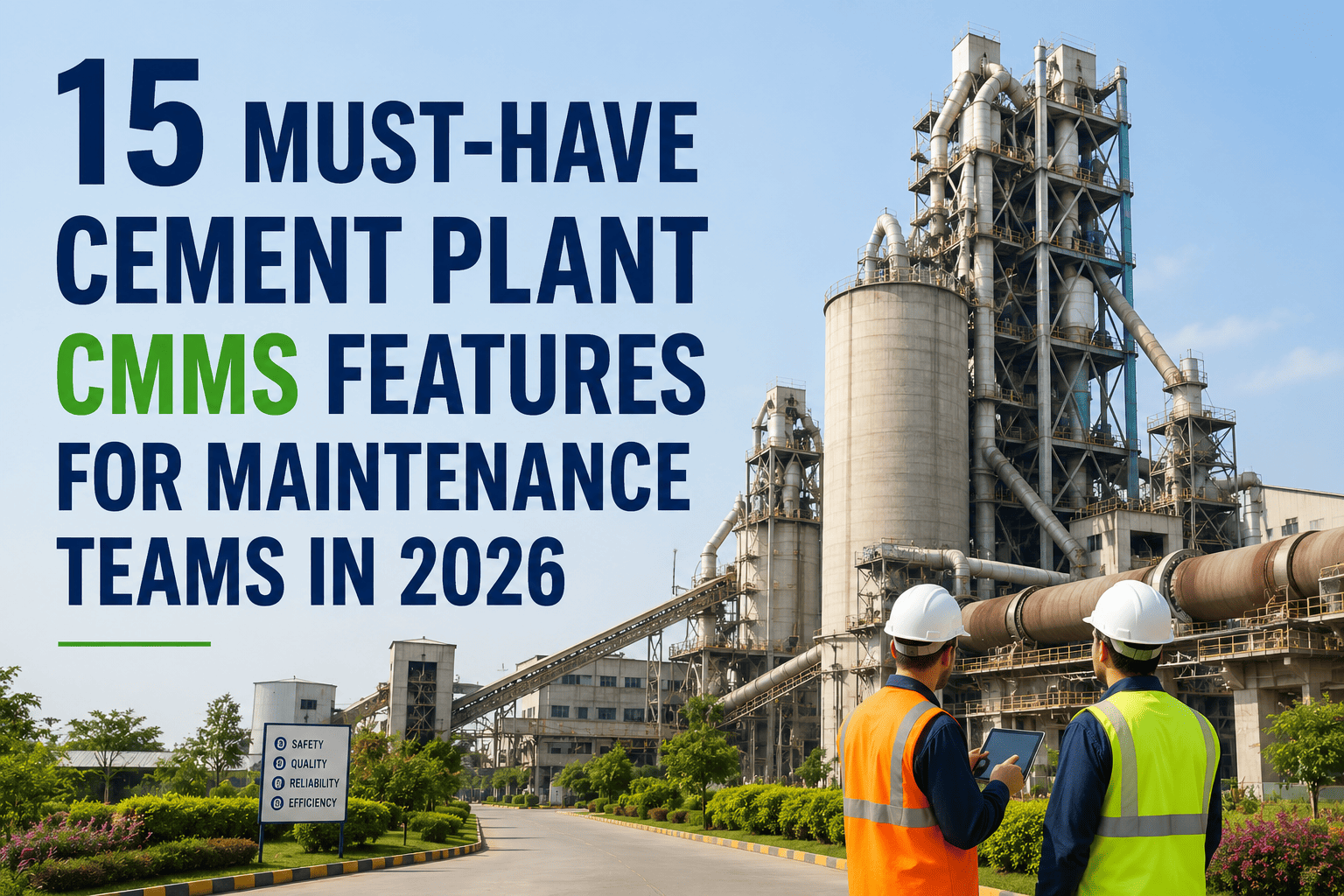
Most CMMS demos look impressive for the first fifteen minutes, then fall apart the moment someone asks about kiln campaign scheduling or offline mobile access near a preheater tower. The feature list matters more than the sales pitch. Here are the 15 features a cement plant CMMS needs in 2026, and the ones that separate a real fit from a repackaged generic tool. Sign up to see all of them working together in one platform.
Why It Matters
A missing feature rarely shows up in the sales demo. It shows up three months later when a technician cannot log a work order offline near the kiln, or when a spares clerk realizes the system cannot flag a critical refractory brick shortage before it becomes an emergency.
Preventive Maintenance Scheduling
Time, run-hour, and cycle-based triggers for kiln, mill, and roll changes
Work Order Management
Structured creation, assignment, and closure with full audit history
Asset Hierarchy & Tracking
Multi-level structure that can represent a kiln, preheater, and cooler as distinct linked assets
Inventory & Spares Management
Critical spares tied to specific assets with reorder thresholds for long-lead parts
Mobile & Offline Access
Work orders that sync automatically once technicians regain signal near the kiln
Predictive Maintenance
Condition monitoring inputs like vibration and temperature feeding into alerts
AI-Powered Failure Prediction
Pattern detection across historical work orders to flag repeat failure risks early
ERP Integration
Two-way sync with SAP or similar systems for cost centers and procurement
Historian & Level 2 Integration
Pulls production and process data to correlate downtime with process conditions
Downtime & Failure Analysis
Reporting that breaks downtime down by root cause, not just total hours lost
Compliance & Safety Workflows
Lockout-tagout steps and audit trails built into high-risk hot-end work orders
Multi-Site Management
One standardized asset structure and reporting view across multiple plants
Vendor & Contractor Management
Tracks contractor work scope, access windows, and completion sign-off
Custom Dashboards & KPIs
MTBF, MTTR, and PM compliance visible by plant area without manual exports
Role-Based Access & Permissions
Different views for technicians, planners, and managers without exposing everything to everyone
Technicians write work order notes on paper because the mobile app does not work near the kiln
Someone manually re-enters SAP data into the CMMS every week because they do not talk to each other
Downtime reports show hours lost but never the actual root cause behind them
A critical spare part ran out with no warning because reorder points were never set up per asset
The Takeaway
Prioritize the must-have features first, preventive maintenance, mobile access, and asset tracking, then layer in AI and advanced dashboards once your team is comfortable with the basics.
Q
Which CMMS feature should a cement plant prioritize first?
Preventive maintenance scheduling and mobile offline access deliver the fastest return, since they directly reduce unplanned downtime and stop technicians from relying on paper near the kiln.
Q
Is AI failure prediction worth it for a smaller plant?
It becomes useful once you have at least six to twelve months of clean work order history. Smaller plants often see more immediate value from getting preventive maintenance and inventory right first.
Q
Does ERP integration replace the need for a CMMS?
No. ERP systems handle finance and procurement, while a CMMS manages the day-to-day maintenance detail like PM schedules and technician work orders. The two should sync, not compete.