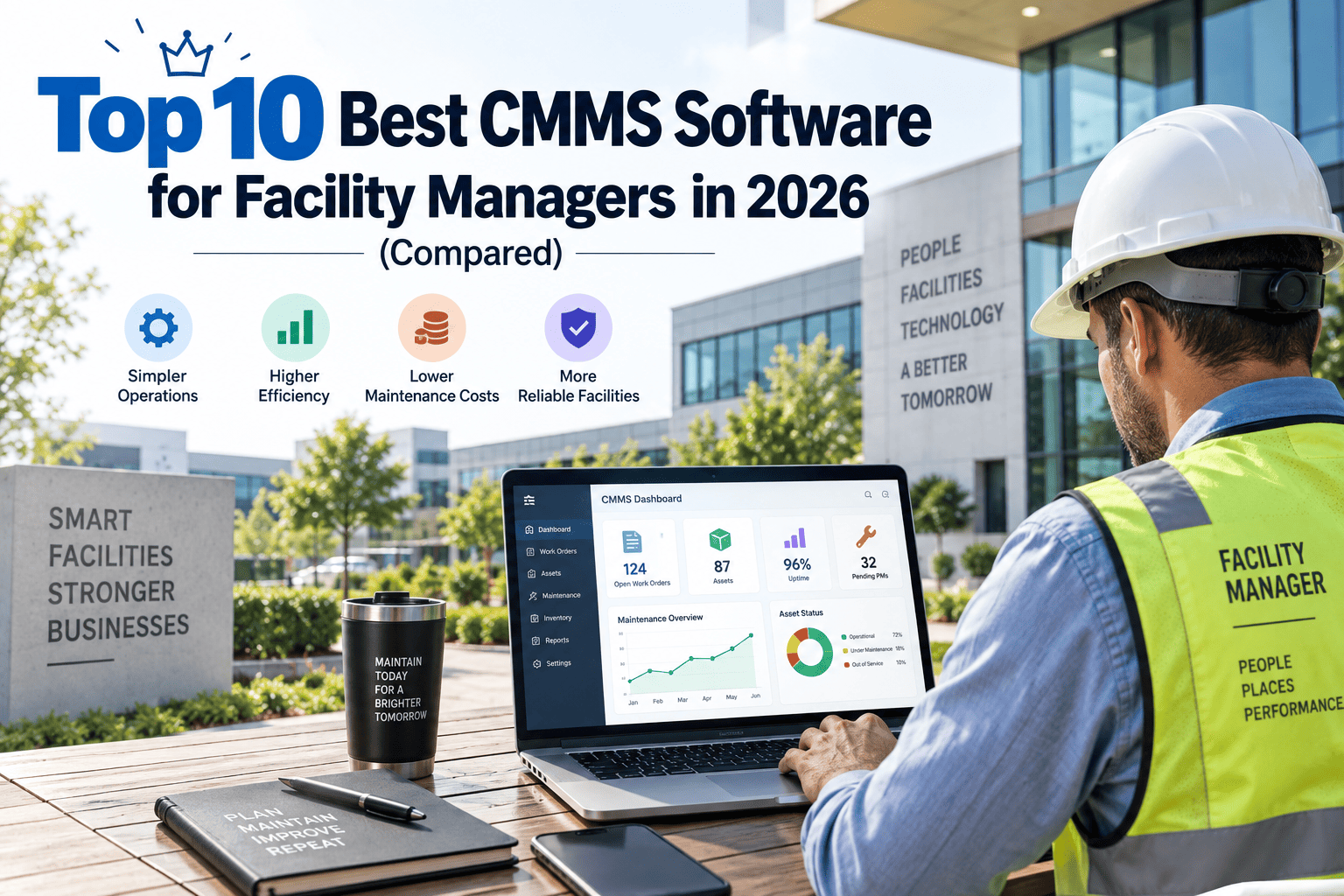
Searching "best CMMS software" turns up a dozen lists that all rank the same six or seven names in a different order, usually sponsored by whichever platform is paying for the placement. Facility managers do not need another vague ranking — they need to know which platform actually fits a building portfolio with maintenance requests, SLA tracking and compliance evidence at the centre of the job, rather than a manufacturing plant's production-line reliability programme. This guide compares ten CMMS platforms genuinely worth shortlisting in 2026, scored against the criteria that matter most for facility teams specifically. You can also try OxMaint free alongside reading the comparison below.
Top 10 Best CMMS Software for Facility Managers in 2026
Compared on mobile usability, deployment speed, compliance depth and pricing transparency — the four factors facility teams actually run into during rollout, rather than the industrial feature checklists most comparison guides are built around.
How We Compared These Platforms
Feature lists look similar across most CMMS platforms today. What actually separates them for facility management use cases is how each one handles the day-to-day reality of buildings, tenants and compliance deadlines — not whether a checkbox exists somewhere in a settings menu.
Why Facility Teams Need Different Criteria Than a Factory Floor
Many CMMS comparison guides are written from a manufacturing or industrial reliability perspective, where production downtime cost and PLC integrations dominate the buying decision. Facility management is a different job with different pressure points. A shopping centre or office portfolio rarely has a production line to protect, but it does have tenants raising requests at odd hours, statutory inspection deadlines that carry legal weight, and SLA commitments written into service contracts that get checked at renewal time. A platform that scores brilliantly on industrial asset hierarchies but makes it painful to log a tenant's leaking tap request from a phone is solving the wrong problem for this audience, however impressive its spec sheet looks on paper during a sales demo.
Quick Comparison
| Platform | Best For | Deployment | Mobile App |
|---|---|---|---|
| OxMaint | Facility teams needing compliance-ready requests fast | Days | Yes |
| UpKeep | Growing teams wanting a mobile-first all-rounder | Days to weeks | Yes |
| MaintainX | Frontline teams running on checklists and procedures | Days | Yes |
| Limble CMMS | Fast setup with practical preventive maintenance | Days | Yes |
| Fiix | Industrial sites needing deep asset integrations | Weeks | Yes |
| eMaint | Mature, multi-site maintenance and EAM programmes | Weeks to months | Yes |
| IBM Maximo | Large enterprises with complex asset ecosystems | Months | Yes |
| Click Maint | Simple, single-plan pricing for essential features | Days | Yes |
| Hippo CMMS | Straightforward preventive maintenance for smaller teams | Days to weeks | Yes |
| Facilio | Portfolio-wide building operations and space data | Weeks to months | Yes |
See Where OxMaint Fits Your Portfolio
Rather than reading feature lists, try OxMaint against your own asset register and maintenance requests to see the fit directly — most teams know within the first week whether a platform actually matches how they work.
The Full Ranking, Reviewed
Each entry below is scored against the four criteria above, with an honest pro and a genuine trade-off for each platform — no vendor pays for placement on this list, and the ranking reflects fit for facility management specifically, not general maintenance software popularity across manufacturing, healthcare or other sectors with very different priorities.
OxMaint
Best for compliance-ready facility teamsBuilt specifically around the way facility teams actually work — maintenance requests raised by QR code or helpdesk convert automatically into prioritised work orders, with SLA timers and proof-of-completion photos attached to every job. Deployment is measured in days, pricing is available without a sales call, and every request stays traceable from the moment it is raised to the moment it is closed, which matters most when an auditor or insurer asks to see the evidence rather than take a manager's word for it.
UpKeep
Best mobile-first all-rounderA well-rounded platform with a mobile-first architecture and a broad feature set covering work orders, inventory and reporting. Popular with growing teams that want room to scale without switching systems later, and consistently ranks near the top of independent CMMS comparisons for its combination of usability and feature depth across a wide range of industries.
MaintainX
Best for checklist-driven frontline teamsKnown for real-time collaboration and a strong procedure builder, MaintainX suits operations that run on checklists, inspections and step-by-step SOPs with built-in team messaging attached to each job, so context never gets lost between the person who reported an issue and the technician who resolves it.
Limble CMMS
Best for fast setup and simplicityLimble is built to be fast to set up and fast to use, with practical preventive maintenance scheduling and solid reporting without a steep learning curve for new technicians, making it a common choice for teams replacing a spreadsheet-based system for the first time.
Fiix
Best for asset-heavy industrial sitesOwned by Rockwell Automation, Fiix leans industrial with strong asset hierarchies, parts management and integrations, suiting plants and facilities with large numbers of critical machines where downtime cost, not just maintenance request volume, drives the buying decision and the return on investment case.
eMaint
Best for mature multi-site programmesA configurable CMMS and EAM platform suited to organisations with an established maintenance programme spanning multiple sites and a need for deeper customisation than entry-level tools offer, typically chosen once a team has outgrown a simpler starting platform.
IBM Maximo
Best for large, complex enterprisesAn enterprise asset management platform capable of handling extremely complex asset ecosystems, typically chosen by large organisations with dedicated IT resource to manage the implementation and the ongoing configuration it demands across multiple business units and reporting lines.
Click Maint
Best for simple, transparent pricingA straightforward CMMS covering work orders, preventive maintenance, assets and vendors, with a single-plan pricing model that keeps budgeting simple for smaller facility teams that want to avoid the tiered add-on pricing common elsewhere in the category.
Hippo CMMS
Best for smaller facility teamsA straightforward preventive maintenance and work order tool aimed at smaller facility teams that want core functionality without the complexity of an enterprise-scale platform, or the implementation resource one usually demands from an already stretched maintenance team.
Facilio
Best for portfolio-wide building operationsA building operations platform that extends beyond maintenance into portfolio-wide space and performance data, suiting operators managing several large properties as one connected estate where building performance, not just work orders, is the primary reporting need for stakeholders.
Pricing Models to Expect
Most CMMS platforms price per named user or technician per month, though the details vary enough to catch out an unprepared buyer. Some charge only for people who action work orders, while letting anyone submit a request for free — worth checking closely if a large number of tenants or staff need to raise tickets without becoming a licensed seat. Others bundle mobile access, reporting and integrations into every tier; a few hold the features facility teams need most, like SLA tracking or audit exports, behind a higher-priced plan. The only reliable way to know your actual cost is to map your real user counts and required features against a vendor's published plans, rather than accepting a headline "starting from" price at face value, and then asking directly what triggers a move to the next tier up.
Compare OxMaint Against Your Shortlist
Most facility teams narrow this list to two or three platforms before deciding. Put OxMaint on your shortlist and see how it holds up against your actual requirements.
What to Actually Look For Before You Buy
Feature comparisons only get you so far. These are the questions worth asking during a trial or demo, before any contract gets signed and before a vendor's sales deck does the talking instead of the product itself.
Can a maintenance request raised by QR code or helpdesk become a work order without manual re-entry by someone in the office, or does a person still have to retype it?
Does the platform track SLA response and resolution times automatically, or does someone have to calculate that manually at the end of each month?
Can engineers attach proof-of-completion photos on site, and are those photos retained against the job record for audit purposes rather than living in a separate app?
Is pricing published clearly on the vendor's website, or does every quote require a sales call before you know what it will actually cost your team?
How long does a real pilot take to get live — days, or a multi-month implementation project before the first job is even logged in the system?
None of these five questions require a technical background to ask, and a vendor that hesitates on any of them during a demo is telling you something worth paying attention to before you commit budget and a rollout timeline to their platform.
The pattern above holds true across most facility portfolios we've spoken with, as this manager's experience of shortlisting three platforms before choosing illustrates.
We trialled three platforms from a similar shortlist before choosing. The difference that mattered most in practice wasn't the feature list — it was how quickly our engineers actually started using it without training sessions, and whether the compliance records held up when our insurer asked to see them during a routine renewal review. Two of the three platforms looked identical in a demo but fell apart once real tenants started raising real requests at scale.
Facilities Manager, UK Multi-Site Retail PortfolioIf nothing on this list feels like an exact fit, that's a normal outcome — most facility teams end up trialling two or three platforms in parallel before committing, and the right choice usually becomes obvious within the first couple of weeks of real use rather than during a sales demo.
Frequently Asked Questions
What is the difference between a CMMS and an IWMS?
A CMMS focuses specifically on maintenance — work orders, preventive maintenance and asset history. An IWMS is a broader enterprise platform that adds real estate, space planning and sustainability reporting alongside maintenance, and typically takes far longer to deploy, often six to eighteen months against a CMMS rollout measured in days or a few short weeks.
Is the cheapest CMMS usually the best choice?
Not necessarily. A low sticker price with poor mobile adoption or missing compliance features often costs more in lost technician time and audit risk than a slightly higher-priced platform your team actually uses consistently every day. The real cost of a CMMS is rarely the licence fee — it's the maintenance work that still slips through the cracks because nobody logs into it.
How long should a CMMS trial run before deciding?
Two to four weeks against real work orders is usually enough to see whether technicians adopt it naturally, rather than reverting to text messages and paper notes within the first few days. You can sign up free to trial OxMaint against your own portfolio on that timeline.
Do small facility teams need the same CMMS as large enterprises?
No. A single-site or small multi-site team is usually better served by a fast-to-deploy, mobile-first platform than an enterprise asset management system built for portfolios many times larger, where the extra configuration options add overhead rather than value for a smaller operation.
Can I switch CMMS platforms later without losing my data?
Most platforms support data export, though the ease varies significantly between vendors and export formats. Ask any vendor directly how asset history and request records export before committing, ideally in writing, so it isn't a surprise later. Book a demo to see how OxMaint handles this.
Ready to Try the Platform Built for Facility Teams?
OxMaint combines fast deployment, mobile-first work orders and audit-ready compliance records in one system — see how it compares on your own portfolio, not just on paper, and decide for yourself where it lands on this list.