Most CMMS selections go wrong before a single vendor is contacted. Teams watch a demo, get impressed by a slick interface, then write requirements that quietly describe the product they've already seen — rather than the problems they actually need solved. A structured RFP forces vendors to compete on your operational requirements, not their marketing. This free template gives UK maintenance teams the section structure, question bank and scoring framework to run a fair, comparable evaluation. Sign up free to see how OxMaint answers each section before you send a single RFP.
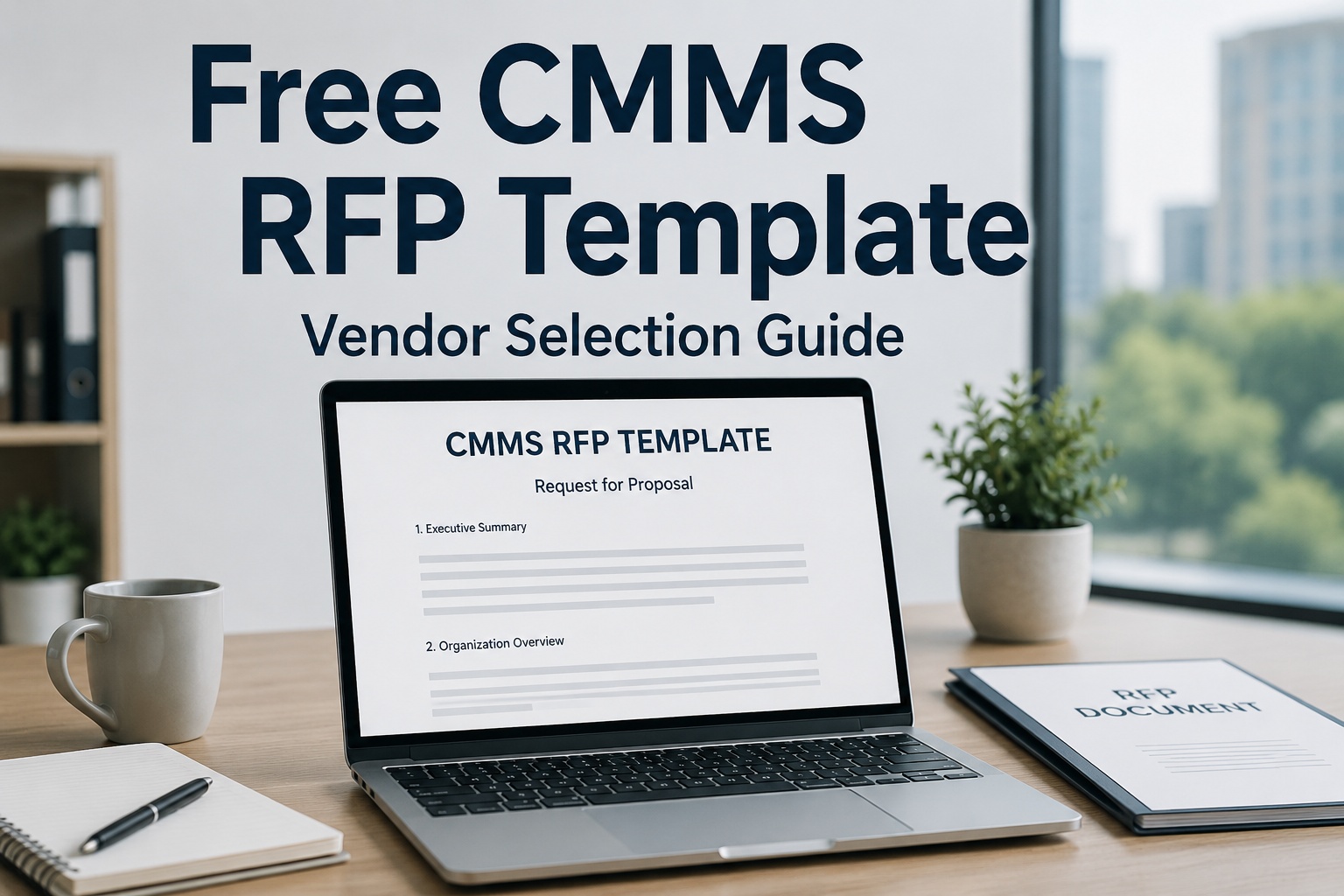
Free CMMS RFP Template
Word-ready. Structured sections for features, integrations, security, implementation, support and 5-year TCO — built for a fair vendor comparison.
.DOCX format
No sign-up wall
Scoring framework included
Why Skipping a Formal RFP Costs More Later
Defining requirements after watching vendor demos is one of the most common — and most expensive — procurement mistakes. It anchors the team to features they've seen rather than problems they need solved. Teams that demo before defining requirements are far more likely to select the first vendor they see, regardless of fit, simply because nothing else gets a fair comparison afterwards.
Demo Before Requirements
Anchors evaluation to what's been shown, not what's actually needed
Vague "Must-Have" Lists
Generic requirements like "must be user-friendly" get generic answers
Evaluating With Demo Data
Every vendor looks brilliant on curated sample data, not your real backlog
Comparing List Price Only
Sticker price ignores implementation, training and support costs
What's Inside the Template
The template is organised into six sections, each with a bank of specific questions rather than generic prompts — so vendor responses are actually comparable side by side.
Core Features
Work orders, PM scheduling, asset management, mobile access
Integrations
ERP, SCADA, IoT sensors, accounting and existing systems
Security & Compliance
Data hosting, access controls, audit trails, certifications
Implementation
Timeline, data migration, training and rollout support
Support & Vendor Stability
Response times, escalation paths, company track record
5-Year TCO
Licence, implementation, training, support tiers, escalations
Weighting Requirements So They Actually Differentiate
Not every requirement deserves equal weight. A short, honest list of genuine deal-breakers gets far more useful vendor responses than a long list where everything is marked critical.
Must-Have
Genuine deal-breakers — typically 3 to 7 items total
Should-Have
Important, scored but not disqualifying if missing
Nice-to-Have
Tie-breakers between otherwise similar proposals
Why List Price Is Only Half the Story
Comparing vendors on subscription cost alone hides the majority of what a CMMS actually costs over its lifetime. Licence fees typically represent only 40-55% of total five-year cost — implementation, integrations, training, support tier upgrades and annual price escalations are where budgets actually overrun.
Visible: Licence Fee
40-55%
Hidden: The Other 45-60%
Implementation
Data migration
Training
Support tier upgrades
Annual escalations
Integration costs
Always ask vendors to present pricing in a standard 5-year TCO format so proposals are genuinely comparable.
See OxMaint's Full RFP Answers, Live
Walk through features, integrations, security and a transparent 5-year TCO breakdown in a 30-minute session built around your requirements.
Expert Perspective: Scoring Vendors Fairly
If everything on your requirements list is marked "must-have," nothing actually differentiates the vendors who respond. Most well-run CMMS selections have only three to seven genuine deal-breakers — the rest should be scored as "should-have" or "nice-to-have," weighted accordingly. Weight technical fit and total cost of ownership higher than sticker price; the cheapest platform that doesn't solve your problem costs far more than a moderately priced one that does.
Reserve "Must" for Deal-Breakers
Genuine must-haves are rare. Overusing the label makes every vendor response look the same.
Evaluate With Real Data
Require shortlisted vendors to demonstrate against your actual work orders and asset data, not curated demo content.
Call Every Reference
Ask what surprised them during implementation and whether they'd choose the same vendor again.
Running a Fair Evaluation Process
For most mid-market selections, three to six vendors is the practical sweet spot — enough for genuine comparison without the evaluation collapsing under its own weight. Sign up free and try OxMaint against your own asset data before sending out formal invitations, so you know what a strong response looks like.
1
Define Requirements
Written before any vendor contact
2
Screen with RFI
Narrow a longer list to 3-6 vendors
3
Send Formal RFP
Detailed questions, scoring criteria attached
4
Demo With Real Data
Shortlisted vendors, your own work orders
5
Score, Then Compare Cost
Technical fit first, price as a final step
Making the Final Decision
Once responses are in, score against your weighted criteria before anyone looks at price — then bring cost into the conversation as a separate, final step. This ordering keeps technical fit from being quietly overridden by a lower number on the final page. Book a free demo to see how OxMaint scores against your criteria.
Frequently Asked Questions
How many vendors should we include in a CMMS RFP?
For most mid-market and enterprise selections, three to six vendors is the practical range. Fewer than three limits genuine comparison, while more than six often makes the evaluation unmanageable without adding meaningfully better options. Narrow to this range using a shorter initial screening step before sending the full RFP.
What's the difference between RFI and RFP in CMMS procurement?
An RFI (Request for Information) is typically a lighter-weight step used to screen a longer vendor list down to a manageable shortlist, asking broad questions about capability and fit. An RFP (Request for Proposal) is the detailed, formal document sent to shortlisted vendors, requesting specific answers, pricing and implementation commitments that form the basis of a final decision.
How should we weight features versus total cost of ownership?
Technical fit and total cost of ownership should generally outweigh list price alone. A platform that doesn't solve your operational problem is expensive regardless of subscription cost, while genuine total cost of ownership — including implementation, training and support tiers — often tells a very different story than the initial quote.
Should we let vendors demo before or after the RFP process?
Define your requirements and send the RFP before any vendor demonstrations. Demoing first tends to anchor requirements to features already seen, rather than the actual problems needing solved, and organisations that demo before defining requirements are considerably more likely to select the first vendor presented regardless of overall fit.
Can I customise this RFP template for our specific industry?
Yes. The template's six-section structure applies broadly across CMMS selections, but the specific questions within each section — particularly around integrations, compliance and asset types — should be adapted to your industry and existing systems. Replace generic prompts with specifics relevant to your operation wherever possible.
Put OxMaint Through Your RFP Process
See detailed answers on features, integrations, security and total cost of ownership. Book a free 30-minute walkthrough built around your requirements.