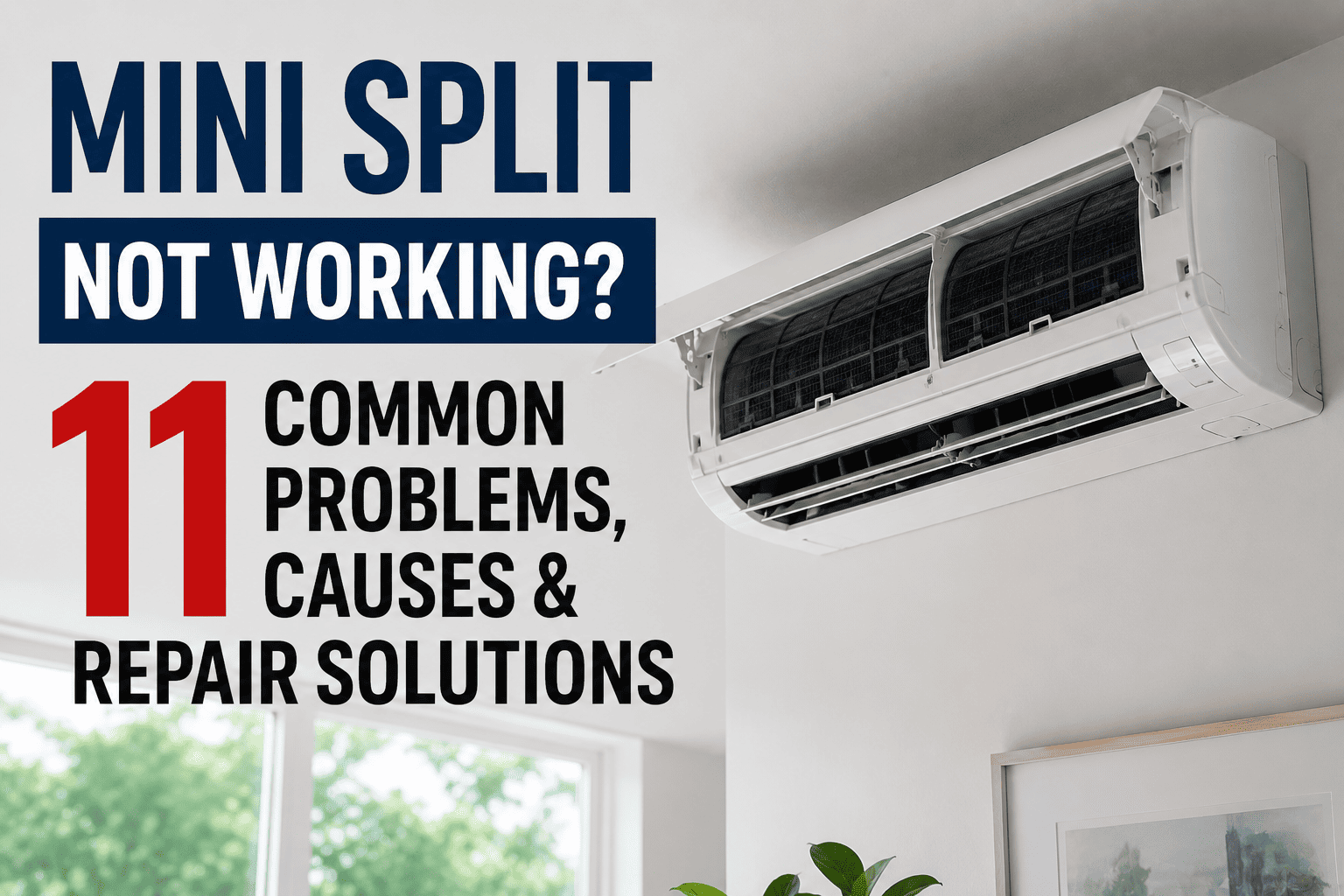
A mini split that stops working in a commercial building is not just a comfort complaint — it is lost productivity, a tenant escalation, and an emergency repair bill hitting your budget on someone else's schedule. Mini split systems now account for over 40% of new commercial cooling installations, yet most facility teams have no structured process to track faults, log repairs, or prevent the next failure. This guide covers 11 of the most common mini split problems, what causes them, how to fix them, and how a CMMS like OxMaint keeps your entire HVAC fleet running on a schedule — not on luck.
Stop Reacting to Mini Split Failures — Start Preventing Them
OxMaint gives your team automated PM schedules, fault history logs, and work order tracking for every HVAC unit in your building — one platform, zero spreadsheets.
Why Commercial Mini Splits Fail More Than You Think
Commercial mini splits run longer hours and handle heavier loads than residential units. A unit serving a server room may cycle 24 hours a day. A retail zone unit contends with constant door traffic and occupancy swings. Without documented maintenance intervals, small faults — a dirty filter, a partially blocked drain — compound into compressor failures and emergency shutdowns.
Reactive HVAC repairs cost 3 to 5 times more than scheduled preventive maintenance when you account for emergency labor premiums, expedited parts, and tenant downtime. Facilities running structured PM programs reduce unplanned HVAC failures by 73% and extend equipment lifespan from 12 years to over 20. Book a demo to see how OxMaint automates this for commercial teams.
11 Common Mini Split Problems — Causes and Fixes
Unit Will Not Turn On
Tripped circuit breaker, blown fuse, dead remote batteries, or faulty control board. In commercial settings, shared panel power surges are a frequent trigger.
Reset the breaker, replace remote batteries, check the outdoor disconnect switch. If none resolve it, test wiring and the control board with a licensed technician.
Not Cooling or Heating Effectively
Clogged air filter blocking airflow across the evaporator coil, wrong operating mode selected, or a unit undersized for the zone it serves.
Clean or replace the filter — this resolves the majority of performance complaints. Confirm the correct mode is selected. Verify setpoint temperature is appropriate for the space.
Ice Forming on Coils
Restricted airflow from a dirty filter or blocked return vent, or low refrigerant causing abnormally low coil pressure and temperature.
Shut the unit off and let ice thaw fully before restarting. Clean filters and clear obstructions. If ice returns after cleaning, suspect a refrigerant leak — call a technician.
Water Leaking from Indoor Unit
Blocked condensate drain line, cracked drain pan, or freeze-thaw cycles caused by dirty filters creating excess condensation overflow.
Flush the drain line with a wet-dry vacuum or diluted vinegar. Inspect the drain pan for cracks. Schedule monthly drain line checks as a standard PM task.
Refrigerant Leak
Corrosion on refrigerant lines, vibration-induced joint cracks, or improper installation. A sweet or chemical odor near the unit is a warning sign.
Refrigerant work requires EPA 608 certification. Contact a licensed technician to locate the leak, repair the line, and recharge to manufacturer specifications.
Unusual Noises — Rattling, Banging, or Squealing
Rattling points to loose panels or debris inside the unit. Squealing indicates worn blower wheel bearings. Banging suggests a loose or failing compressor mount.
Tighten loose covers and clear debris from around the outdoor unit. Persistent squealing or banging requires a technician before the fault escalates to component failure.
Musty or Unpleasant Odor
Mold or mildew growth on the evaporator coil, drain pan, or blower wheel — common in high-occupancy commercial zones with elevated humidity.
Clean the coil and drain pan with an approved coil cleaner. Run dry mode for 30 minutes after cooling cycles. Schedule professional coil cleaning semi-annually in humid environments.
Temperature Sensor Malfunction
Thermistor contamination from dust buildup, physical damage, or sensor drift causes inaccurate room readings and erratic cycling patterns.
Gently clean the sensor with a soft cloth and verify it is properly positioned away from the coil. If erratic cycling continues, replace the sensor — a low-cost fix with high performance impact.
Error Code on Display Panel
Manufacturer fault codes signal communication errors between indoor and outdoor units, compressor protection trips, high-pressure faults, or sensor failures.
Record the exact code and cross-reference the manufacturer's service manual. Attempt a 5-minute breaker reset. If the code returns, it requires technician diagnosis — recurring codes must not be ignored.
Outdoor Unit Fan Not Running
Failed capacitor (the most common outdoor unit failure), debris blocking the fan blade, burned-out fan motor, or a thermal overload trip from restricted airflow around the unit.
Clear all debris and maintain two feet of clearance on all sides. Capacitor and motor replacement requires a technician. Without the outdoor fan, the compressor overheats within minutes.
Short-Cycling — Turning On and Off Repeatedly
Oversized unit for the zone, refrigerant overcharge, dirty coils causing rapid pressure buildup, or a faulty thermostat triggering false satisfied-temperature readings.
Clean indoor and outdoor coils. Verify refrigerant charge is within manufacturer spec. If properly sized and maintained but still short-cycles, the inverter board or control module may need replacement.
Quick Diagnostic Reference
Use this table as a first-pass checklist before escalating to a service call. Commercial maintenance teams that follow this framework resolve 30–40% of reported issues without dispatching a technician. Sign up free and log every check directly in OxMaint for a full audit trail.
| Symptom | Check First | Likely Root Cause | Who Handles It |
|---|---|---|---|
| Won't turn on | Breaker, remote batteries, disconnect switch | Power supply interruption | DIY check first |
| Weak airflow / no cooling | Air filter condition | Clogged filter | DIY |
| Ice on coils | Filter, return vents, refrigerant | Airflow restriction or low refrigerant | Technician if refrigerant |
| Water dripping inside | Condensate drain line, drain pan | Blocked drain | DIY flush first |
| Sweet or chemical odor | Refrigerant lines, service ports | Refrigerant leak | Technician required |
| Musty odor | Evaporator coil, drain pan, filter | Mold or mildew buildup | DIY cleaning |
| Rattling or banging | Panel screws, debris near outdoor unit | Loose components or debris | DIY check first |
| Error code displayed | Service manual, power reset | Sensor or communication fault | Technician if recurring |
| Short-cycling | Coil cleanliness, thermostat settings | Dirty coils or faulty control | Technician for refrigerant |
Reactive vs. Preventive: The True Cost Gap
- Emergency labor at 1.5x–3x standard rates
- Refrigerant leak repair: $300–$1,000
- Compressor failure: $1,200–$3,500
- Drain clog causing ceiling damage: $1,500+
- Average equipment lifespan: 10–12 years
- Full system replacement triggered early
- Scheduled PM at standard labor rates
- Leak caught at quarterly inspection: $150–$400
- Coil cleaning prevents compressor strain
- Monthly drain flush costs nothing in parts
- Average equipment lifespan: 20–22 years
- 545% documented ROI on PM investment
Preventive Maintenance Schedule — By Frequency
Inspect and clean all indoor unit air filters
Verify correct operating mode on all units
Check condensate drain lines are clear
Note any unusual odors, sounds, or leaks
Clean evaporator and condenser coils
Inspect refrigerant lines for corrosion
Clear perimeter around all outdoor units
Test thermostat and sensor calibration
Refrigerant charge verification by licensed tech
Electrical connection inspection and tightening
Capacitor and fan motor condition assessment
Blower wheel cleaning and bearing lubrication
Firmware updates for smart mini split controllers
Replace units over 15–20 year service life
Investigate and document all recurring error codes
Capacity review after space layout changes
When to Repair vs. When to Replace
Not every failing mini split deserves a repair. Use this framework to guide replacement decisions — and log every unit's history in OxMaint so the data is there when you need it.
- Unit is under 10 years old
- Repair cost is under $1,500
- Failure is isolated to a single component
- Refrigerant type is current (R-410A or R-32)
- No pattern of repeated failures in past 2 years
- Unit is 15+ years old
- Repair cost exceeds $5,000–$6,000
- Compressor failure on an aging system
- Refrigerant type is R-22 (phased out, costly)
- Multiple failures logged within 12 months
How OxMaint Manages Mini Split Assets
Automated PM Schedules
Set monthly, quarterly, and annual maintenance triggers per unit. Work orders generate automatically and route to the right technician before a fault develops.
Work Order Tracking
Every repair, cleaning, and inspection is logged against the specific asset — building a service history that makes repair-versus-replace decisions data-driven, not guesswork.
Asset Registry
Track every mini split by location, model, install date, refrigerant type, and full service history — across one building or an entire property portfolio.
Fault Alerts and Reporting
Maintenance staff get notified on overdue tasks or recurring faults. Management sees HVAC reliability across the full asset base without chasing spreadsheets or status emails.
Give Your Facility Team a Smarter Way to Manage Mini Splits
OxMaint automates PM schedules, logs every work order, and surfaces the repair history your team needs to stop reactive HVAC spending before it compounds.
Frequently Asked Questions
Why is my mini split running but not cooling?
The most common cause is a clogged air filter blocking airflow across the evaporator coil. Clean or replace the filter first. If the system still underperforms, verify it is in cooling mode and that the outdoor unit fan is operating. Persistent underperformance typically points to a refrigerant issue, which requires a licensed technician. Sign up free to start logging and tracking every filter change and service event per unit.
How often should commercial mini splits be serviced?
Filters should be inspected monthly and cleaned or replaced as needed. Coils, drains, and electrical connections require quarterly inspection. A full annual service visit by a qualified HVAC technician — covering refrigerant verification, electrical tightening, and motor assessment — is the standard for commercial units in continuous operation.
What does a mini split error code mean?
Error codes are manufacturer-specific diagnostic signals for faults such as communication errors, high-pressure trips, or sensor failures. Record the exact code, attempt a 5-minute breaker reset, and cross-reference your manufacturer's service manual. Recurring codes require technician investigation — they do not resolve themselves. Book a demo to see how OxMaint logs error codes against asset history for faster diagnosis.
When should a mini split be replaced instead of repaired?
Industry guidance holds that if repair costs exceed $5,000–$6,000 and the unit is more than 10–12 years old, replacement is typically more cost-effective. Compressor failure on an aging unit, an R-22 refrigerant system, or a pattern of repeated failures within 12 months are all clear replacement indicators.
How does a CMMS help with mini split maintenance?
A CMMS like OxMaint automates maintenance scheduling so filters, coils, and drains are serviced on a defined cycle rather than reactively. It logs all service history per unit, generates work orders for field technicians, and gives management real-time visibility into HVAC asset health — replacing spreadsheets with a program that actually runs itself.