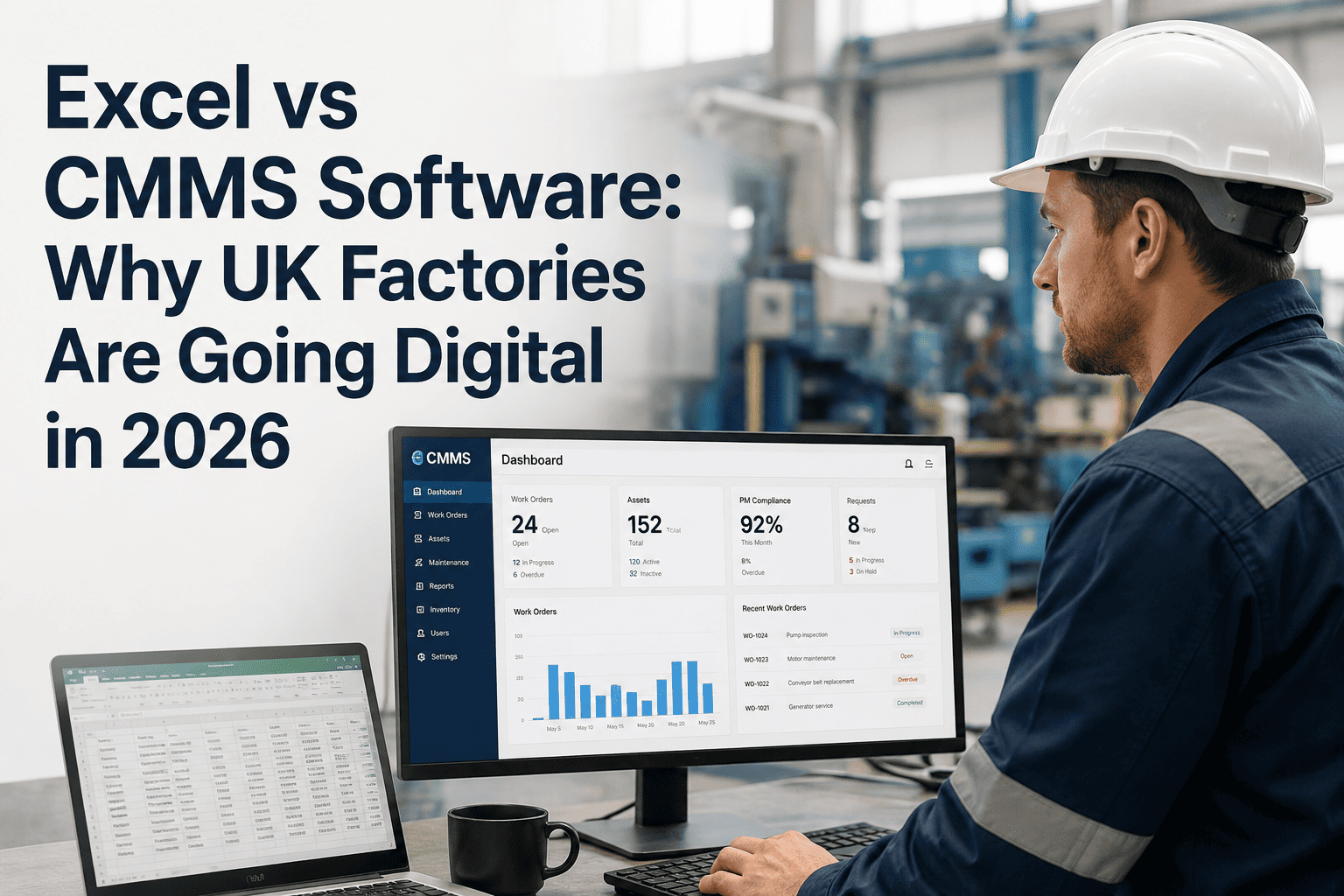
UK factory floors are changing fast. Maintenance teams that once relied on spreadsheets are discovering something uncomfortable: Excel was never built for maintenance management — and in 2026, the cost of that mismatch is showing up on the bottom line.Many UK factories are moving from Excel spreadsheets to Oxmaint and other CMMS platforms to improve maintenance efficiency in 2026. While Excel is useful for basic tracking, it often becomes difficult to manage as maintenance operations grow. CMMS software helps teams automate work orders, schedule preventive maintenance, and track equipment performance in real time. Digital systems also reduce manual errors, improve reporting accuracy, and save valuable time for maintenance teams. As industries continue adopting digital transformation, CMMS solutions are becoming a smarter and more scalable alternative to traditional spreadsheets.
Industry Insight 2026
Excel vs CMMS Software: Why UK Factories Are Going Digital
The case for leaving spreadsheets behind — and what the data says
67%
of UK factories still use spreadsheets for maintenance tracking
3x
more unplanned downtime in Excel-managed facilities
21%
average maintenance cost reduction after switching to CMMS
The Real Problem With Excel
Spreadsheets feel safe. Every maintenance manager knows how to use them. But that familiarity hides a serious operational risk — and UK factories are starting to pay for it. Sign up free to see what your maintenance data should really look like.
Excel For Maintenance
- No real-time visibility — data is always stale
- No automatic alerts when assets need attention
- PM schedules tracked manually, missed easily
- Zero integration with sensors or DCS systems
- One person edits at a time — version chaos
- No audit trail for compliance reporting
CMMS Software
- Live asset health dashboards across all equipment
- Auto-generated work orders from sensor triggers
- Condition-based PM — maintain when needed
- Integrates with DCS, vibration, oil analysis data
- Multi-user, mobile-accessible, always in sync
- Full digital audit trail — BSI and ISO compliant
Head-to-Head: The Numbers That Matter
Excel vs CMMS — Performance Comparison for UK Factories
Why UK Factories Are Making the Switch in 2026
Three forces are pushing UK manufacturers off spreadsheets this year. Book a demo to see how factories in your sector are making the transition.
01
Energy Costs Are Forcing Efficiency
With UK industrial energy prices still elevated, unplanned downtime is more expensive than ever. A single forced outage that once cost £80,000 in lost production now costs significantly more. Factories can no longer afford to find out about equipment failure after it happens.
02
Compliance Requirements Are Tightening
ISO 55001 asset management standards and sector-specific audits now expect digital, traceable maintenance records. A spreadsheet from six months ago does not pass a modern audit. UK factories facing BSI certification are finding that CMMS is no longer optional.
03
Experienced Engineers Are Retiring
The tribal knowledge held in the heads of long-serving maintenance engineers is walking out the door with them. CMMS systems capture that knowledge — failure histories, asset quirks, intervention records — so the next generation does not start from zero.
The Hidden Costs of Staying on Excel
Most factories calculate the cost of switching to CMMS. Few calculate the cost of not switching. Here is what spreadsheet-managed maintenance actually costs UK factories every year.
What Excel-Based Maintenance Really Costs
Unplanned downtime losses
Highest impact
Over-maintenance from calendar-only PMs
High impact
Engineer time on admin vs. actual maintenance
Moderate impact
Compliance failure risk and audit preparation
Moderate impact
Knowledge loss when experienced engineers leave
Long-term impact
What Switching Looks Like in Practice
A common worry is that switching to CMMS means a big IT project, months of disruption, and expensive consultants. The reality for most UK factories is very different.
Week 1 — 3
Asset Setup and Data Migration
Existing spreadsheet data — asset lists, PM schedules, maintenance histories — is migrated into the CMMS asset hierarchy. No infrastructure needs replacing. Most factories complete this phase without pausing operations.
Result: Full asset register live. PM schedules active. Team starts using digital work orders.
Week 4 — 6
Sensor and System Integration
Existing sensor data, DCS historians, and third-party monitoring systems are connected via standard protocols. For factories with limited sensor coverage, priority monitoring points are identified and low-cost IoT sensors added where the asset risk justifies it.
Result: First live condition monitoring alerts. Cross-system anomaly detection active.
Month 3 — 6
Condition-Based Maintenance Takes Over
With several months of correlated data, the system develops accurate baselines for each asset. PM intervals begin adjusting to actual condition rather than fixed calendar dates. Engineers receive work orders with context — not just a task, but the sensor data that triggered it.
Result: Maintenance budget reduces. First avoided failures compound into measurable ROI.
See What Your Maintenance Data Looks Like When It Works Together
Oxmaint connects your existing assets, sensors, and maintenance records into one platform — no infrastructure replacement required. UK factories are live in under 6 weeks.
The Five Excel Habits That Hurt UK Factories Most
1
The Monthly Review Rhythm
Maintenance reports reviewed once a month means degradation that starts on day 2 goes unnoticed until day 30. By that point, a manageable repair has often become an emergency replacement.
2
The Colour-Coded Status Column
Red, amber, green in a spreadsheet tells you what someone thought was true when they last updated the file. It tells you nothing about what is happening to that asset right now.
3
The Shared Drive Version Problem
When three engineers save different versions of the same maintenance log, the one with the critical update may not be the one that gets read. Data silos inside a single file are just as damaging as data silos between systems.
4
The Fixed Interval PM
Inspecting every machine every 90 days regardless of condition means some are opened too early (wasted budget) and some are missed between dates when they needed attention. Condition-based maintenance is simply more accurate.
5
The Email-Based Oil Analysis Loop
Lab reports arrive by email. Someone reads them eventually. If the result is concerning, a note gets added to the spreadsheet. Nothing automatically generates a work order. The finding sits idle while the asset continues degrading.
What UK Maintenance Managers Say After Switching
We spent years managing maintenance in Excel. We thought we had a system. What we actually had was a record of the past — and no visibility into what was coming. Within three months of switching to CMMS, we caught a bearing failure four weeks before it would have forced a shutdown. That one catch paid for the platform several times over.
— Maintenance Manager, UK Manufacturing Facility
Frequently Asked Questions
How long does it take to migrate from Excel to a CMMS?
Most UK factories complete the initial migration in 3 to 6 weeks. Existing asset lists, PM schedules, and maintenance histories are imported directly — no data is lost. The Oxmaint implementation team handles the technical configuration, so your maintenance engineers do not need to manage an IT project.
Book a demo for a deployment estimate specific to your facility size.
Can CMMS work with our existing sensors and DCS systems?
Yes. Oxmaint connects to existing DCS historians, vibration monitoring hardware, and oil analysis reporting through standard protocols including OPC-UA and Modbus. Your current infrastructure does not need replacing — the CMMS layers analytics on top of what you already have. Most factories go from connection to first anomaly alert within 18 days.
Start a free trial to map your existing systems.
Is CMMS software suitable for smaller UK factories, not just large plants?
Absolutely. The ROI case for CMMS is actually stronger at smaller facilities, where a single forced outage represents a higher percentage of annual revenue. Oxmaint scales from single-site facilities with 50 assets to multi-site operations with thousands of assets — pricing scales accordingly. Factories with limited sensor coverage often see the fastest returns because the gap between current visibility and what condition-based maintenance requires is largest.
What happens to our maintenance knowledge when engineers retire?
This is one of the strongest arguments for CMMS in 2026. Every work order completed, every failure caught, every intervention decision is recorded in a searchable digital history. When an experienced engineer retires, their maintenance knowledge — failure patterns, asset quirks, successful interventions — remains in the system. New engineers inherit institutional knowledge, not a blank spreadsheet.
Ready to Replace Your Maintenance Spreadsheet?
Oxmaint is built for manufacturing and power generation teams who want real-time asset visibility, automatic work orders, and maintenance data that actually drives decisions. Join UK factories already making the switch.