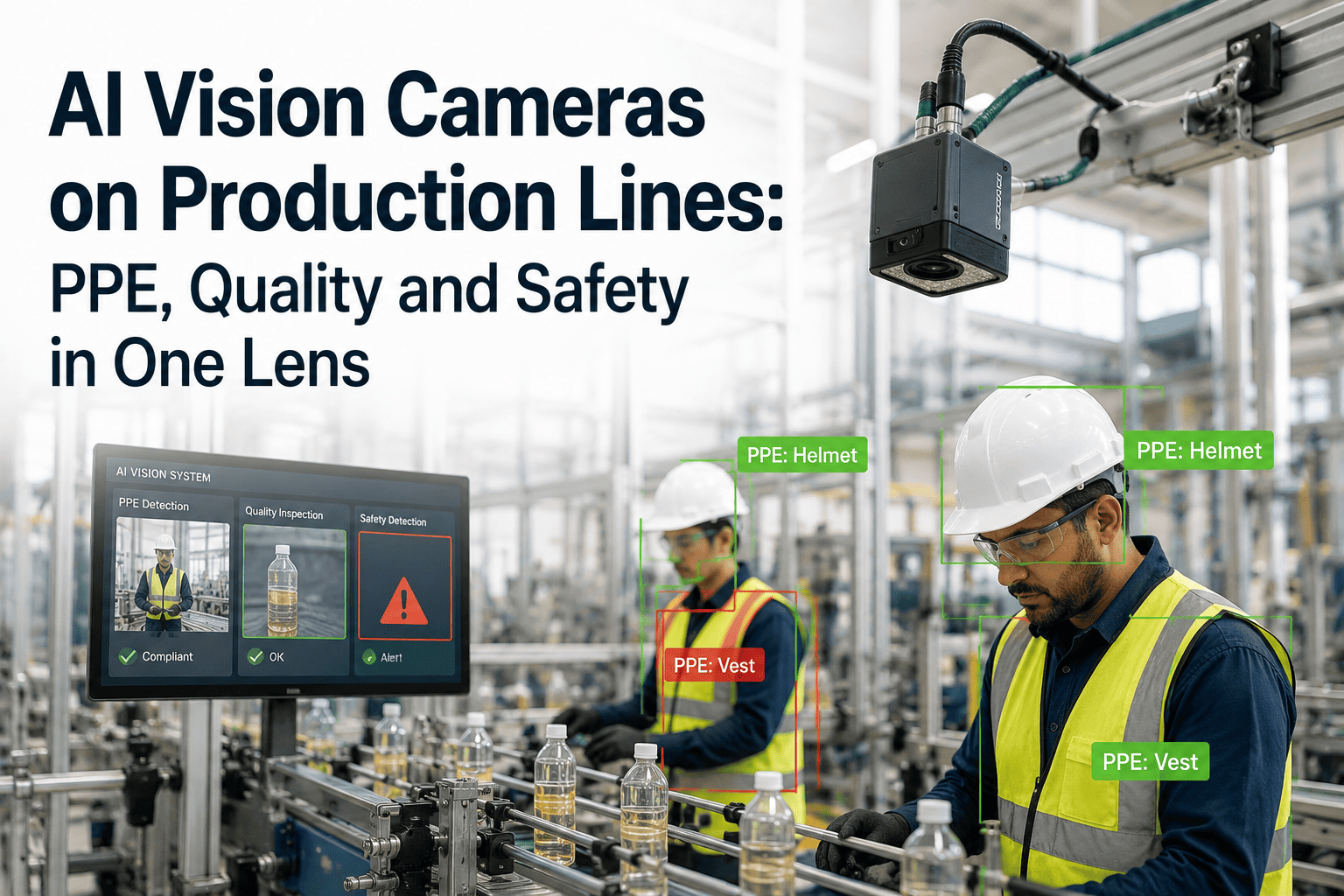
Most plants that look into AI vision cameras start with one problem — usually PPE compliance or a recurring defect — and quickly discover the same camera, pointed at the same line, can watch for several things at once. A camera trained to spot a missing hard hat can also flag a hand entering a safety zone, or a product leaving the line with a visible defect. The hardware doesn't change; what changes is how many separate manual checks it quietly replaces. For a plant manager weighing the investment, that's usually the number that matters most: one lens, three or four use cases, instead of three or four separate systems. A platform like OxMaint ties that camera feed back into the same system already tracking assets and work orders, so a flagged event becomes an action, not just a video clip.
See PPE, Quality and Safety Through One Camera Feed
AI vision monitoring for PPE compliance, defect detection, and safety zones, connected directly to your maintenance and safety records.
Three Use Cases, One Camera
The same video feed can be trained to watch for entirely different things, which is what makes vision AI a stronger business case than any single-purpose sensor.
PPE Compliance
Flags missing hard hats, gloves, hi-vis, or eye protection in real time, without a supervisor walking the floor.
Defect Detection
Spots visible product defects on the line at a speed and consistency manual inspection can't sustain all shift.
Safety Zone Monitoring
Detects a person entering a restricted or moving-machinery zone and can trigger an alert before contact occurs.
Process Verification
Confirms a step was actually completed, like a guard closed or a part correctly seated, before the line continues.
What a Vision Camera Actually Tracks
| Use Case | What It Detects | Trigger Action |
|---|---|---|
| PPE compliance | Missing required protective equipment | Alert to supervisor, logged event |
| Defect detection | Visible surface or assembly defects | Product flagged, line notified |
| Safety zone monitoring | Person or object in restricted area | Alarm, and machine slowdown or stop |
| Process verification | Missing or incomplete process step | Line hold until step is confirmed |
Where Plants Get Stuck Deploying Vision AI
Lighting & Placement
Cameras positioned or lit poorly generate unreliable detections, which undermines trust before the system proves its value.
False Positive Fatigue
Too many incorrect alerts early on trains operators to ignore the system, defeating the purpose entirely.
Data Privacy Concerns
Workers understandably ask what's being recorded and why, and the answer needs to be clear before rollout.
No Connected Action
A flagged event that doesn't reach maintenance or safety systems is just a video clip nobody follows up on.
Vision AI Deployment Maturity
Pilot & Isolated
One camera runs on one line as a proof of concept, with alerts reviewed manually and not yet actioned automatically.
Deployed But Disconnected
Multiple cameras are running across the site, but alerts still sit in a separate dashboard from maintenance and safety systems.
Integrated & Actioned
Flagged events feed directly into work orders and safety logs, turning detection into a tracked, closed-loop action.
The Numbers Behind Vision AI
The business case for vision AI rarely comes from the camera itself, it comes from what happens after a defect or a safety gap is actually flagged. Sign up free to connect vision alerts directly to work orders and safety logs, or book a demo to see it running on a line like yours.
Turn Camera Alerts Into Tracked, Actioned Events
PPE, quality, and safety detections flow straight into work orders and incident logs, closing the loop the camera alone can't.
Deploying Vision AI in Four Steps
Pick One High-Value Use Case
Start with the single problem costing the most, whether that's PPE gaps, a recurring defect, or a safety zone risk.
Pilot on One Line
Test placement, lighting, and detection accuracy on a single line before expanding to reduce false positives early.
Connect Alerts to Action
Route flagged events into work orders or safety logs, so every detection has a defined, trackable next step.
Scale to Additional Use Cases
Once the first use case proves reliable, train the same cameras for a second and third detection type.
Frequently Asked Questions
Can one AI camera really handle PPE, quality, and safety at once?
Often yes, since the underlying camera and video feed are the same; what differs is the detection model trained to recognise each specific use case within that feed.
How accurate is AI vision compared to manual inspection?
Accuracy depends heavily on lighting, camera placement, and how well the detection model has been trained for your specific line, so a proper pilot phase matters more than any general accuracy claim.
Do vision cameras raise data privacy concerns for workers?
They can, and it's worth being transparent with staff about what's being monitored, why, and how footage is stored and used before rolling the system out.
What happens when a vision camera flags an issue?
In a well-integrated deployment, the flagged event should automatically create a work order, safety log entry, or alert to the relevant team, rather than just sitting in a dashboard.
Should a plant start with one camera or a full rollout?
Starting with a single line and one use case is generally the safer path, allowing detection accuracy and workflow integration to be proven before expanding site-wide.







