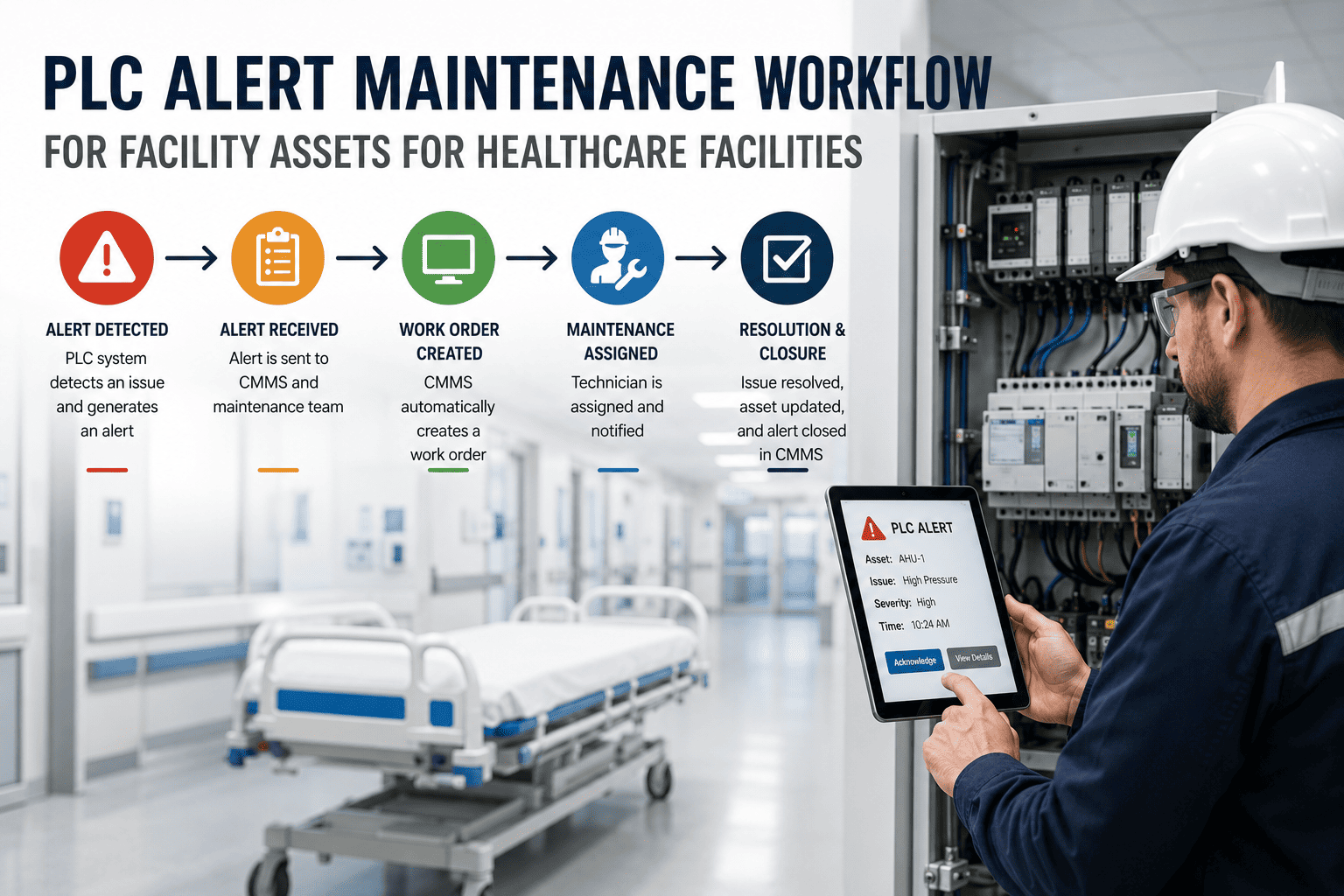
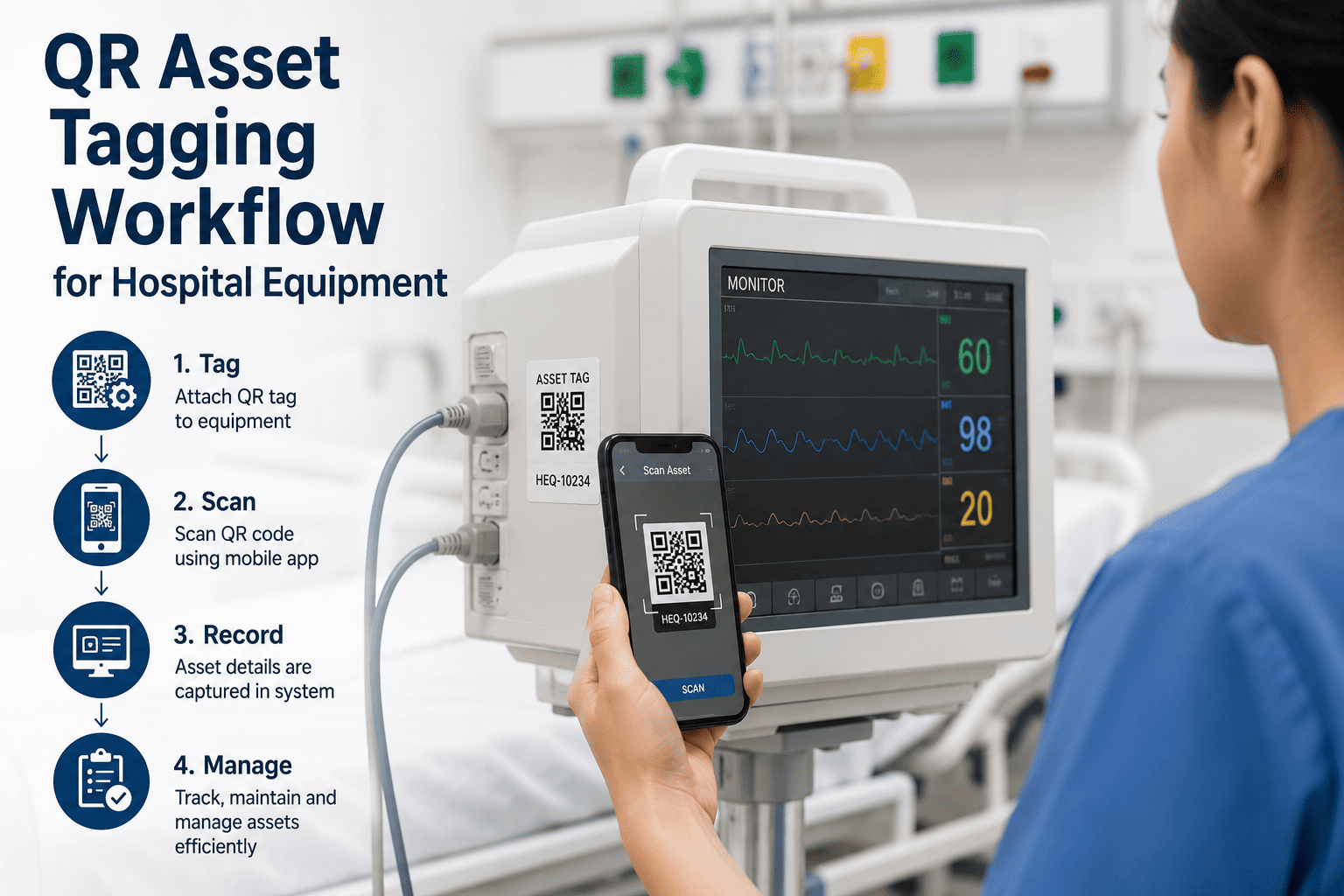
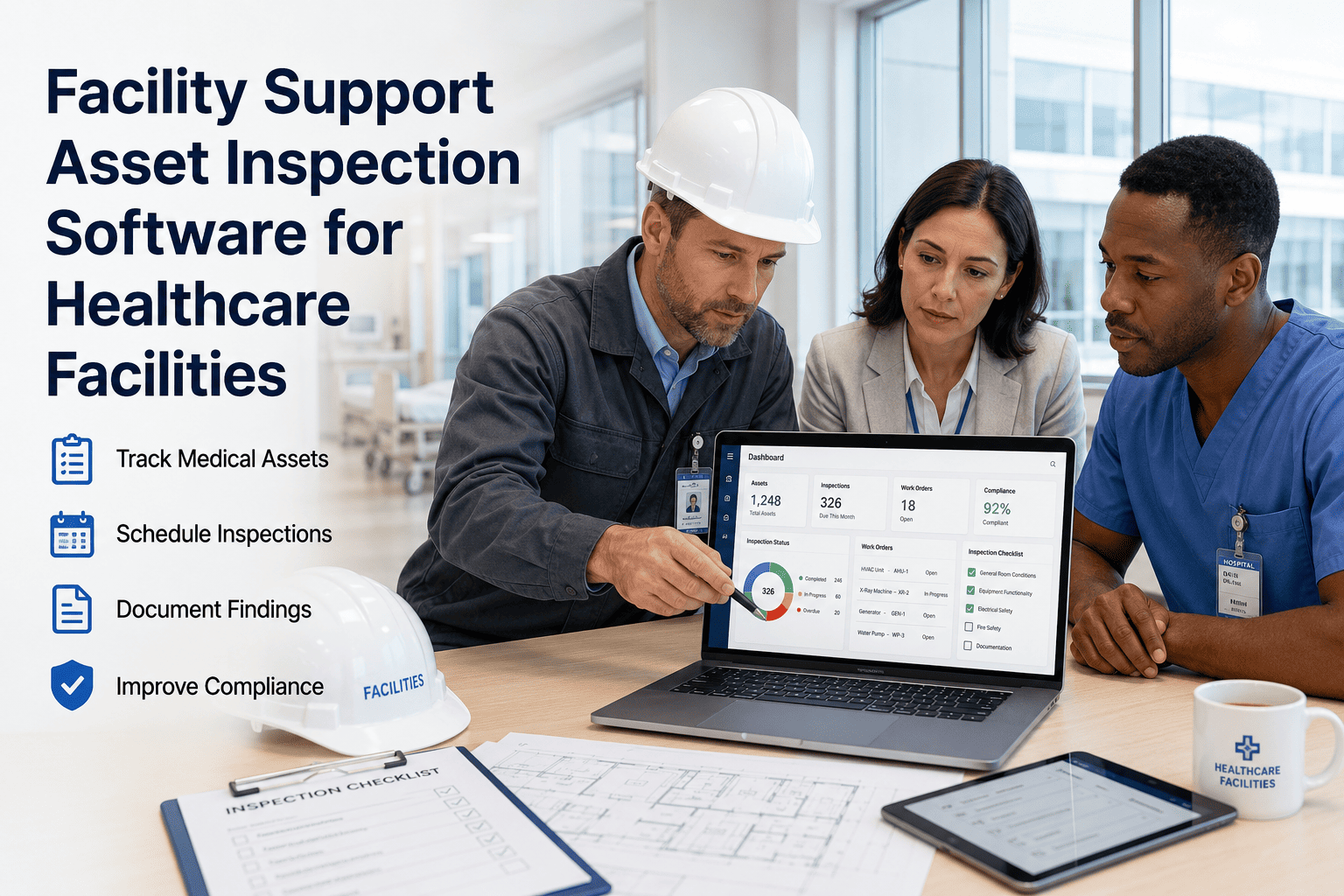
Hospital finance teams trust the ERP. Maintenance teams trust the CMMS. The problem is neither system knows what the other one is doing — and the gap between them is where budgets quietly bleed. A work order closes in the CMMS but the cost never reaches the ERP cost center. An asset gets replaced on paper, but the ERP still depreciates equipment that no longer exists. Multiply this across thousands of biomedical and facility assets, and finance ends every quarter reconciling spreadsheets instead of trusting their own systems. Start a free OxMaint trial and connect your CMMS to your ERP so every work order, every cost, and every asset record stays in sync automatically.
Healthcare CMMS · ERP Integration · Real-Time Data Sync
Your ERP and Your CMMS Are Telling Two Different Stories
When maintenance data and financial data live in separate systems, hospitals lose visibility, accuracy, and hours every single week. OxMaint syncs work orders, asset records, and maintenance costs directly into your ERP — so finance and facilities finally read from the same page.
12–15%
average data discrepancy rate between unsynced CMMS and ERP records
60–80 hrs
spent quarterly on manual ERP-CMMS reconciliation per facility
2 days
average time for a multi-site cost report that should take minutes
Where the Disconnect Actually Lives
Two Systems, Two Versions of the Truth
Your ERP holds the financial truth — asset value, cost centers, depreciation schedules, purchase orders. Your CMMS holds the operational truth — what broke, who fixed it, what it cost in labor and parts. Without a sync layer between them, both versions drift apart every single day.
Lives in the ERP
Asset financial value & depreciation
Cost center & budget allocation
Purchase orders & vendor invoices
Capital expenditure forecasts
Lives in the CMMS
Work order status & history
Technician labor & parts used
Asset condition & fault logs
PM schedules & compliance proof
Neither side is wrong. The problem is that nobody is translating between them — until OxMaint sits in the middle and keeps both systems current, automatically.
How the Sync Layer Works
One Sync Hub. Every System Stays Current.
OxMaint sits between your CMMS workflows and your ERP system of record, translating maintenance events into financial entries and financial context into maintenance priorities — in real time, without manual exports.
OxMaint
Sync Hub
Work Order CostsLabor + parts post to the correct ERP cost center on closure
Asset Master DataFunctional location, class, and asset ID inherited from ERP
Inventory & PartsParts consumption updates ERP stock levels automatically
CapEx ForecastingAsset condition data feeds replacement and budget planning
Before vs. After Sync
What Changes the Day Your Systems Start Talking
| Process |
Without ERP Sync |
With OxMaint Sync |
| Work order cost posting |
Manually re-entered into ERP weekly |
Posts to correct cost center on closure |
| Asset master records |
Maintained separately in two systems |
Inherited automatically from ERP |
| Parts & inventory levels |
Reconciled manually each month |
Updated in real time on parts use |
| Multi-site cost reporting |
Two analysts, two days, spreadsheets |
Live dashboard, available on demand |
| Audit & compliance trail |
Scattered across disconnected logs |
Single timestamped record per asset |
| CapEx replacement planning |
Based on outdated asset condition |
Based on live maintenance history |
Stop Reconciling. Start Reporting.
See exactly how OxMaint maps your work orders, assets, and parts data into your existing ERP structure — no custom development required.
The Cost of Staying Disconnected
What a Single Unsynced Quarter Actually Costs
These numbers are not hypothetical. They are the recurring line items healthcare finance and facilities teams report when CMMS and ERP data never meet.
$2.3M
estimated annual administrative overhead from disconnected ERP-CMMS data at large health systems
12–15%
data discrepancy rate found during manual quarterly reconciliation
60–80 hrs
staff hours consumed every quarter just matching records between systems
"
A report that should take minutes takes two finance analysts two full days every month — because the CMMS and the ERP were never built to talk to each other.
Common pattern reported across multi-site healthcare finance teams
Expert Review
What Healthcare Facilities Leaders Should Verify Before Syncing
EM
Healthcare Facilities & Compliance Advisory Panel
Before connecting any CMMS to an ERP, confirm three things: that the integration uses standard APIs rather than custom code your IT team will own forever, that every cost-center mapping is validated against your existing chart of accounts before go-live, and that audit trails meet Joint Commission documentation standards from day one — not retrofitted later. A sync layer that gets these three details right turns reconciliation from a monthly fire drill into a non-event.
FAQs
Common Questions on ERP-CMMS Sync for Healthcare
Does OxMaint require custom development to connect with our existing ERP?
No. OxMaint connects through standard APIs already certified against major ERP platforms, so most healthcare facilities go live without custom code.
Book a demo to see your specific ERP mapping reviewed live.
What maintenance data actually syncs to the ERP in real time?
Work order labor and parts costs, asset master updates, inventory consumption, and capital planning signals all sync automatically as work orders close, with no manual export step required.
How long does a typical healthcare ERP-CMMS sync take to implement?
Most facilities connect their first site within days, not months, since asset and cost-center structures are mapped once and reused across every additional site you add later.
Will this sync create duplicate or conflicting asset records?
No. Asset master data is inherited from the ERP as the single source of truth, so the CMMS never creates a competing record — it only adds operational detail on top.
Start a free trial to test this against your own asset list.
Can finance teams pull multi-site reports without IT involvement?
Yes. Once the sync is live, cost and compliance reports across every connected site are available on demand from a dashboard, removing the need for manual spreadsheet assembly each month.
Give Finance and Facilities the Same Set of Numbers
OxMaint connects your maintenance operation to your ERP system of record — so every work order, every cost, and every asset record updates in both places, automatically, every time.