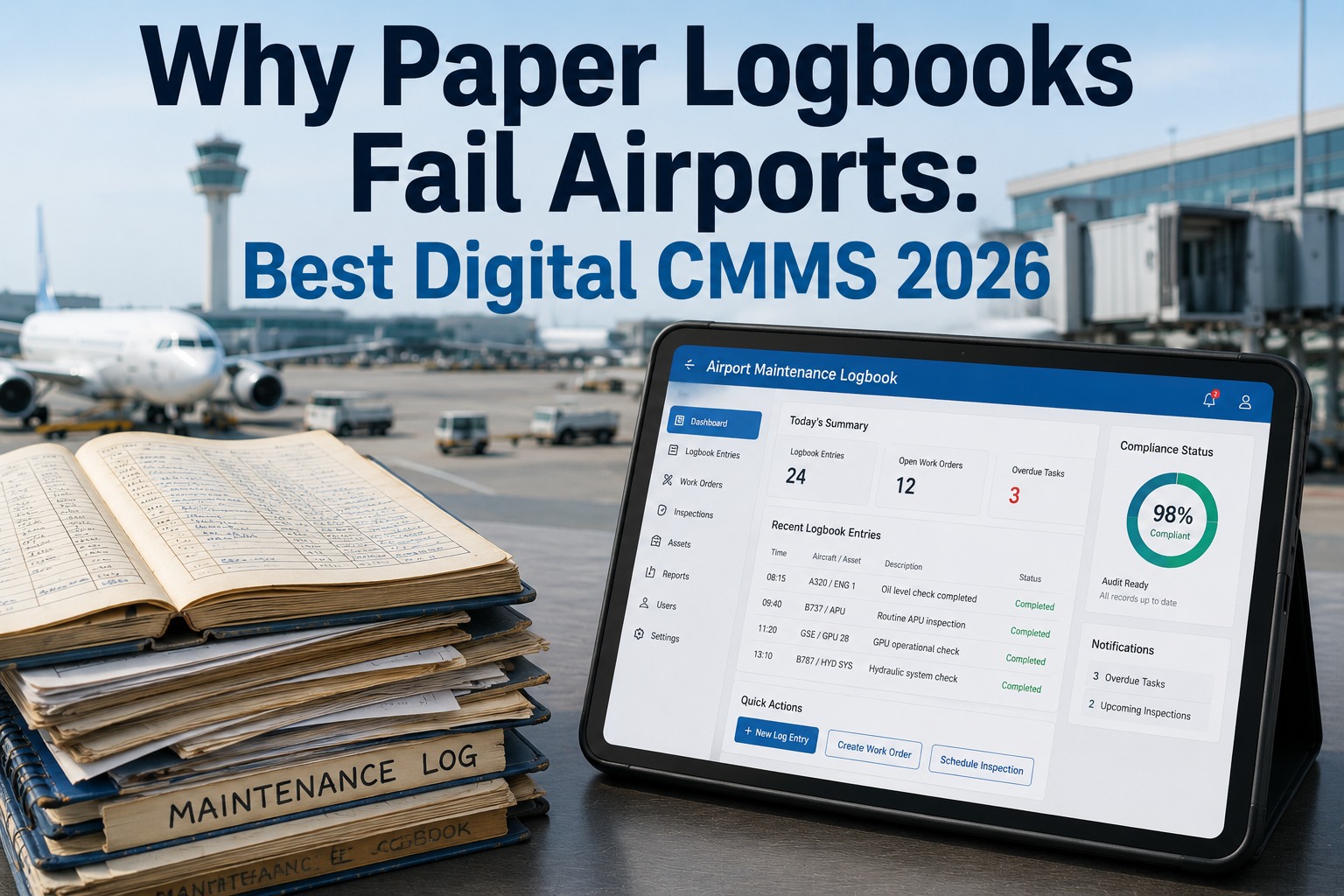
The Buncefield investigation surfaced a hard truth about industrial logbooks that airport operations should have absorbed a decade ago: paper logbooks capture the plant status at end of shift, not the events that happened during it. When investigators reconstruct a 4 AM ARFF response, a runway lighting failure at 02:14, or a jet bridge fault during a late arrival, they don't want the shift-end summary — they want the live event stream. Every alarm, every operator action, every asset state change, every safety observation, in chronological order, with server-timestamped attribution. That is what a shift event logbook is, and that is why "just log it at the end of shift" is not — and has never been — the standard for 24/7 airport ops. This playbook covers what a real shift event logbook does, what the best 2026 platforms look like, and what airport operations leaders should demand before signing anything. Book a free demo to see the live event feed in action across an airport terminal.
<5%
Share of operational time consumed by shift handover
vs
40%
Share of plant incidents where unstructured handover documentation is implicated
Post-incident analysis across 24/7 industrial operations — Buncefield inquiry findings and subsequent industry studies
Event Logbook vs Handover Log · The Distinction That Matters
Most airports conflate two very different things — the event logbook and the shift handover — into one paper binder. They are not the same tool, and they don't solve the same problem. The event logbook is the live chronological feed of everything that happened during the shift: alarms, operator actions, asset state changes, contractor arrivals, safety observations, weather events. The handover is the summary the outgoing supervisor prepares for the incoming one. Both are needed. Neither substitutes for the other. The best 2026 platforms treat the event logbook as the source of truth and generate the handover from it.
Event Logbook
Live · Continuous · Chronological
Every event captured the moment it happens
Timestamp attached at server, not at desk
Attribution: who saw it, from what device
Photo, sensor reading, note attached inline
Feeds the incident investigation directly
Shift Handover
Summary · Once per shift · End of duty
Distilled summary at shift end
What the incoming shift needs to know
Open faults, standing orders, watch items
E-signed acknowledgment by incoming lead
Best when generated from the event log
What a Shift Event Feed Actually Looks Like in an Airport
To understand what the platform must capture, look at what a real airport shift produces. The abbreviated timeline below is representative of a single overnight shift at a mid-size hub — the events that need to be logged in the moment, attributed, timestamped, and searchable weeks later when someone asks "what happened between 02:00 and 04:00 on Tuesday?"
22:47
SHIFT START
Night shift assumed responsibility · Handover acknowledged · Duty Supervisor: J.M.
23:14
ALARM · BHS
T2 BHS Line 3 · sorter fault · WO #48210 auto-created · Contractor dispatched · photo attached
00:32
CONTRACTOR
HVAC vendor on-site · badge 4471 · escort assigned · working T3 mechanical room 3-B
02:14
SAFETY-CRITICAL
Runway 27L edge light L-14 · out · NOTAM issued · airfield ops notified · WO #48214 P1 · photo
02:48
CORRECTIVE
Runway 27L L-14 · replaced · NOTAM lifted · WO #48214 closed · photo of tag & test
03:22
OBSERVATION
Jet bridge B14 · slow retract during last movement · not out-of-service · flagged for AM inspection
04:18
ALARM · ARFF
ARFF T-2 · foam agent low-level pre-alarm · notified fire chief · WO #48221 · P2
06:03
INSPECTION
Part 139 airfield daily inspection · completed · 2 discrepancies logged · report generated
06:47
SHIFT END
Handover generated from event feed · 24 entries · 6 open items · e-sign pending Day Supervisor
Alarm / Safety
Corrective Action
Observation
Info / Milestone
The 7 Non-Negotiable Capabilities · Event Logbook Edition
The digital handover playbook covers shift-end handoff features. The event logbook shortlist is a related but distinct capability set — these seven items are what separate a defensible live event feed from a nicer notebook.
01
Real-Time Event Capture at the Asset
The entry is logged the moment the event happens — mobile, at the asset, with photo and reading — not typed up at a desk after shift.
02
Server-Side Timestamp Integrity
The clock is not the technician's phone or the shift-desk PC. Every entry carries a cryptographic server timestamp that survives NTSB or FAA discovery.
03
Auto-Ingest From Alarms & Sensors
SCADA, BMS, alarm systems push events into the feed automatically — the logbook doesn't rely on a human seeing and typing every alert.
04
Structured Categorization
Every entry tagged: alarm, corrective, safety, contractor, inspection, observation, milestone. Filterable weeks later without reading the full stream.
05
Asset-Linked Attribution
Every event tied to a specific asset — jet bridge B14, runway light L-14, ARFF-2, BHS Line 3 — so asset history queries return every event that touched it.
06
Immutable Append-Only Record
Entries can be amended with a corrective entry, but never silently edited or deleted. The original stands. Discovery-grade evidence integrity.
07
Handover Generated From the Feed
The shift handover is not a separate document that a supervisor writes — it is a summary auto-generated from the event feed, then reviewed and e-signed. Same source of truth for both surfaces.
See a Live Event Feed Running Against Airport Assets
30-minute walkthrough — real event ingestion from alarms, mobile capture at airside, asset attribution, server timestamps, and handover auto-generation from the feed. Bring your asset list, we'll model it.
Event Categories the Airport Logbook Must Recognize
Structured categorization is what makes an event feed searchable. Without categories, the log is a wall of chronological text nobody scans after week three. The categories below reflect what airport operations actually need to filter on when a query lands — from an FAA inspector, an insurance adjuster, an ops leader running a monthly review, or a duty manager triaging a live event.
Alarm
Automated system triggers — BHS faults, HVAC alarms, fire panel signals, ARFF pre-alarms, runway lighting circuit trips
Safety-Critical
FOD, runway incursion reports, ARFF activations, spill events, injury reports, wildlife strikes, contractor safety flags
Corrective Action
Work performed in response to an alarm or fault — closure notes, photos, tests-of-service, WO closure references
Contractor Activity
Vendor arrivals, badge numbers, escort assignments, scope of work, sign-off at departure
Inspection / PM
Part 139 daily inspections, PM completions, discrepancy logs, follow-up work orders generated
Observation
Notes that aren't alarms but need next-shift attention — trending readings, subtle degradation, watch items
Operational Milestone
Shift start / end, VIP movements, weather cell arrival, diversions, planned outages, changeovers
Standing Order
Duty manager instructions active across shifts — temporary work-arounds, watch items, priority overrides
Comparison Framework · What Separates Best-in-Class From Adequate
When ops leadership shortlists platforms, the same seven dimensions surface in every RFP. The table below is the working framework — what "best" looks like against what "adequate" looks like against what a paper binder looks like.
Dimension
Paper Logbook
Basic Digital Log
Airport-Grade Platform
Timestamp
Handwritten, editable
Device-local clock
Server, cryptographic
Alarm ingestion
Manual re-typing
Manual entry
Auto from SCADA / BMS
Asset link
Written asset name
Free-text tag
Foreign key to asset record
Search & filter
Page-by-page scan
Full-text search
Category · asset · date · terminal
Photo evidence
Not possible
Upload separately
Attached inline, geo-tagged
Immutability
Physical pages, but editable
Silent edits possible
Append-only, correction chain
Handover generation
Rewritten manually
Copy-paste from log
Auto-generated from feed
Roles & Read/Write Model
An airport event logbook has more than one user type, and best-in-class platforms handle that model natively. Not everyone should be able to write to the feed. Not everyone needs to see every category. Not everyone acknowledges the same items.
Line Tech / Operator
Writes events, attaches photos, closes work orders assigned to them
Shift Supervisor
Reviews feed continuously, adds standing orders, generates handover, e-signs at shift end
Duty Manager
Cross-terminal view, escalation triggers, standing orders across shifts, priority override
Contractor / Vendor
Restricted write — badge-scoped entries on the work assigned to them, no read of unrelated events
Safety / Compliance Lead
Read all, filter by safety category, audit export, retention management
Ops Leadership
Rollup dashboards, trend analytics across terminals, monthly review packs auto-generated
Expert Perspective · What Actually Makes an Event Logbook Defensible
The airports that treat their event logbook like a system of record — not a diary — win every audit and shorten every incident investigation. The mental model shift is small but total: the log is not something you write when convenient; it is the primary evidence stream of the shift. Everything else — the handover, the monthly review, the FAA response, the insurance response — is downstream of it. Once that shift happens, the platform decisions get easy: capture at the asset, timestamp at the server, tie every entry to a real asset record, tag by category, make it append-only, and generate the handover from it rather than beside it. What we see in mature airport operations is not a logbook tool sitting next to a CMMS sitting next to a compliance system — it is one platform where the event feed, the work orders, the assets, and the handovers are all facets of the same data model. That's what airport-grade means. Anything less than that will hold up until the day it doesn't, and that day is always a shift no one on today's team is on.
Log Is System of Record
Not a diary, not an artifact. The primary evidence stream of the shift. Everything else — handover, audit, review — flows from it.
One Data Model
Events, work orders, assets, and handovers as facets of the same platform. Not three tools bolted together at report time.
Append-Only Discipline
Corrections happen through additional entries, never silent edits. Every timeline reconstruction has to be defensible to a court.
How OxMaint Delivers Airport-Grade Event Logbook
OxMaint's event logbook sits inside the CMMS, not next to it. Every event is a first-class object in the same platform that holds the assets, the work orders, the inspections, and the handovers. That's the difference between a logbook that helps and one that just adds a screen.
Live Feed
Real-Time Event Capture
Mobile-first, at-asset entry with photo, reading, and note — server timestamp, offline-tolerant for airside dead zones
Auto Ingest
SCADA / BMS Alarm Integration
Alarms from building management, airfield lighting, ARFF, BHS auto-push into the feed and auto-generate work orders
Structure
Category Tagging & Asset Link
Every entry tagged by category and linked to a live asset — filterable by terminal, category, priority, date range
Integrity
Append-Only Audit Trail
Every entry immutable — corrections logged as new entries, never silent edits. Discovery-grade evidence chain
Roles
Role-Based Read / Write
Operators write, supervisors review and sign, contractors get scoped access, leadership sees rollups
Export
Handover From Feed + Audit Export
Shift handover auto-generated from event stream · Part 139-ready audit export in seconds by any filter
Turn Every Shift Into Defensible Evidence
Stop writing the log at end of shift. Capture events as they happen, on mobile, at the asset — with server timestamps, photo evidence, and auto-generated handovers. Free forever plan available to trial the full workflow.
Frequently Asked Questions
What's the difference between an event logbook and a shift handover?
The event logbook is a live chronological feed of everything that happened during the shift — alarms, operator actions, asset state changes, contractor arrivals, safety observations — captured the moment they happen. The shift handover is a summary the outgoing supervisor prepares for the incoming one at shift end. Both are needed. The best 2026 platforms treat the event logbook as the source of truth and auto-generate the handover from it, so both surfaces stay in sync and neither has to be maintained separately.
Sign up free to see the combined workflow.
Why does an airport need an event logbook if the CMMS already tracks work orders?
Work orders track what maintenance did about a fault. The event logbook tracks everything that happened during the shift — including events that never generated a work order (observations, contractor activity, standing orders, inspection completions, near-misses, milestones). When a post-incident review reconstructs a timeline, the WO history alone is insufficient — investigators need the full event stream to understand what operators saw, when, and what they did about it. Airport-grade platforms integrate both, so an event and its resulting work order are two views of the same record.
What does "append-only" mean for a shift event logbook, and why does it matter?
Append-only means entries can be added but never silently edited or deleted. If an entry needs correction, the original stands and a corrective entry is appended — the timeline shows both. This is the difference between a diary and evidence. When an event log is discoverable in litigation or regulatory investigation, append-only integrity is what makes it defensible; a system that allows silent edits is essentially a story someone could rewrite, which is why courts and regulators discount it.
Book a free demo to see the append-only audit chain.
Can the shift event logbook auto-ingest from SCADA, BMS, or alarm systems?
Yes — this is one of the seven non-negotiable capabilities. The best 2026 platforms push alarms from building management systems, airfield lighting controllers, ARFF pre-alarms, and BHS fault streams directly into the event feed without a human having to see and re-type each one. Every ingested event carries the source system, the timestamp, the asset link, and — for critical categories — auto-creates a corresponding work order with priority and owner routing. Manual entry captures what sensors don't see; auto-ingest captures what humans might miss.
How long should shift event logbook records be retained at an airport?
Retention is driven by the intersection of FAA Part 139 documentation requirements, state records laws, insurance policy requirements, and the airport's own litigation-hold posture. Common practice is minimum 3 years for routine event logs and indefinite retention for any event associated with an incident, near-miss, or safety-critical asset. Digital platforms make long retention trivial; paper binders make it impossible past 12-18 months at scale. The best platforms let compliance leads set per-category retention rules and enforce them automatically.
Does OxMaint work as a shift event logbook for airports without ripping out existing systems?
Yes — OxMaint integrates alongside existing SCADA, BMS, airline systems, and ATC operational tools rather than replacing them. The event logbook sits in the airport operations layer, ingesting alarms and events from connected systems and providing the mobile capture, structured categorization, asset link, append-only audit trail, and handover generation the shift teams work in. Deployment can start with a single terminal or a single function (airfield ops, GSE fleet, terminal facilities) and expand out. The free forever plan is available to trial the full workflow.
Sign up free to start with your first shift.