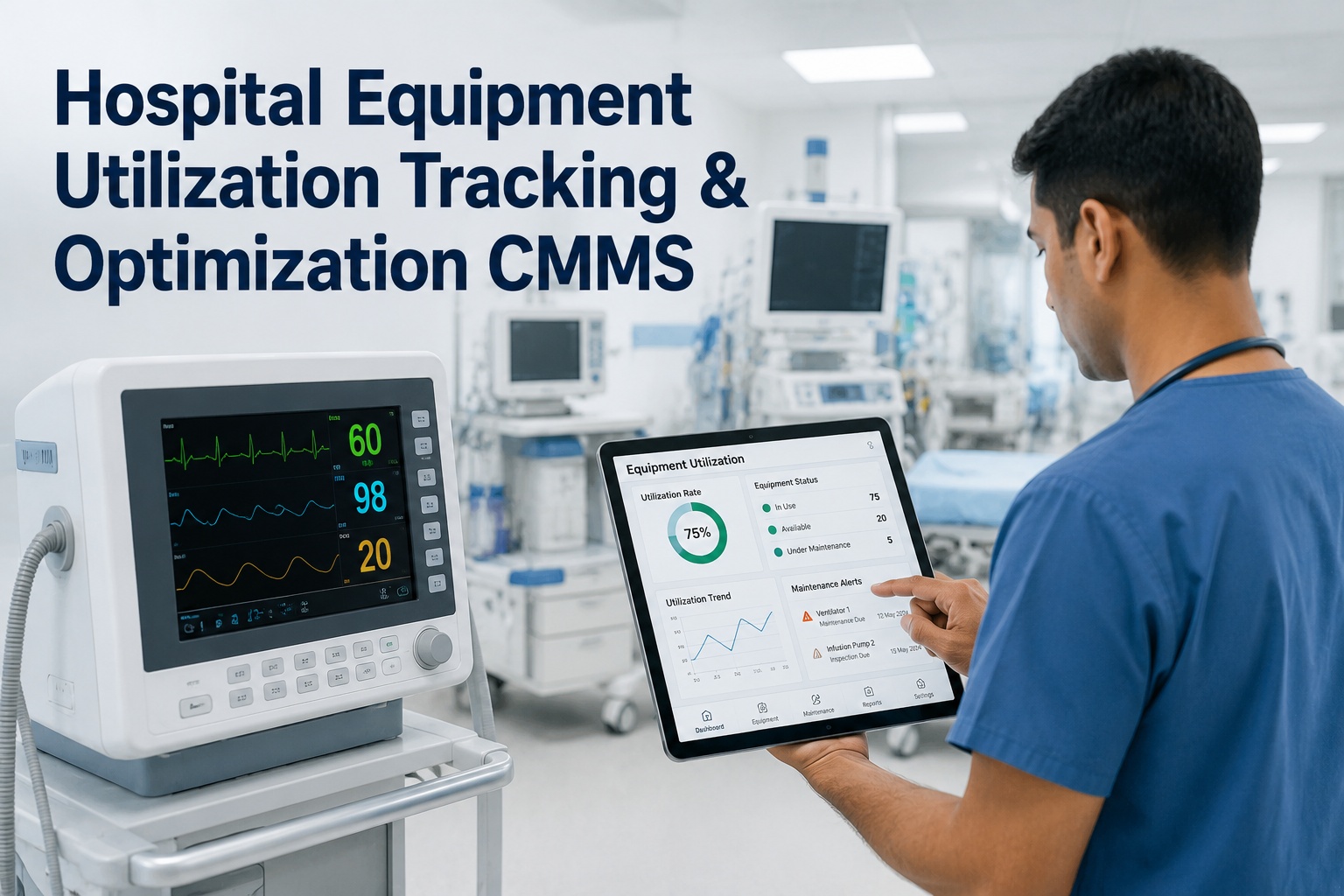
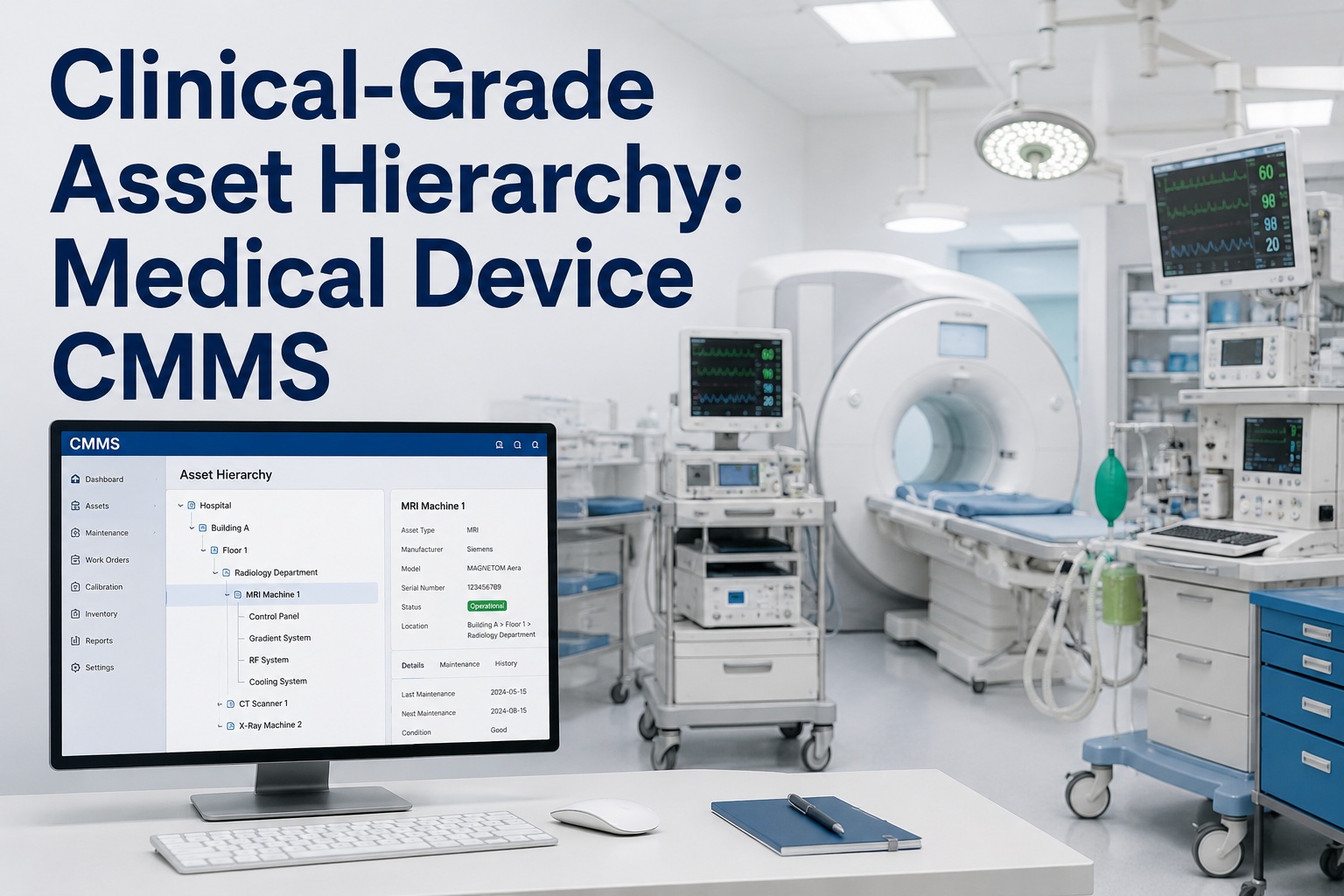
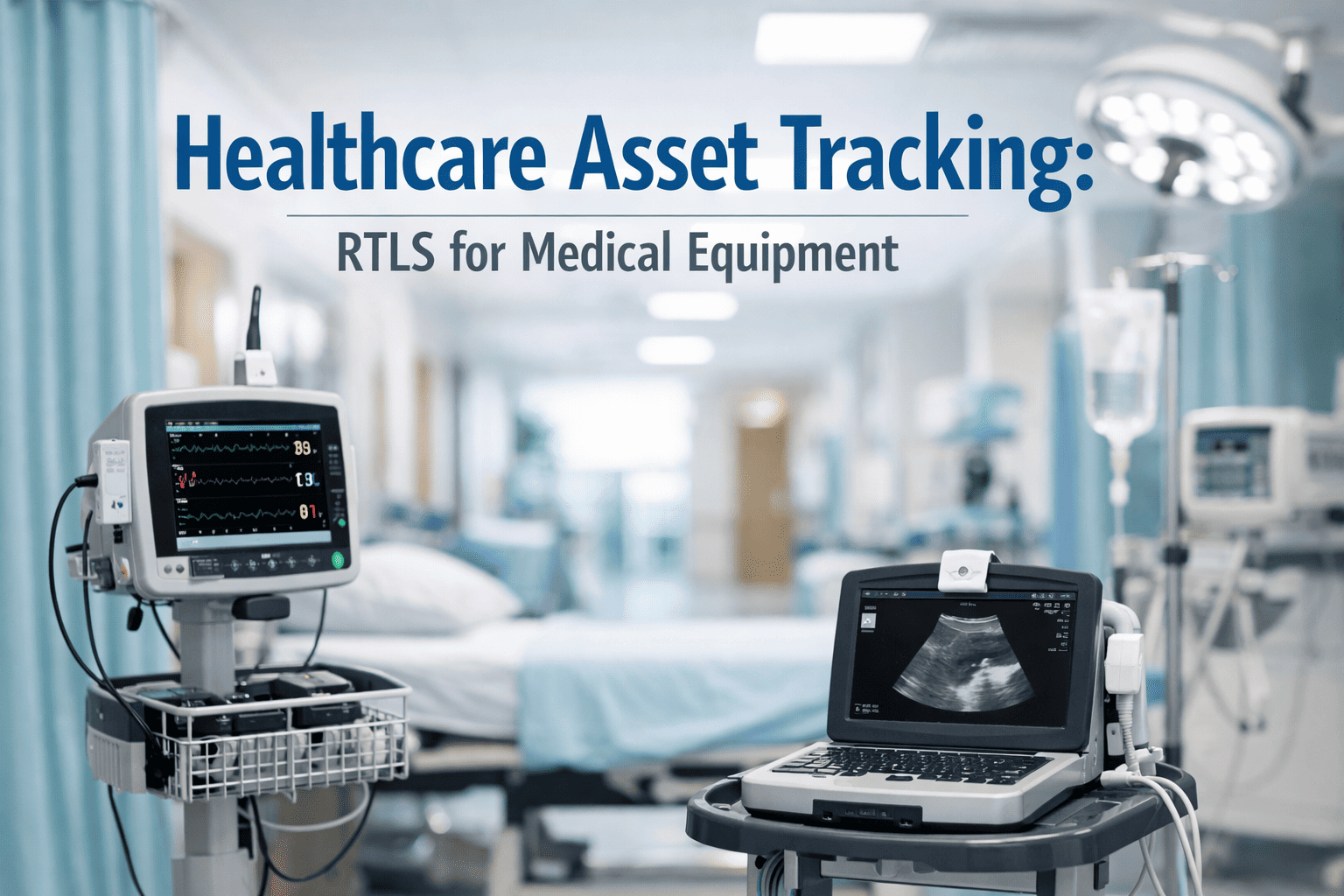
Hospital QR code asset tagging is the boring foundation that makes every downstream biomedical and facilities workflow work — scan the QR, get the full service history, log the work, move on. A medical device QR code system tied directly to your CMMS puts every infusion pump, ventilator, and HVAC unit's complete maintenance record one scan away from any bedside or mechanical room, eliminating the clipboard-and-spreadsheet chaos that costs clinical engineering teams hours every week. When technicians can instantly access hospital service history on mobile devices, preventive maintenance completion rates climb, audit prep shrinks from days to minutes, and equipment downtime drops sharply. This hospital asset tagging guide for 2026 covers tag placement standards, the mobile scan-to-work-order workflow, service history structure, and the CMMS QR code setup that brings it all together — and you can Start Free Trial of OxMaint to deploy it on your assets today.
CMMS QR Code Hospital Guide · 2026
What if every asset's full service history was one scan away at the bedside?
A single QR code on each piece of hospital equipment connects your clinical engineering team to complete maintenance records, open work orders, and compliance logs — no binders, no spreadsheets, no phone calls to the biomed shop. Scan, review, act. That is the power of a mobile scan healthcare workflow built into a modern CMMS.
The Cost of Not Tagging
Why Hospital Equipment Tagging Without QR Fails Maintenance Teams
Hospitals manage between 5,000 and 15,000 tagged medical devices per facility, yet over 60% still rely on spreadsheet-based tracking or legacy barcode systems that require a return to a desktop terminal to look up service history.
When a nurse reports a malfunctioning infusion pump, a biomed technician without QR code tracking must manually search the asset database by serial number or location, walk back to a workstation to pull the service history, and then physically locate the maintenance binder for that device class. By the time the technician arrives at the bedside, 20 to 30 minutes have evaporated — and the pump may have already been swapped, breaking the chain of custody. Hospital QR tracking eliminates this bottleneck by anchoring the entire workflow to a scannable tag physically affixed to the asset.
Deployment Guide
How to Deploy Hospital QR Code Asset Tagging: A 4-Phase Timeline
A phased rollout across a 400-bed hospital with approximately 8,000 tagged assets typically takes 10 to 12 weeks from asset inventory to full CMMS QR code integration.
Asset Inventory & Hierarchy Build
Catalog every medical device and facility asset into the CMMS with location, criticality rating, manufacturer, model, and required PM frequency. Assign each asset a unique ID that maps to its QR code. A mid-size hospital typically completes 500–800 asset entries per week with two data entry technicians.
QR Code Generation & Tag Placement
Generate QR codes linked to each asset record in the CMMS and print them on durable, chemical-resistant polyester or aluminum tags rated for hospital disinfection protocols. Place tags in a consistent, visible location on each device — typically the upper-right rear panel for mobile medical equipment and the front-left corner for fixed assets. Tag adhesion should withstand 5+ years of wipe-down cycles with hospital-grade quaternary ammonium and bleach solutions.
CMMS Mobile App Configuration
Configure the mobile scan-to-work-order workflow in the CMMS so that scanning a QR code instantly displays the asset's complete service history, open and closed work orders, PM schedule, warranty status, and attached manuals. Set up role-based access so biomeds see full maintenance records while facilities staff see only the asset status and report-fault option. Train technicians on the scan-review-act workflow using real assets in a pilot unit.
Go-Live, Audit & Compliance Cutover
Roll out QR scanning across all units, retire paper logbooks, and migrate historical service records into the CMMS. Run the first Joint Commission or DNV audit using the CMMS QR code system — audit prep that previously took 10–14 days collapses to under 4 hours because every asset record is searchable, timestamped, and exportable on demand.
Tag Placement Standards
Hospital Asset Tagging Guide: QR Placement Rules by Equipment Type
Consistent QR code placement across all hospital equipment reduces scan time by up to 60% because technicians develop muscle memory for where to find the tag on each device class.
| Equipment Category | Recommended Tag Location | Tag Material | Scan Distance | PM Frequency |
|---|---|---|---|---|
| Infusion pumps, PCA devices | Upper rear panel, opposite display | Polyester, 0.5" × 0.5" | 4–8 inches | Annual + performance |
| Ventilators, respiratory equipment | Front-left frame, below control panel | Anodized aluminum | 6–12 inches | Quarterly |
| Patient monitors, telemetry | Rear housing, right of power input | Polyester, 0.75" × 0.75" | 4–8 inches | Semi-annual |
| Imaging (MRI, CT, X-ray) | Gantry side panel, eye-level | Engraved aluminum | 12–24 inches | Quarterly + OEM |
| HVAC, chillers, generators | Front access door, upper-left | Aluminum, 1.5" × 1.5" | 12–36 inches | Monthly / seasonal |
| Beds, stretchers, wheelchairs | Frame rail, foot end | Polyester, 0.75" × 0.75" | 6–12 inches | Annual |
All tags should use a QR code with error correction level H (30% recoverability) so the code remains scannable even if up to 30% of the tag is scratched, faded, or obscured by disinfectant residue. A hospital QR tracking program that skips this specification will see scan failure rates climb past 8% within 18 months — versus under 1% for H-level codes on durable substrates.
Service History Structure
What a QR Code Service History Record Should Contain for Healthcare Compliance
When a technician scans a medical device QR code, the CMMS should surface a structured service history record that satisfies Joint Commission, DNV, and FDA requirements — not just a log of past repairs.
Asset Identity & Criticality
Unique asset ID, device description, manufacturer, model, serial number, UDI (Unique Device Identifier for FDA-tracked classes), location, and criticality level (life-support, diagnostic, general). This block answers "what is this and how important is it?" in under 5 seconds.
Maintenance & PM Schedule
Next scheduled preventive maintenance date, PM frequency, last completed PM, overdue alerts, and the specific PM checklist or procedure document attached as a PDF. The technician sees what is due and what to do without leaving the scan screen.
Complete Work Order History
Every corrective and preventive work order ever logged on the asset — date, technician, issue description, parts used, labor hours, resolution, and sign-off. Filterable by date range and work order type for audit retrieval. A 5-year history should load in under 2 seconds on a mobile device.
Compliance & Risk Documentation
Electrical safety test results, performance inspection pass/fail, recall notices, incident reports, and warranty status — all timestamped and electronically signed. This block is what an auditor asks for first, and it should be exportable as a single PDF with one tap.
Mobile Scan Workflow
Scan-to-Work-Order: The Mobile QR Healthcare Workflow in Practice
A well-designed hospital QR code maintenance workflow reduces the time from fault identification to logged work order by 75% — from an average of 22 minutes with paper and phone calls to under 6 minutes with mobile scan.
Scan the QR Code on the Equipment
A nurse, facilities tech, or biomed opens the OxMaint mobile app and scans the QR tag on the device. The app uses the phone's native camera — no specialized hardware scanners needed. The asset record loads in 1–2 seconds over hospital Wi-Fi or cellular.
Review Service History & Current Status
The screen displays the asset's complete service history, open work orders, PM status, and any active recalls. The technician immediately knows if this device has a recurring fault, is under warranty, or has a pending PM — context that prevents repeat repairs and unnecessary parts orders.
Create or Update a Work Order In-App
With one tap, the technician creates a corrective work order pre-populated with the asset ID, location, and reporter info. They add a fault description, attach a photo of the issue, select a priority level, and assign it — all from the scan screen without navigating to a separate module.
Complete, Sign & Close — All from the Bedside
After the repair or PM is performed, the technician logs labor time, parts consumed, test results, and an electronic signature directly in the mobile app. The work order closes, the service history updates instantly, and the asset status flips to "available" — no return trip to the biomed shop, no paper to file.
How OxMaint Helps
How OxMaint's CMMS QR Code System Transforms Hospital Maintenance
OxMaint is an AI-powered CMMS and EAM platform that makes hospital QR code asset tagging the entry point to a fully automated, predictive maintenance program — not just a digital replacement for paper logbooks.
Instant Scan-to-History at Bedside
Every QR scan pulls the complete asset record — service history, PM schedule, recalls, manuals, and compliance docs — in under 2 seconds. No workstation, no binder, no phone call. Outcome: 75% reduction in time-to-information and 38% reclaim of wasted technician hours.
Mobile Work Orders from Any Scan
Create, assign, update, and close corrective and preventive work orders directly from the QR scan screen — with photo attachments, parts usage, and e-signatures. Outcome: eliminate 100% of paper work orders and cut work-order-to-resolution time by 50%.
AI-Driven Predictive Maintenance
OxMaint's AI engine analyzes scan-triggered work order patterns, failure frequencies, and asset age data to predict which devices will fail next — and automatically generates preventive work orders before breakdowns happen. Outcome: cut unplanned equipment downtime 30–50% and reduce emergency repair calls by 40%.
One-Tap Audit & Compliance Export
Every QR-tagged asset's full service history, PM records, safety test results, and e-signatures are exportable as a compliance-ready PDF in a single tap — organized by asset, department, or date range. Outcome: shrink Joint Commission or DNV audit prep from 10–14 days to under 4 hours.
Real-World Scenario
A 400-Bed Hospital's Shift from Spreadsheets to QR Code CMMS
A 400-bed regional medical center with approximately 7,500 tagged medical devices and 1,200 facility assets was spending $48,000 annually on contract biomed labor to backfill for time lost searching for asset histories, chasing paper work orders, and preparing for three annual compliance audits. Their asset tracking lived in a legacy CMMS that required a desktop login — meaning technicians in patient rooms had no access to service history and called the biomed shop an average of 35 times per day for lookups.
After deploying OxMaint's QR code asset tagging system across all units in a 10-week phased rollout, the results at the 6-month mark were measurable:
The payback period on the OxMaint subscription, QR tag printing, and training investment was under 4 months — driven almost entirely by reclaimed technician hours and eliminated contract labor. The hospital's biomed director now requires a QR scan to open any work order, ensuring every maintenance action is tied to a verified asset record in real time.
See OxMaint QR Asset Tagging on Your Hospital's Equipment
Book a 30-minute demo and we will show you exactly how scan-to-work-order, mobile service history, and AI-driven PM scheduling work on real medical device records — using your asset data.
Frequently Asked Questions
Hospital QR Code Asset Tagging & CMMS — Your Questions Answered
What information is stored in a hospital QR code for medical equipment?
The QR code itself stores only a unique asset ID that links to the asset's full record in the CMMS. When scanned, the CMMS pulls up the device's complete service history, PM schedule, warranty status, recall alerts, compliance documents, and open work orders. Storing only an ID in the QR code means you can update the linked information in the CMMS without ever reprinting the tag. You can see this in action — Book a Demo and we will scan a live asset with you.
How long do QR code asset tags last in a hospital disinfection environment?
QR tags printed on chemical-resistant polyester or anodized aluminum with error correction level H typically last 5 to 7 years in hospital conditions, including repeated wipe-downs with quaternary ammonium, bleach, and isopropyl alcohol. Polyester tags rated for medical use withstand 10,000+ disinfection cycles. Avoid paper-based or standard adhesive labels, which degrade within 6–12 months of routine cleaning.
Do hospital staff need special scanners to read medical device QR codes?
No. A modern CMMS QR code system like OxMaint uses the native camera on any smartphone or tablet — iOS or Android. Nurses, biomed technicians, and facilities staff scan tags using the OxMaint mobile app without dedicated hardware. This eliminates the capital cost of $300–$600 industrial scanners per technician and reduces deployment friction for multi-site health systems.
How does QR code asset tagging improve Joint Commission audit readiness?
Every QR scan in a CMMS creates a timestamped, electronically signed record of who accessed the asset, what work was performed, and when. During a Joint Commission or DNV audit, you can export any asset's complete service history as a single PDF in under 30 seconds. Facilities using QR-linked CMMS audit prep report shrinking from an average of 10–14 days to under 4 hours because records are centralized, searchable, and immediately retrievable.
Can we migrate existing asset data from spreadsheets or a legacy CMMS to a QR code system?
Yes. OxMaint supports bulk CSV import of existing asset inventories — including serial numbers, locations, PM schedules, and historical work order data — so your team can generate QR codes for every asset on day one without re-keying records. A typical 8,000-asset hospital migration takes 2 to 3 weeks, after which QR tags are printed and the mobile scan workflow goes live. Start Free Trial to test the import on your own data.
Deploy QR Code Asset Tagging Across Your Hospital in 10 Weeks
Start your free trial and see how OxMaint turns every asset scan into instant service history, automated work orders, and audit-ready compliance records — or book a demo and we will walk you through a live QR workflow on hospital equipment.
Free 14-day trial · No credit card