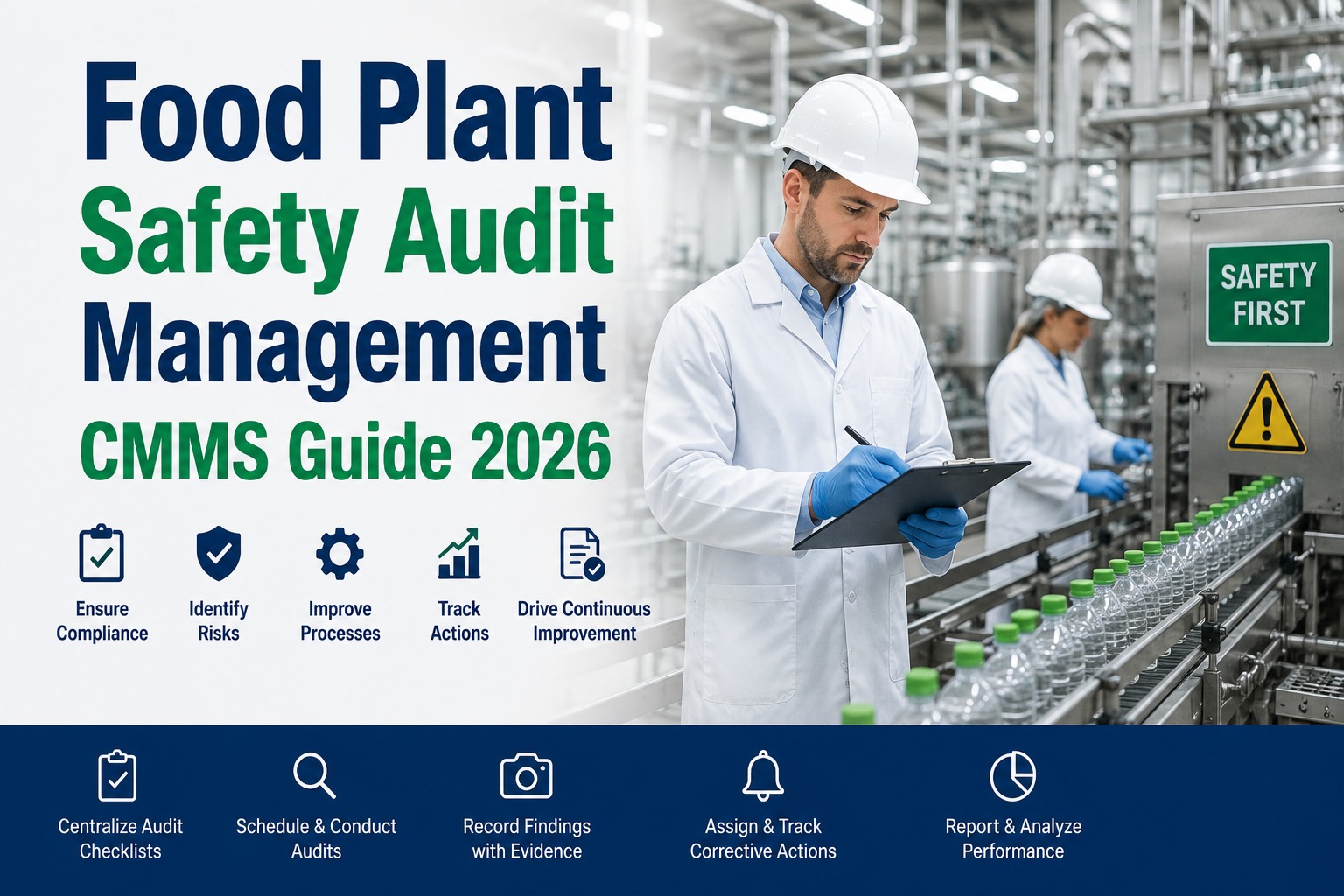
It is 3:17 AM. A drive bearing on the filling line has just failed, product is banked up, and the line supervisor is pinging maintenance every ninety seconds. The technician who fixes it in twelve minutes is a hero. The technician who fixes it in twelve minutes and closes a fully HACCP-compliant work order — food-grade part number, lot code, sanitation sign-off, CCP verification, digital signature, before-and-after photos — is the difference between a smooth SQF audit next quarter and a Form 483 observation that lands on the plant manager's desk. Emergency HACCP repairs demand the same mandatory fields as planned work, just executed on an expedited three-to-five-minute template that the CMMS enforces. Build the emergency template the right way with OxMaint's HACCP-compliant emergency repair workflow for food plants.
Emergency HACCP Repair · Work Order Template · CMMS Playbook
The Clock Is Running. So Is the HACCP Record.
A breakdown on food-contact equipment is not just a maintenance event. It is a corrective-action moment under 21 CFR Part 117, a documentation trigger under SQF and BRC, and a potential product hold under your own HACCP plan — all at the same time.
0:00
Failure Detected
Line stops. Emergency ticket opens in CMMS. CCP tag surfaces automatically from the asset record.
0:45
Technician On Scene
Mobile app opens the Emergency HACCP template. Root cause field, parts field, and CCP verification block are already pre-mapped for this asset class.
0:12–0:20
Repair & Photo
Repair executed with food-grade parts. Before-and-after photos captured in-app. Part lot and NSF/H1 certification auto-linked.
0:23
Sanitation Gate
Post-repair sanitation checklist enforced. ATP swab result and sanitizer concentration logged. QA digital sign-off required before line restart.
0:27
Line Restart Authorized
Full audit trail generated. Corrective action linked to originating CCP monitoring record. Record is FDA-inspection-ready the moment it closes.
Same twelve mandatory fields as planned work. Executed in three to five minutes on the phone. Zero paper. Zero retroactive entry.
35%
of food safety incidents trace back to maintenance activities auditors say could have been prevented with better documentation
$10M+
average cost of a single recall event that an undocumented emergency repair helped enable
40+ hrs
time paper-based food plants spend preparing records for one routine FDA inspection
3–5 min
actual time to complete a fully HACCP-compliant emergency repair template in a mobile CMMS
Why "We Fixed It, We'll Log It Tomorrow" Is a Form 483 in Waiting
Emergency repairs are exactly where paper-based food plants fail their audits. The repair gets done. The line restarts. The paperwork gets promised for later. Later becomes never, or worse — the technician fills the paperwork in from memory two days on. FDA and GFSI auditors treat retroactive entries as if they never happened. The template below closes that window.
R1
Corrective action never linked to the originating CCP monitoring record
21 CFR 117.150 requires the corrective action, root cause, product disposition, and preventive action to be traceable back to the deviation. An emergency repair closed as a plain work order breaks that chain. The auditor reads the gap in seconds.
R2
Food-grade part lot and NSF/H1 certification not captured
The seal or lubricant used in the repair must be documented with lot, batch, food-grade certification, and supplier. Any doubt about the part used, and the auditor asks about every unit produced since. That is the moment a product hold becomes a product recall.
R3
Sanitation sign-off missing before line restart
Any maintenance on food-contact surfaces triggers a post-repair sanitation requirement. A line that restarts without a documented ATP swab result, sanitizer concentration, and QA sign-off has already lost the auditor's confidence in the whole program.
R4
Product disposition decision undocumented
Any product on the line at the moment of failure needs a hold, release, or rework decision — documented, signed, and time-stamped. Every audit finding for maintenance-related deviations traces back to a missing or unclear disposition entry.
R5
Retroactive data entry — the single most common paper-log failure
A monitoring record completed after the fact is not a monitoring record. FDA investigators specifically look for handwriting consistency, ink batching, and time-stamp gaps. A digital CMMS with enforced contemporaneous entry removes the entire risk category.
Same fields. Same evidence. Three to five minutes.
Give Every Emergency Repair the Same Audit Trail as Planned Work
OxMaint's Emergency HACCP Repair template enforces the twelve mandatory fields, gates the line restart on sanitation sign-off, and links the whole record to the originating CCP monitoring event — all inside the technician's phone workflow.
The Twelve Mandatory Fields That Make an Emergency Repair Audit-Ready
A HACCP-compliant emergency work order is not a longer form. It is the same twelve fields that FDA and GFSI auditors already expect on planned work, presented in an expedited mobile flow that the technician can complete alongside the repair — not after it.
The Expedited Workflow — What Happens in the First Five Minutes
The template is not a form to fill in after the repair. It is a workflow the technician runs alongside the repair, on the phone, with the CMMS enforcing every gate. Each stage below has a specific field-capture requirement — the whole thing is designed for the reality of a 3 AM failure.
Stage 1
0:00 – 0:45
Ticket auto-opens with CCP context
Line supervisor or IoT trigger raises the emergency ticket. Asset ID, CCP tag, HACCP hazard reference, and last calibration record surface automatically. Technician sees full context before walking to the line.
Stage 2
0:45 – 0:12
Diagnose & log failure mode
Structured failure-code dropdown tapped in seconds. Root cause 5 Why template surfaces one guided screen. No free text. No skipping. The record is analyzable the moment it closes.
Stage 3
0:12 – 0:20
Repair with parts scanned in
Part barcodes scanned from mobile — food-grade certification, lot, batch, and supplier auto-linked to the work order. Before-and-after photos captured in-app with equipment timestamp burned into the metadata.
Stage 4
0:20 – 0:25
Enforced sanitation gate
The CMMS blocks progress until the post-repair sanitation checklist is complete — sanitizer concentration, ATP swab result, contact time. QA reviewer receives a push notification the second the technician finishes.
Stage 5
0:25 – 0:27
Product disposition & QA sign-off
Product on the line at the moment of failure gets a hold / release / rework decision, signed by QA. Digital signature is 21 CFR Part 11 compliant. Line restart authorization is issued in-app.
Stage 6
Ongoing
Auto-linked corrective & preventive action
The whole record is linked back to the originating CCP monitoring event, and forward into the preventive action queue for the next PM cycle. Nothing gets assembled after the fact — the audit trail is built as a byproduct of the repair.
Emergency Without Template vs Emergency With HACCP Template
The difference between a paper-log emergency and a CMMS-enforced HACCP template is not the repair time. It is what the auditor sees six weeks later — and what the plant manager finds in the CAPA queue two days later.
The CCP Deviation Response Ladder — Four Tiers Every Template Must Cover
Not every emergency is equal. A drive-belt slip on a non-CCP conveyor is not the same as a temperature excursion inside a pasteurizer. The emergency HACCP template scales its enforcement to the tier — tighter gates for higher-severity events, so the workflow matches the risk.
Tier 4
CCP critical limit deviation — food safety hazard active
Metal detector down, pasteurizer time-temperature outside spec, allergen changeover verification failed. Immediate product hold, HACCP team notification, root cause required within 4 hours, verification testing before restart.
Product hold · HACCP team notified · CAPA opened · Verification testing required
Tier 3
CCP-adjacent equipment failure — food-contact surface
Filler, mixer, conveyor bearing, or seal on a food-contact surface. Post-repair sanitation and ATP verification mandatory before restart. Product disposition decision required within 30 min.
Sanitation gate · Product disposition · Enhanced photo & parts capture
Tier 2
Non-CCP food-zone equipment
Utility equipment inside the food zone but not in direct product contact — HVAC, compressed air, non-contact conveyors. Standard emergency template with sanitation zone verification.
Standard template · Zone integrity check · Food-grade parts required
Tier 1
Non-food-zone equipment
Warehouse, boiler room, exterior utilities. Standard emergency work order — no HACCP template enforcement, standard OSHA/EHS controls only.
Standard emergency workflow · No HACCP gate required
Configure the template once. Enforce it forever.
See the Emergency HACCP Template Running in Your Own Plant's Setup
A 30-minute walkthrough is enough to map your CCP asset registry, configure the four-tier response ladder against your equipment, and demonstrate the mobile technician flow with your own sample asset.
The Audit Trail — What the FDA Inspector Actually Sees
Six weeks after the 3 AM repair, the FDA investigator asks to see the maintenance record for asset FL-04, batch code EN-1147, at approximately 03:00 on that date. In a paper-based plant, that request begins hours of scrambling. In a CMMS-enforced HACCP template, it takes forty seconds.
Reconstructed record — asset FL-04 · emergency repair · timestamped audit chain
03:17:04
CCP monitoring alarm on FL-04 filler drive. Emergency ticket auto-generated. HACCP hazard tag: physical contamination risk.
03:17:52
Technician M. Ortega (credentialed HACCP-trained) acknowledges via mobile app. Line supervisor notified.
03:19:20
Failure mode logged: drive bearing seizure. 5 Why root cause: lubrication cycle missed on prior PM (traced to WO #48219).
03:24:11
Replacement bearing scanned in. Part 6205-2RS, lot BF-2226-08, NSF H1 certified, supplier Rexnord. Before photo captured.
03:31:44
Repair complete. After photo captured. Sanitation checklist opened. ATP swab result: 8 RLU (spec < 30). Sanitizer at 200 ppm chlorine, 2-min contact.
03:33:59
Product on line at failure moment placed on QA hold (batch EN-1147, 342 units). QA supervisor S. Chen digital signature captured.
03:35:12
Line restart authorization issued in-app. Corrective action linked to originating CCP monitoring record #CCP-M-4429. Preventive action added to next PM cycle.
KPIs Every Food Safety Manager Should Watch on Emergency Repairs
Target 100%
Template completion rate on Tier 3–4 events
Percentage of emergency repairs on CCP or CCP-adjacent equipment closed with all twelve mandatory fields captured. Anything below 100% is a compliance gap, not an efficiency gap.
Target < 5 min
Average template completion time
Median time from ticket open to QA sign-off. If this creeps above eight minutes, the template has become friction — not a discipline. Redesign the mobile flow before it starts getting bypassed.
Target 0
Retroactive-entry incidents
Number of emergency records with entry timestamps > 30 min after the reported repair time. This is the single field an FDA investigator checks first on any maintenance corrective action.
Target < 60 sec
Audit retrieval time
Time to produce a complete emergency repair record on request — by asset ID, by date, or by batch code. Under 60 seconds is the modern audit standard. Anything longer implies a documentation weakness even if the records exist.
Target 100%
Sanitation gate compliance
Percentage of Tier 3–4 repairs where line restart occurred only after documented sanitation sign-off. A single skipped gate opens a systemic HACCP finding.
Track monthly
CCP-linked corrective action closure rate
Percentage of emergency repair corrective actions closed within the HACCP-defined window with verified preventive action. Open CAPA items on CCP events are the second-most-cited FSMA observation.
The Payback — What HACCP-Enforced Emergency Templates Actually Recover
Reference facility · mid-size food processor · 6 CCPs · 68 HACCP-critical assets · 12-month program
Before — paper-log emergencies
Avg documentation time22 min
Retroactive-entry rate34%
Audit prep for one FDA visit42 hrs
Corrective actions linked to CCP51%
Form 483 observations per year3–4
After — CMMS-enforced template
Avg documentation time4 min
Retroactive-entry rate0%
Audit prep for one FDA visit1.5 hrs
Corrective actions linked to CCP100%
Form 483 observations per year0
Expert Perspective
"
The FDA investigator does not care that your technician fixed the bearing at 3 AM in twelve minutes. They care whether the corrective action, the root cause, the food-grade part traceability, the sanitation verification, and the product disposition are all present, contemporaneously entered, and linked to the originating CCP monitoring record. In twenty-two years of GFSI and FDA audits, I have seen more findings from missing emergency documentation than from any planned-PM gap. The plants that pass clean are the ones where the emergency template is not a form to fill in later — it is the workflow the technician runs while the repair is happening. The CMMS enforces the gate. The mobile app makes it manageable. That is the whole discipline in one sentence.
Dr. Renata Vasquez, PCQI, SQF Practitioner
Food safety & compliance lead · 22 years across FDA, USDA, and GFSI audit programs · specialism in FSMA preventive controls documentation and CMMS-based HACCP integration
Frequently Asked Questions
Q1
Does an emergency HACCP template really need to enforce the same fields as planned work?
Yes. FDA and GFSI standards do not distinguish between emergency and planned work when it comes to corrective action documentation, food-grade part traceability, or CCP verification. The template is the same — only the workflow is expedited.
A short walkthrough maps this to your current CCP registry.
Q2
Can a technician really complete twelve mandatory fields in 3–5 minutes?
Yes, when the template is designed correctly. Half the fields (asset ID, CCP tag, timestamps, technician credentials) auto-populate. Structured dropdowns replace free text. Barcode scanning replaces manual part entry. The technician's active input is under two minutes.
Q3
What happens if a technician tries to close a repair without completing every field?
The CMMS blocks the close. The line restart authorization cannot be issued until every mandatory field is captured and QA has digitally signed off. This is a hard gate — not a warning — and it is the entire point of enforcing the template in software rather than on paper.
Q4
Does the template satisfy 21 CFR Part 11 electronic-signature requirements?
Yes. Digital sign-offs are captured with unique user credentials, time-stamped in an immutable log, and linked to the specific record. This meets 21 CFR Part 11 requirements for electronic records and electronic signatures in FDA-regulated food environments.
Start a free trial to configure the signature workflow.
Q5
How is the emergency corrective action linked back to the originating CCP monitoring record?
On any Tier 3–4 event, the template auto-references the CCP monitoring record that triggered or was affected by the failure. The two records are joined by asset ID, timestamp window, and CCP tag — producing the linked corrective action chain that 21 CFR 117.150 requires.
One template · every emergency · audit-ready at close
Stop Assembling HACCP Records After the Fact. Enforce Them at the Repair.
The plants that pass audits clean are not the ones with heroic emergency responses. They are the ones where every 3 AM breakdown produces the same twelve-field HACCP record as a planned PM — captured on the phone, in the moment, with the CMMS enforcing the gates. OxMaint is built for exactly that discipline.