Fleet maintenance teams operating under DOT oversight face a documentation burden that grows with every vehicle added to the roster. Repair records that are incomplete, late, or stored in disconnected systems expose fleets to audit failures, out-of-service orders, and liability gaps that regulators can act on in hours. The 2026 FMCSA enforcement landscape is unforgiving — carriers with poor repair documentation patterns are 3.4x more likely to receive conditional safety ratings. This guide compares the leading workflow approaches for DOT repair documentation, breaks down where manual processes break down at scale, and shows how AI-powered CMMS platforms like OxMaint close the compliance gap before inspectors arrive. If your team manages more than 10 vehicles across any number of locations, the workflow you choose now will determine your audit readiness for the next three years.
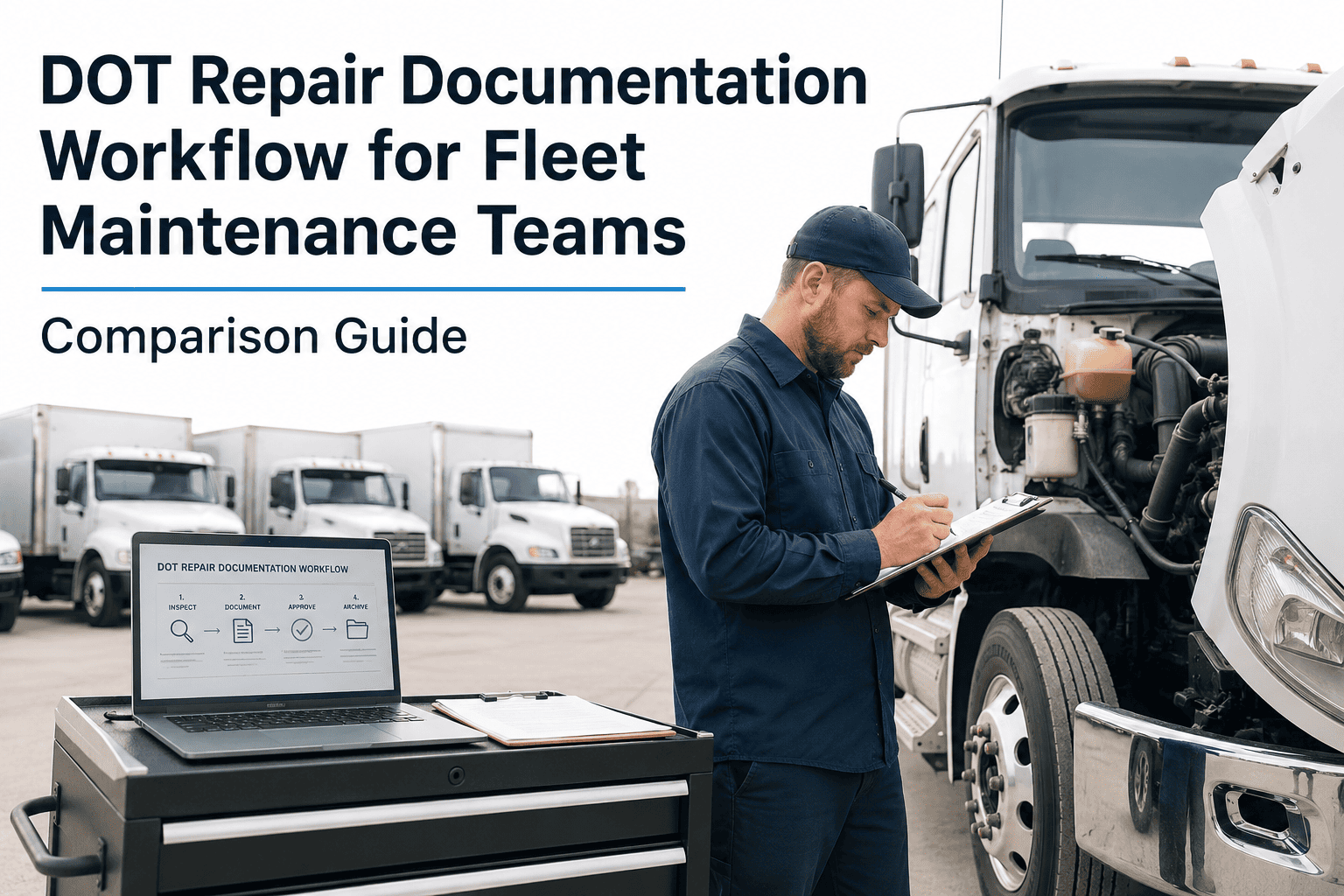
DOT Repair Documentation Workflow for Fleet Maintenance Teams
Compare manual logs, spreadsheet systems, and AI-powered CMMS platforms side by side — with real compliance metrics, audit failure patterns, and the workflow features that separate compliant fleets from cited ones.
What DOT Repair Documentation Actually Requires
Under 49 CFR Part 396, every motor carrier must systematically inspect, repair, and maintain all vehicles. Documentation is not optional — it is the legal proof that maintenance occurred. FMCSA auditors specifically look for five record elements during compliance reviews.
Drivers must complete pre-trip and post-trip DVIRs. Any defect noted must be certified as repaired or determined as not safety-affecting before the vehicle re-enters service. Records must be retained for 3 months minimum.
A qualified mechanic must certify that each reported defect was repaired. The certification must include the mechanic's identity, date of repair, and specific action taken. Missing certifications are a top-5 FMCSA violation trigger.
Annual inspections (or more frequent per state requirements) must be documented and retained for 14 months. The record must list the inspector's credentials, inspection date, and all items checked — not just deficiencies found.
Carriers must establish and follow a systematic maintenance schedule. Auditors verify that the schedule exists, that service intervals are being met, and that completion is documented with dates and technician records.
When a vehicle is placed OOS, the documentation trail must show the defect trigger, who authorized OOS status, what repairs were completed, and who authorized return-to-service. Gaps in this chain are automatically cited.
DOT requires records to be accessible at the principal place of business within 48 hours of an audit request. Cloud-based CMMS platforms provide instant retrieval; paper and spreadsheet systems routinely fail this window.
Workflow Comparison: Three Documentation Approaches
Not all repair documentation workflows deliver the same compliance outcomes. Here is how manual paper logs, spreadsheet-based tracking, and AI-powered CMMS platforms compare across the dimensions that matter most during a DOT audit.
| Documentation Criteria | Paper Logs | Spreadsheets | AI CMMS (OxMaint) |
|---|---|---|---|
| DVIR Capture Speed | Manual, end-of-day | Same-day entry | Real-time mobile entry |
| Repair Certification Tracking | No automated alerts | Manual follow-up | Automated sign-off workflows |
| Audit Record Retrieval | Hours to days | 30–60 minutes | Under 5 minutes |
| Multi-Location Visibility | No central view | Manual consolidation | Unified dashboard |
| Overdue Maintenance Alerts | None | Conditional formatting only | AI-triggered notifications |
| Periodic Inspection Scheduling | Calendar reminders only | Manual tracking | Auto-scheduled by mileage/date |
| Technician Accountability | Signature sheets | Named entries | Digital time-stamped sign-off |
| Compliance Reporting | Manual compilation | Pivot tables required | One-click compliance reports |
Ready to Close Every Documentation Gap Before Your Next Audit?
OxMaint gives fleet maintenance teams real-time DVIR capture, automated repair certification workflows, and one-click DOT compliance reports — built specifically for fleets managing vehicles under FMCSA oversight.
Where Manual Workflows Break Down at Scale
Paper and spreadsheet-based documentation systems work acceptably for fleets under 10 vehicles with a single location. Beyond that threshold, failure patterns become predictable — and costly.
DVIRs get completed but repair certifications never get filed. With paper systems, nobody is automatically notified that a defect is awaiting sign-off. Vehicles re-enter service uncertified — and auditors find the gap immediately.
FMCSA auditors can request records on 48-hour notice. Fleets with paper logs stored at multiple locations, or spreadsheets maintained by individuals, routinely fail to produce complete records in time — triggering automatic violations.
Without automated scheduling, preventive maintenance intervals slip. A vehicle that was supposed to be inspected at 25,000 miles gets inspected at 31,000 miles. The record shows the inspection happened — but the interval gap is a compliance failure.
Fleets operating from two or more terminals have no unified documentation view with manual systems. Vehicles transferred between locations carry documentation gaps that neither location can see — until an audit surfaces them.
Paper signature sheets and spreadsheet entries can be backdated or left incomplete without automatic flags. When an auditor questions whether a specific repair was performed, the documentation cannot withstand scrutiny.
DOT requires different retention periods for different document types — 3 months for DVIRs, 14 months for inspection records, indefinitely for certain safety incidents. Manual retention management routinely purges records too early or keeps the wrong ones.
The OxMaint DOT Documentation Workflow — Step by Step
A structured digital workflow eliminates every manual failure point. Here is how a complete DOT repair documentation cycle works inside OxMaint from driver report to audit-ready record.
Driver completes pre-trip or post-trip inspection via the OxMaint mobile app. Defects are categorized by system and severity. The record is time-stamped, geo-tagged, and immediately visible to the maintenance team — no paper, no delay.
Any defect flagged in the DVIR automatically generates a work order assigned to the responsible technician. Priority is set by defect category. The vehicle is automatically placed on hold for safety-affecting defects until the work order is closed.
The assigned technician documents repair actions, parts used, and labor time within the work order. Digital sign-off captures technician identity, credentials, and timestamp — creating the certification record DOT requires without any separate paperwork.
A supervisor or fleet manager reviews the closed work order, confirms the certification is complete, and formally returns the vehicle to service status. This two-step authorization creates the OOS-to-return documentation chain auditors look for.
Every document — DVIR, work order, certification, return-to-service authorization — is stored in a searchable record linked to the vehicle's permanent history. Audit-ready reports covering any date range can be generated in under five minutes.
DOT Documentation Compliance Metrics — Benchmark Your Fleet
These benchmarks from FMCSA data and industry surveys help fleet maintenance managers identify where their current documentation workflow stands relative to compliant operations.
Frequently Asked Questions
What is the minimum DOT repair documentation a fleet must keep?
How long does it take to switch from paper logs to a digital CMMS for DOT documentation?
Can spreadsheets satisfy DOT documentation requirements?
What happens during a DOT compliance review if repair records are incomplete?
How does AI predictive maintenance improve DOT documentation compliance?
Your Next DOT Audit Starts With Your Documentation Today
OxMaint fleet maintenance teams close every DOT documentation gap — from DVIR capture to repair certification to audit-ready reporting — in one platform designed for compliance from the ground up. No spreadsheets. No missed certifications. No audit surprises.