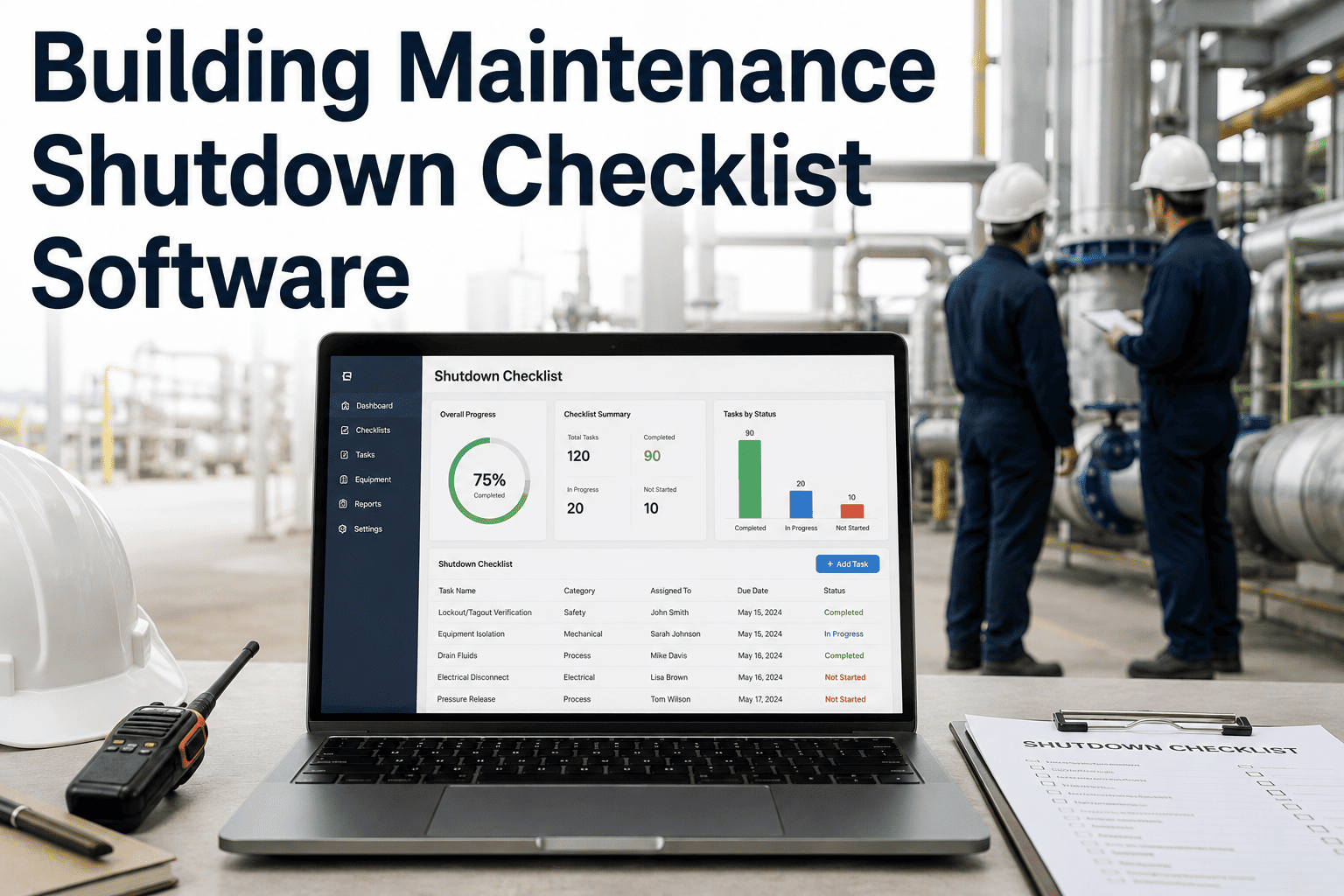
A planned shutdown is the riskiest maintenance event a facility runs — not because the work itself is unusual, but because forty individual steps across electrical isolation, equipment lockout, contractor coordination, and restart verification all have to happen in the right order, by the right person, with proof that each one was actually completed. A missed isolation step is a safety incident. A missed restart verification is a tenant calling about no hot water on Monday morning. Building maintenance shutdown checklist software turns a paper clipboard into a sequenced digital checklist that won't let a step get skipped or signed off without evidence. Start building your shutdown checklists in Oxmaint free and run your next planned outage with every step tracked, timestamped, and signed.
Building Maintenance Shutdown Checklist Software
Sequence every planned shutdown from pre-work isolation through restart verification — with no step signed off until the one before it is actually done.
Without vs With
What Changes When the Clipboard Becomes a System
Paper Checklist Today
Steps can be signed off out of order, or skipped entirely under time pressure
No record of who actually verified an isolation, just a signature at the bottom
Restart happens because the schedule says so, not because every prior step closed clean
Sequenced Digital Checklist
Each step locks until the one before it is marked complete, with a timestamp attached
Photo and signature evidence captured at the point of verification, not after the fact
Restart only unlocks once every prior phase shows a completed, verified status
Stop trusting a clipboard with a safety-critical sequence
Oxmaint locks each shutdown phase until the one before it is verified complete — so the sequence enforces itself instead of relying on memory under pressure.
The Checklist
A Four-Phase Shutdown Sequence, Built to Lock Behind Itself
Phase 1Pre-Shutdown Planning
Confirm affected zones and notify tenants or department heads of the outage window
Reserve required parts and confirm contractor or specialist availability
Verify backup systems are ready where the shutdown affects life-safety equipment
Phase 2Isolation & Lockout
Isolate electrical, mechanical, or fluid systems per the asset's lockout procedure
Apply and photograph lockout tags at each isolation point before work begins
Confirm zero-energy state with a second technician sign-off before proceeding
Complete the scheduled repair, inspection, or replacement work per the work order
Log parts consumed and any unexpected condition found during the outage window
Clear tools, debris, and temporary barricades from the work zone before restart
Phase 4Restart & Verification
Remove lockout tags only after confirming all personnel are clear of the work zone
Restart systems in the documented sequence and confirm normal operating readings
Notify affected tenants or departments that the outage has ended and systems are restored
Asset Coverage
Common Shutdown Types and What Verification Each One Requires
| Shutdown Type | Primary Risk | Required Verification |
|---|
| Electrical panel work | Re-energizing before work is complete | Second-technician lockout confirmation |
| HVAC system shutdown | Restart sequence damaging compressors | Staged restart with pressure readings |
| Fire system impairment | Building left without life-safety coverage | Fire watch logged for full impairment window |
| Water system isolation | Backflow or pressure incident on restart | Pressure test before tenant notification |
Outcomes
What Facility Teams See After Switching From Paper
96%
Of shutdown steps completed in the documented sequence
41%
Fewer restart-related callbacks within 48 hours
100%
Of lockout points photo-verified before work begins
3 min
Typical time to pull a full shutdown record for an audit
Expert Review
Shutdown incidents rarely come from a technician not knowing the procedure — they come from a step getting skipped under time pressure with no system stopping it. A checklist that physically won't let the next phase start until the prior one is verified removes that failure point entirely, regardless of how rushed the day gets.
Reviewed by Oxmaint's Facility Operations Advisory Team
FAQ
Frequently Asked Questions
Can checklist steps be customized per building or system type?
Yes. Each shutdown checklist template can be built per asset type or building, so an electrical panel shutdown and an HVAC shutdown follow their own required sequence.
Book a demo to map your current shutdown procedures.
What happens if a technician tries to skip a step?
The next phase stays locked until the required step is marked complete with its evidence attached, so skipping isn't possible without an explicit supervisor override on record.
Can multiple technicians work on the same shutdown checklist?
Yes. Phases can be assigned to different technicians, with second-person verification built into isolation steps that require it under your safety procedure.
Does the checklist work offline during the shutdown itself?
Yes. Field technicians can complete steps offline in areas with no signal, with the record syncing and timestamping correctly once connectivity returns.
Can we pull a complete shutdown record for insurance or compliance review?
Every completed checklist generates a full record with timestamps, photos, and sign-offs per step, exportable for any single shutdown or across a date range.
Start free to build your first checklist template.
Give every planned shutdown a sequence that enforces itself
Oxmaint locks each phase until the one before it is verified, so your next outage runs on evidence — not on hoping the clipboard gets filled in correctly.