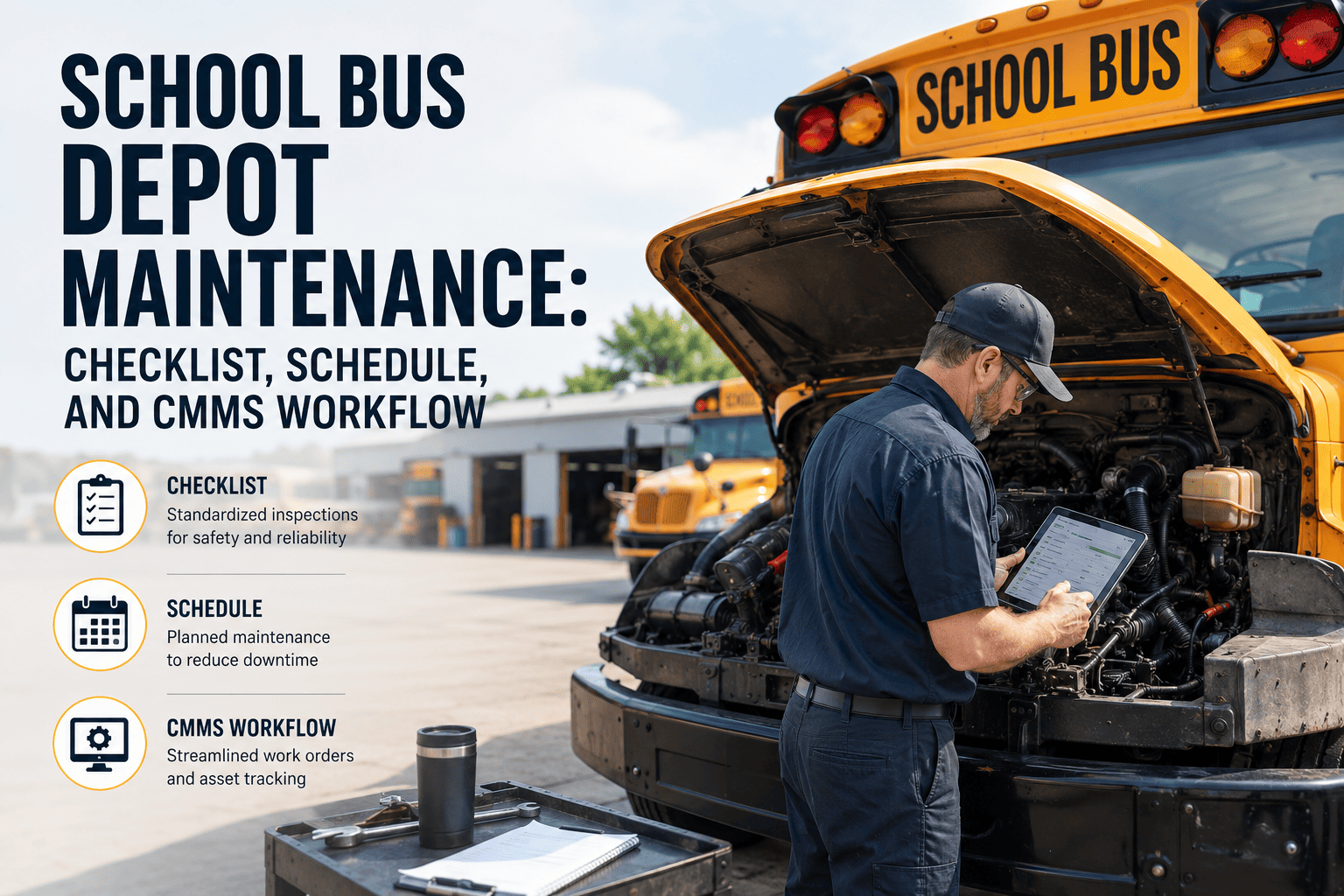
Cafeteria equipment maintenance is one of the highest-stakes, most under-resourced functions in school and commercial food service operations. A single fryer failure during peak lunch service can take a cafeteria line down for the rest of the day. A walk-in cooler that loses temperature overnight can result in thousands of dollars of discarded inventory and a health department corrective action order. The root cause in most emergency equipment failures is not bad luck — it is a preventive maintenance programme that was either never built or never consistently followed. This page gives you a complete cafeteria equipment maintenance framework: a practical checklist, a frequency-based schedule, and a CMMS workflow that ensures every task gets assigned, completed, and documented. Deploy this in OxMaint to run the entire programme from a mobile device. Book a demo to see the full workflow.
Cafeteria Equipment Maintenance
Checklist, Schedule, and CMMS Workflow
A complete three-part framework for food service maintenance — from daily task checklists to PM scheduling logic and digital work order management.
3 Parts
Checklist + Schedule + CMMS
6 Equipment
Categories covered
The Three-Part Framework
01
Checklist
Task-level instructions for every piece of cafeteria equipment — what to check, what to measure, and what action to take when something fails.
02
Schedule
Frequency-based maintenance calendar mapping every checklist task to a daily, weekly, monthly, or annual trigger — no guessing, no gaps.
03
CMMS Workflow
Digital work order management that assigns tasks automatically, captures technician sign-offs on mobile, and produces audit-ready documentation instantly.
Part 1: The Maintenance Checklist
This checklist is organised by equipment category. Each item specifies what to inspect, what standard to verify against, and what action to take on failure. Items marked Critical are directly linked to food safety — equipment failures at these points require immediate corrective action before the next meal service.
OxMaint CMMS
Turn This Checklist Into Automated Work Orders
Import this checklist into OxMaint in minutes — every task becomes a recurring work order assigned to the right person at the right frequency. Technicians complete on mobile, managers see real-time status across all locations.
Part 2: The PM Schedule
A maintenance schedule without a delivery mechanism is just a list of good intentions. The schedule below maps every checklist task to a frequency and assigns ownership — so there is never a question of who does what and when.
| Task |
Equipment |
Frequency |
Owner |
Documentation |
| Temperature log |
Refrigeration, hot hold |
Daily |
Food service staff |
Temp log sheet |
| Dish machine verification |
Dish machine |
Daily (per service) |
Kitchen staff |
Sanitation log |
| Cooking equipment check |
Ovens, fryers, griddle |
Daily |
Kitchen lead |
Pre-service checklist |
| Grease filter cleaning |
Exhaust hood |
Weekly |
Facilities / kitchen |
Work order |
| Fryer oil service |
Fryers |
Weekly |
Kitchen lead |
Work order |
| Condenser coil cleaning |
Refrigeration |
Monthly |
Facilities tech |
PM work order |
| Dish machine descaling |
Dish machine |
Monthly |
Facilities tech |
PM work order |
| Calibration verification |
All thermometers |
Monthly |
Food service director |
Calibration log |
| Full equipment service |
All major equipment |
Annual |
Service contractor |
Service report |
Part 3: The CMMS Workflow
A CMMS (Computerised Maintenance Management System) closes the gap between a maintenance schedule on paper and maintenance tasks that actually get done. The workflow below is how OxMaint operates a cafeteria maintenance programme end-to-end.
1
Asset Setup
Every piece of equipment is entered as an asset in OxMaint with make, model, serial number, purchase date, and warranty expiry. PM tasks from this checklist are linked to each asset. This takes 20-30 minutes per school building — import from a spreadsheet if you already have an equipment list.
2
PM Schedule Configuration
Each PM task is configured with its frequency (daily, weekly, monthly, annual), assigned technician or team, estimated duration, and required parts. OxMaint generates work orders automatically on the correct schedule — no manual scheduling required after initial setup.
3
Mobile Work Order Execution
Technicians receive work orders on their mobile device. Each work order contains the checklist for that task. Technicians check off items, enter readings (temperatures, chemical concentrations), add photos of any issues, and sign off digitally. No paper logs. No data entry lag.
4
Failure and Corrective Action
When a technician marks a task as failed (temperature out of range, equipment not reaching set point), OxMaint automatically generates a corrective maintenance work order and notifies the food service director. The failure, corrective action, and resolution are all timestamped in the asset history.
5
Audit Documentation Export
When the health inspector arrives, export a complete PM history for any equipment, any date range, in under 60 seconds. Temperature logs, cleaning records, corrective actions, and technician sign-offs are all in one exportable report — exactly what inspectors ask for.
Frequently Asked Questions
OxMaint CMMS — Food Service
Checklist. Schedule. CMMS. All Three — Running Automatically.
PM work orders generated automatically at every frequency — daily through annual
Mobile sign-off for every task — no paper logs, no retroactive data entry
Temperature and chemical concentration readings captured digitally at the equipment
Full audit package exportable for health inspectors in under 60 seconds