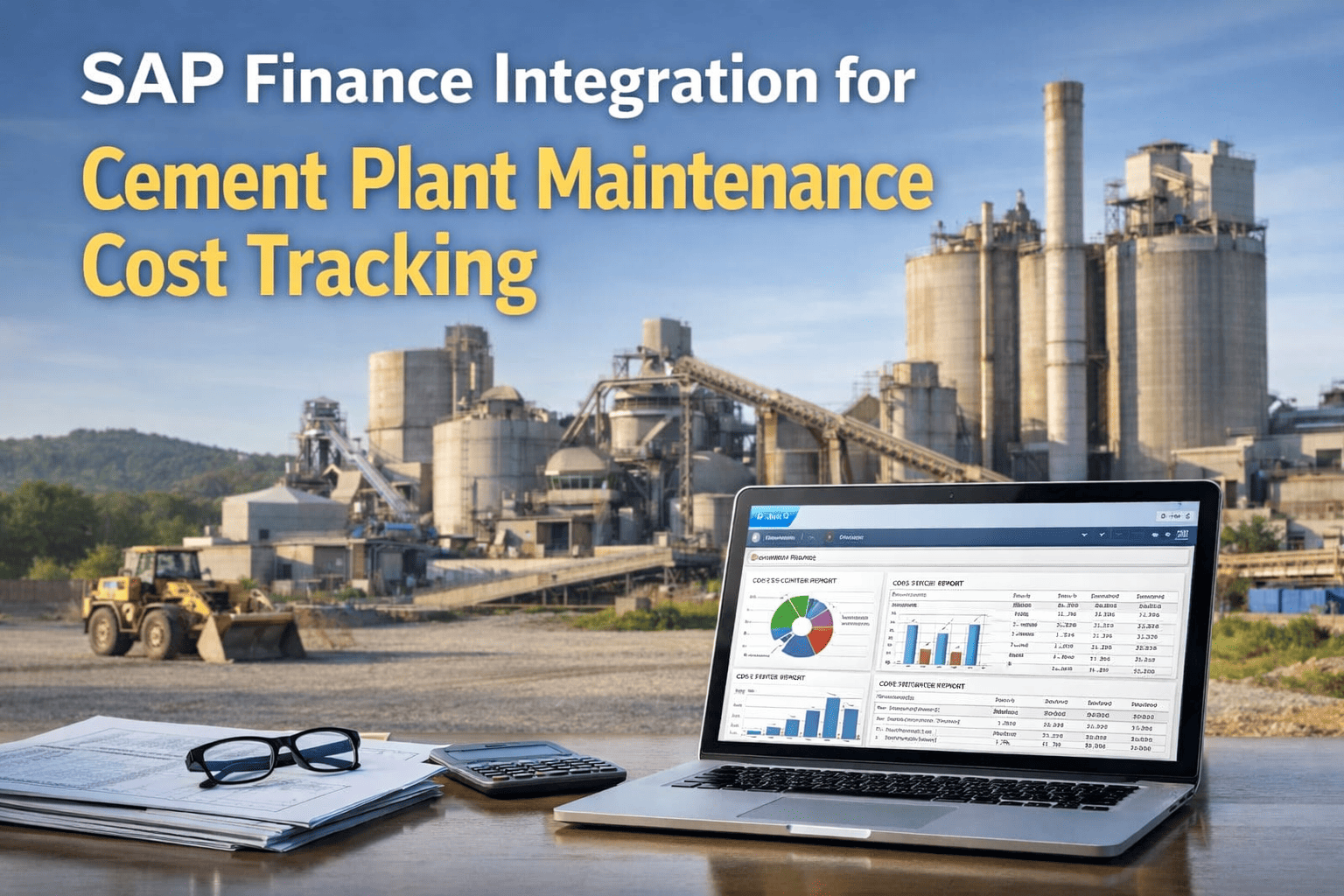
Finance teams at cement plants frequently discover maintenance cost numbers that don't match what actually happened on the floor — labor hours logged days late, parts consumption recorded against the wrong cost center, or purchase requisitions sitting unsynced between systems for a week. Cost sync between a CMMS and an ERP like SAP is rarely glamorous, but it's the difference between finance trusting maintenance numbers or quietly redoing them every month-end. See how OxMaint keeps cost data in sync.
SAP & ERP Integration · Cost Sync Explained
Why Maintenance Cost Numbers and ERP Numbers Rarely Match — And How to Fix It
Labor, parts, purchase orders and asset costs all need to flow between your CMMS and ERP in real time, not at month-end through a manual reconciliation spreadsheet that finance dreads opening.
How Cost Sync Actually Works
Four Cost Streams Moving Between CMMS and ERP
Every work order touches finance in more than one way. Understanding each stream separately makes it obvious where most plants lose accuracy.
Stream 01
Labor Cost
Technician hours logged against a work order need to post to the correct cost center and asset, with the right labor rate applied automatically rather than entered manually in two systems.
Stream 02
Parts Consumption
Every part issued from a storeroom against a work order should reduce inventory value in the ERP and post the correct material cost to the job, without a separate manual stock adjustment.
Stream 03
Purchase Orders
When a work order requires a part that isn't in stock, the resulting purchase requisition should flow into the ERP's existing procurement workflow rather than creating a separate approval path.
Stream 04
Asset Cost History
Cumulative maintenance spend per asset needs to be visible in both systems so finance can evaluate repair-versus-replace decisions using the same numbers maintenance is looking at.
Where Cost Sync Breaks Down
Five Common Causes of Mismatched Maintenance Costs
High Impact
Delayed Work Order Closure
Labor hours sit uncaptured until a work order is formally closed days or weeks later, so the month's true labor cost isn't visible until well after the fact.
High Impact
Manual Parts Issuance
Parts pulled from the storeroom without a logged transaction never reduce inventory value or post a cost, quietly inflating both stock counts and asset cost accuracy.
Medium Impact
Wrong Cost Center Mapping
Work orders tagged to a generic cost center instead of the specific asset or department make department-level cost analysis unreliable across the plant.
Medium Impact
Duplicate Purchase Requisitions
When CMMS and ERP procurement workflows run separately, the same part can get ordered twice before anyone notices the duplication.
Lower Impact
Stale Labor Rate Tables
Outdated hourly rates in the CMMS that don't match current ERP payroll figures introduce small but compounding discrepancies over a year.
What Real-Time Sync Changes
From Month-End Surprises to Live Cost Visibility
Real-Time
Labor and parts cost visible the moment a work order closes
One Source
Finance and maintenance reference the same cost figures
Zero Re-Entry
No duplicate manual entry of costs across two systems
Asset-Level
Cumulative spend tracked per asset for repair vs replace decisions
Finance used to wait until the third week of the month to get a real labor cost number from maintenance. Now it posts the same day the work order closes, and we haven't had a reconciliation argument in over a year.
Finance Controller · Integrated Cement Manufacturing Group
OxMaint Cost Sync Capabilities
Built to Keep Maintenance and Finance on the Same Page
Automatic Labor Posting
Hours logged against a work order post to the correct cost center the moment the job is closed, no manual timesheet re-entry required.
Inventory-Linked Parts Cost
Every part issued against a work order automatically updates inventory value and posts material cost, keeping stock and cost figures aligned.
Unified Purchase Requisitions
Parts shortfalls generate a single requisition that flows into existing ERP procurement approval workflows without duplication.
Asset Cost Dashboards
Cumulative maintenance spend per asset is visible to both finance and maintenance teams from the same underlying data.
Frequently Asked Questions
ERP Cost Sync for Cement Maintenance — Common Questions
How does OxMaint sync maintenance costs with SAP without manual entry?
OxMaint connects to SAP through standard APIs, so labor hours, parts consumption and purchase requisitions generated inside a work order automatically post to the corresponding SAP cost objects when the work order is closed. There is no spreadsheet export-import step and no manual re-keying of figures, which is typically where most reconciliation errors originate in plants still running disconnected systems.
Book a demo to see your SAP cost flows.
What happens if a technician logs hours but doesn't close the work order right away?
OxMaint can be configured so labor and parts entries post incrementally as they're recorded rather than only at final closure, reducing the lag between when work happens and when cost data appears in reporting. This is one of the most common gaps in plants relying purely on SAP PM, where notifications and confirmations often sit unprocessed for days.
Start a free trial and test the workflow.
Can cost center mapping be customized for our plant's structure?
Yes. Cost center, asset and department mapping is configured during setup to mirror your plant's existing SAP cost structure, so work orders post to the same categories your finance team already uses for reporting. This avoids creating a parallel cost taxonomy that finance then has to reconcile against the SAP chart of accounts manually.
Does this require changes to our existing SAP configuration?
Generally no significant changes are required to existing SAP configuration. OxMaint integrates at the API level, reading and writing to existing cost objects, asset records and procurement workflows rather than requiring custom SAP development or new transaction codes for your finance team to learn.
Discuss your specific SAP version and setup.
How long does it take to get cost sync running after signing up?
Most plants have basic cost sync configured within the first two to four weeks of onboarding, alongside the broader CMMS setup process. The exact timeline depends on the complexity of existing cost center structures and whether custom mapping rules are needed, but the integration itself uses standard, repeatable API connections rather than a bespoke development project.
Free Trial · No Credit Card · SAP API Integration
Stop Reconciling Maintenance Costs by Hand Every Month-End
OxMaint syncs labor, parts and purchase order costs with your existing SAP or ERP system automatically, so finance and maintenance are always looking at the same numbers.